



Top Affiliates Report
Top Affiliates Report shows you a list of your affiliates arranged by their performance in your affiliate program.
2 min read
AffiliateMarketing
Reporting
+3
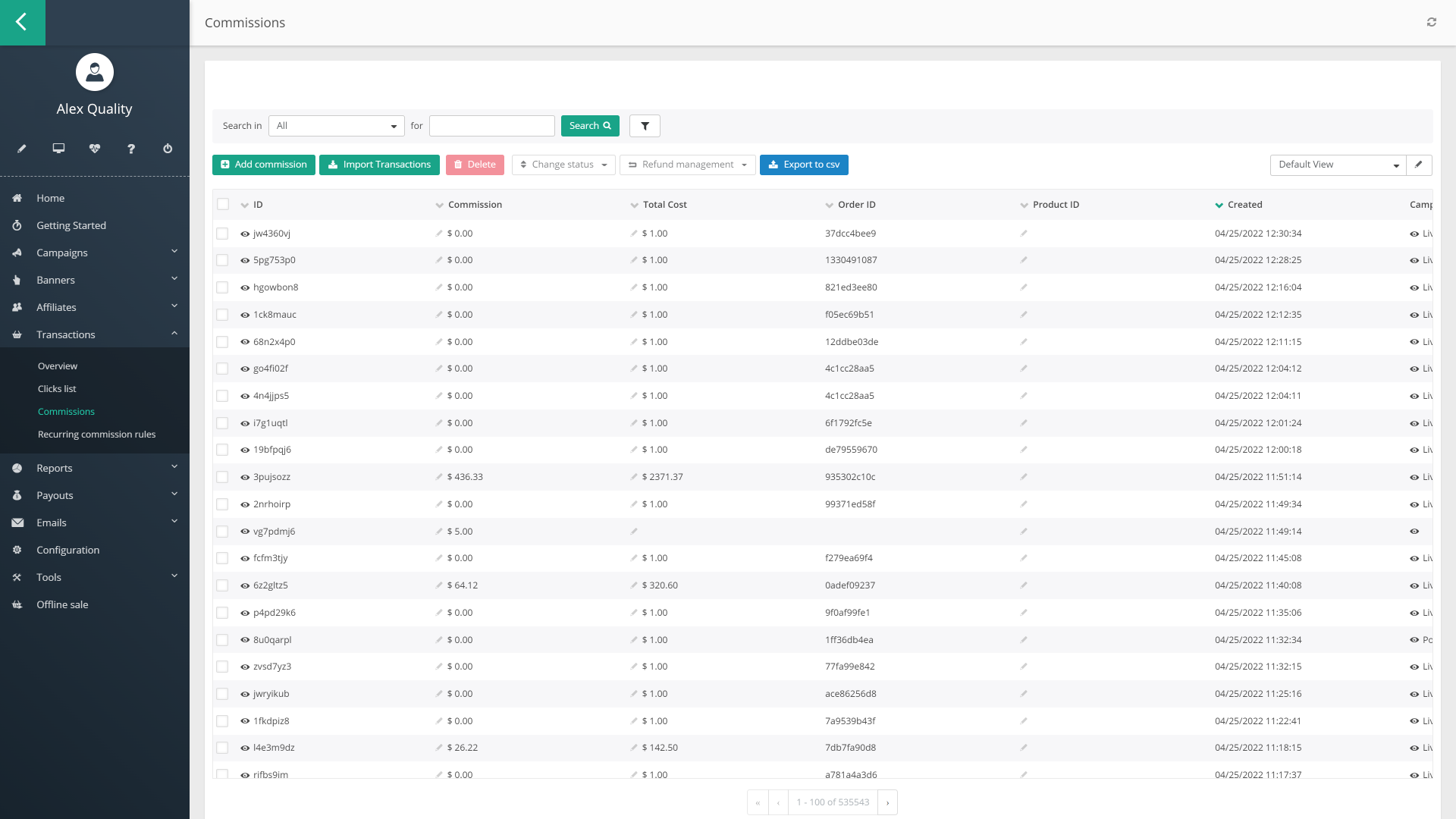
Where to find affiliate earnings and commission data in Post Affiliate Pro’s reporting tools, and how to turn that data into real decisions about your program.
Most program managers can answer “how much did we pay out in commissions this month” without much trouble. The harder question, the one that actually changes what you do next, is which affiliates and which campaigns earned that money, and whether that’s trending up or down. In most affiliate programs, a small handful of partners end up responsible for the majority of the revenue, so if you can’t see who that handful actually is, you can’t protect the relationship your program depends on most.
This walkthrough covers where to find that data inside Post Affiliate Pro. It’s written for the merchant side of the relationship, running the program rather than promoting for one. If you’re an affiliate trying to figure out what realistic earnings actually look like, our guides on affiliate marketer earnings , beginner affiliate marketing income , and how affiliate marketers get paid are the better starting point, and is being an affiliate worth it is worth a read if you’re still deciding whether to become one in the first place.
The Quick Report gives you a fast read on your program’s core numbers, impressions, clicks, sales, and commissions, for whatever time period you select (Quick Report ). Think of this as your first stop, not your deepest one. It’s the fastest way to confirm the program is moving in the direction you expect before you go looking for why.
For the real “who earned what” question, the Top Affiliates Report is the tool built for it. You’ll find it in your Merchant panel under Reports, and it ranks your affiliates by whichever performance parameter matters most to you, including commissions, total sale value, number of sales, clicks, conversion ratio, average commission per click, and average amount per order (Top Affiliates Report ). Sorting by commissions gives you your actual top earners, the small group referenced above that’s likely responsible for most of your program’s revenue. Sorting by conversion ratio instead often surfaces a different, smaller list, affiliates who convert well but haven’t been sent much traffic yet, which is usually a more interesting group to invest in than the ones already at the top.
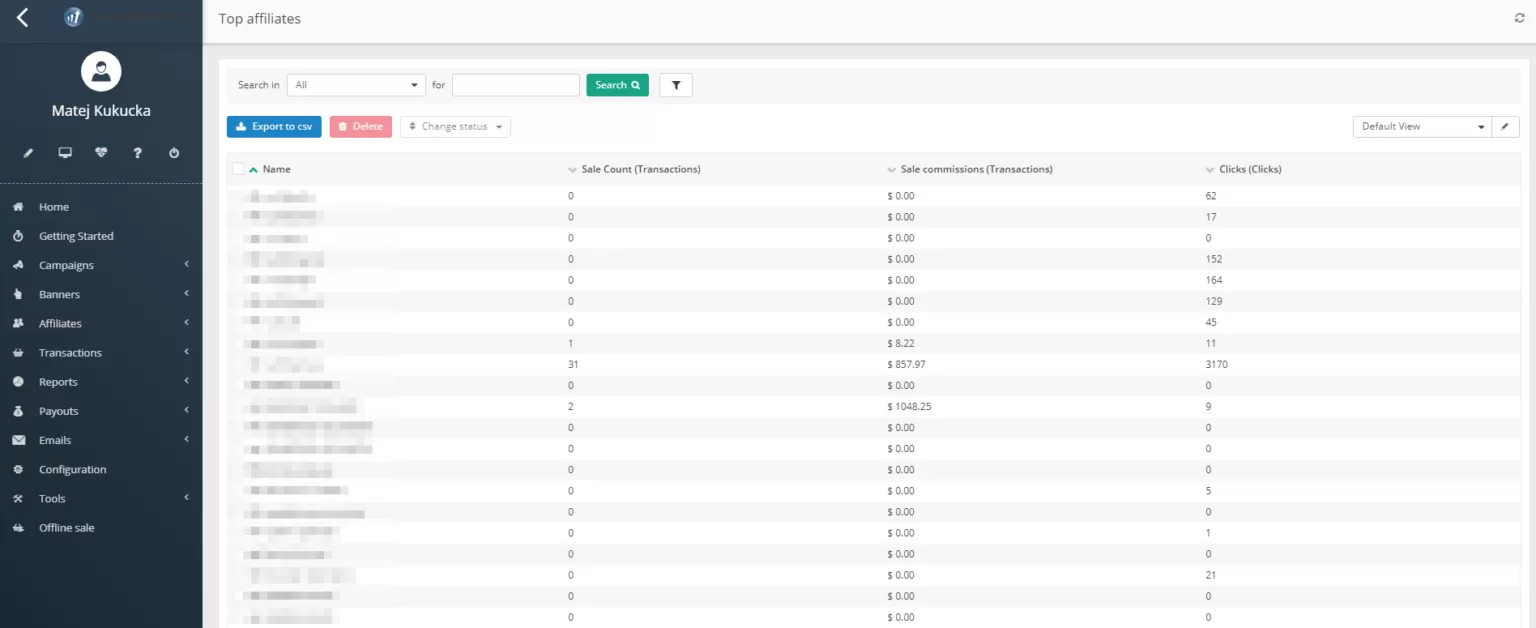
If your program runs a multi-tier structure, this is also where it’s worth checking your Sub-affiliate Statistics, part of the Advanced Reports suite, which shows how many direct and total sub-affiliates sit under each top performer across every tier. A single affiliate’s commission total can look modest on its own and still represent a meaningful chunk of program revenue once their sub-affiliate network is counted too.

Set up advanced tracking in minutes. No credit card required.
A single snapshot doesn’t tell you whether an affiliate’s commissions are climbing, flat, or quietly fading. The Trends Report solves that by showing your transaction data as charts or data fields, filterable by date, status, campaign, or affiliate (Trends Report ). This is the report worth checking before you assume a top earner from last quarter is still a top earner now. Affiliate income is rarely stable, for individual affiliates any more than it is for your program as a whole, and a filtered trend line catches a slowdown well before a flat monthly total would.
Once you know who’s earning, it’s worth knowing what content or link is actually responsible. The Top URLs Report tracks which specific tracking links are generating conversions, which lets you tell the difference between an affiliate whose whole audience converts well and one whose earnings are really coming from a single high-performing post or video (Top URLs Report ). That distinction matters when you’re deciding where to focus recruitment or promotional support.
Be the first to know about new features and product updates.
Once you’ve identified who’s earning and from which links, the Channel Statistics report, also part of Advanced Reports, breaks impressions, clicks, sales, and commissions down by the traffic channel your affiliates actually used (Advanced Reports ). That distinction matters because a program earning most of its commissions through email-driven affiliates behaves very differently from one built on social or paid traffic, and recruiting more of the wrong type of affiliate rarely helps. Advanced Reports also breaks activity down by hour, day, or month, which is worth checking before you assume a quiet week means a quiet program; some categories genuinely convert better on weekends or during specific hours, and averaging that away hides the pattern.
When you need the numbers outside Post Affiliate Pro, for a spreadsheet, a finance team, or a business intelligence tool, every advanced report exports to CSV directly, so reconciling commission payouts against your own accounting doesn’t require re-entering anything by hand.
Commission reports aren’t just useful for finding your best affiliates. They’re also usually the first place a fraud problem shows up. Post Affiliate Pro’s fraud protection system monitors transactions and automatically declines ones it flags as fraudulent, but the clearest manual warning sign is a sudden spike in referred transactions from a single affiliate, a pattern worth reviewing by hand rather than assuming it’s just a good week (Fraud Protection ). This matters more than it might seem: affiliate fraud is estimated to account for around 17% of all affiliate traffic and cost the industry roughly $3.4 billion in a single year (CHEQ, via PR Newswire ). A commission total that jumps sharply without a matching jump in genuine traffic or campaign activity is worth investigating in the Trends Report before you approve the payout, not after.
Affiliates aren’t blind to any of this while you’re checking your reports. Their own panel shows their clicks, conversions, and commission status in real time, which is exactly the kind of visibility that keeps a partner confident their numbers are being tracked fairly. If that transparency is weak or hard to find, it shows up later as support tickets asking “where’s my money,” so it’s worth treating your affiliates’ view of their own earnings as seriously as your own view of the whole program. It’s also worth remembering what that view looks like from where they’re sitting, most new affiliates who go quiet in your reports aren’t being difficult, they’re discouraged by a slow start; our piece on not giving up on affiliate marketing covers that side of the same drop-off.
Seeing the numbers is only half the job. If the Top Affiliates Report shows a handful of partners driving most of your commissions, that’s usually a signal to protect that relationship, whether through a better rate, faster payouts, or simply more attention. If the Trends Report shows a previously active affiliate going quiet, that’s the moment to act, not a month later once they’ve fully disengaged; our guide on affiliate churn and inactive affiliates covers the warning signs worth watching for. And if the same report keeps showing lower earnings than you’d expect from a given commission structure, it may be less about the affiliates and more about the structure itself, our comparison of recurring versus flat-rate commissions walks through when each model actually motivates affiliates to stay active.
Checking these reports once a month is enough to catch most meaningful shifts. Checking them only when a payout looks off is usually too late to do anything but react.
Post Affiliate Pro's reporting tools show you exactly which affiliates and campaigns are earning their commissions. Start a free trial and see your own program's numbers.
Top Affiliates Report shows you a list of your affiliates arranged by their performance in your affiliate program.
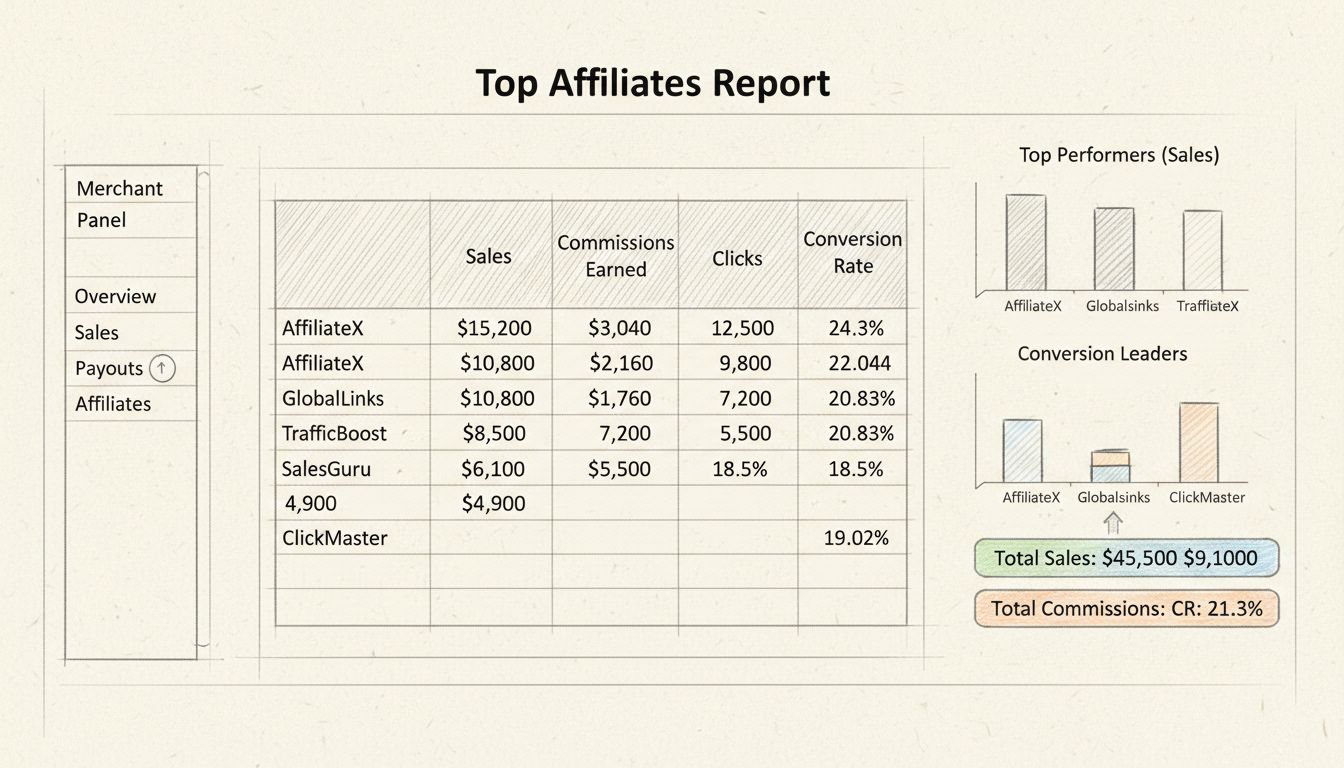
Learn how to access and use the Top Affiliates Report in Post Affiliate Pro's Merchant panel. Discover performance metrics, sorting options, and best practices ...
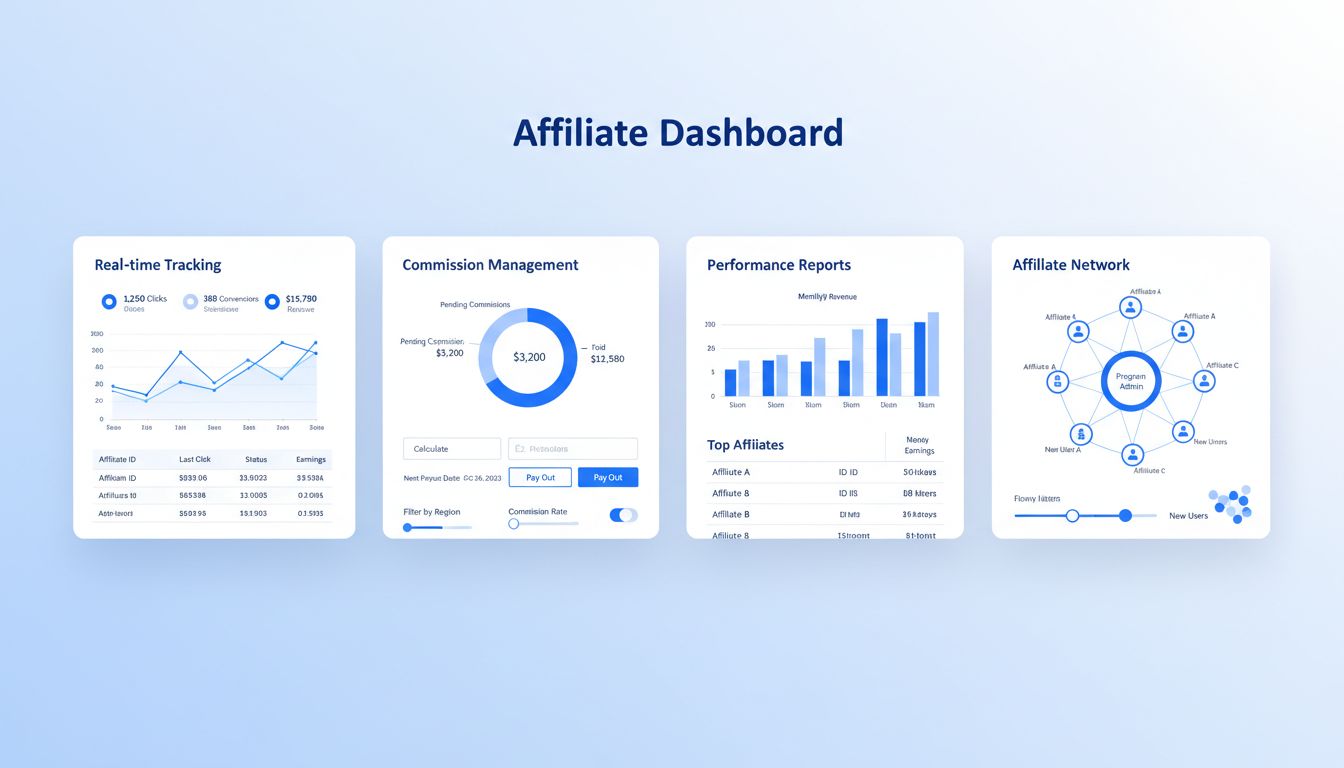
Discover how Post Affiliate Pro streamlines affiliate program management with advanced tracking, commission automation, fraud prevention, and comprehensive repo...
Join our community of happy clients and provide excellent customer support with Post Affiliate Pro.




Cookie Consent
We use cookies to enhance your browsing experience and analyze our traffic. See our privacy policy.