


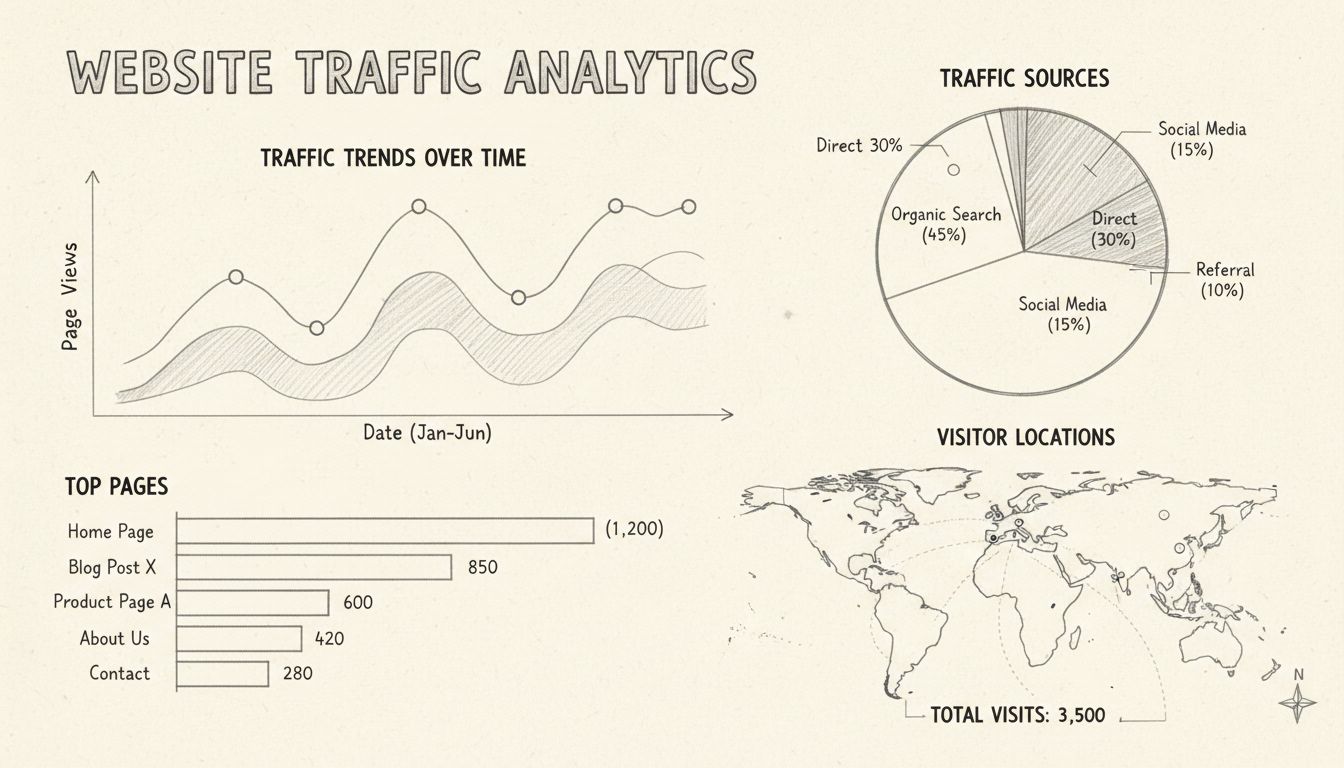
How Can I Check My Website Traffic? Complete Guide to Website Analytics
Learn how to check website traffic using Google Analytics, PostAffiliatePro, and other tools. Discover methods to track visitors, analyze traffic sources, and m...
9 min read
Website traffic is the total number of users who visit and interact with a website over a specific period of time.
Website traffic is the total number of users who visit and interact with a website over a specific period of time. It is measured through metrics like sessions, unique visitors, and pageviews, and it serves as the foundational indicator of a site’s reach, visibility, and ability to attract an audience. Whether you run an ecommerce store, a content blog, or an affiliate program, understanding your traffic — where it comes from, what visitors do once they arrive, and which segments convert — is the starting point for every growth decision you will make.
On this page
In digital marketing, “traffic” refers to the flow of users between web pages. Every time someone loads a page on your domain — whether by typing your URL, clicking a search result, or following a link from another site — that action registers as a visit. The aggregate of those visits over a day, week, or month is your website traffic.
The term borrows from physical retail: just as foot traffic counts people walking into a store, web traffic counts people arriving at your digital doorstep. But unlike a physical shop, every digital visit leaves a data trail. You can see which door they used (traffic source), how long they browsed (session duration), which aisles they walked down (pages per session), and whether they bought anything (conversion).
Search rankings and website traffic form a feedback loop. More traffic signals relevance to search engines, which can improve rankings further — provided visitors engage with the content rather than bouncing back to the search results immediately.
The reverse also holds: a sudden ranking drop typically causes a traffic decline within days. This is why seasoned marketers monitor both their position in SERPs and their traffic trends together, not separately. When organic traffic dips, the first place to check is whether key landing pages lost rankings for their target keywords.

Set up advanced tracking in minutes. No credit card required.
Traffic is the raw material of online business. Without visitors, there are no ad impressions, no affiliate clicks, no email signups, and no sales. But the value of traffic extends beyond volume:
For affiliate program managers specifically, traffic data answers a critical question: which publishers send visitors who actually convert, and which send volume that never clicks through?
These three metrics are often used interchangeably, but they measure different things. Confusing them leads to inflated reports and bad decisions.
| Metric | What It Counts | Example |
|---|---|---|
| Users (Visitors) | Unique individuals who visit the site | One person visiting 10 times in a month = 1 user |
| Sessions | Individual browsing visits, reset after 30 minutes of inactivity | That same person’s 10 visits = 10 sessions |
| Pageviews | Total pages loaded, including repeat views of the same page | If they view 5 pages per session, that’s 50 pageviews |
Understanding this distinction matters because different business models care about different metrics. A content publisher monetizing display ads cares deeply about pageviews. An ecommerce store cares about sessions that reach the checkout. An affiliate program manager cares about unique visitors who click affiliate links — because one user clicking 10 different affiliate links is worth more than 10 pageviews from a bot.
Be the first to know about new features and product updates.
Measuring website traffic requires connecting a web analytics platform to your site and understanding which reports answer which questions. The process has three layers.
The industry standard is Google Analytics 4 (GA4), which is free and handles most use cases. Enterprise alternatives include Adobe Analytics, Matomo (self-hosted, privacy-focused), and Plausible (lightweight, cookieless).
Once tracking is live, these are the reports that matter:
Standard GA4 tracks page loads, but affiliate link clicks require custom events. Configure an event (e.g., affiliate_click) that fires when a visitor clicks an outbound affiliate link. Pair this with UTM parameters on your publisher links so you can trace conversions back to specific partners and campaigns.
A single day’s traffic number is noise. Compare week-over-week and month-over-month trends. Look at the same period last year to account for seasonality. Traffic analysis only becomes useful when you see direction and velocity, not just a snapshot.
“Good” traffic depends entirely on your business model, niche, and stage. A local bakery’s website might thrive on 2,000 monthly visits, while a national media publication would consider that a failure. Instead of chasing an absolute number, evaluate traffic quality using these signals:
| Signal | What Good Looks Like |
|---|---|
| Average session duration | 2+ minutes for content; 3+ minutes for SaaS/product pages |
| Pages per session | 2.5+ indicates visitors explore beyond the landing page |
A new website in its first six months should focus on trajectory, not totals.
If you are in a low-volume B2B niche, cut these numbers in half. If you are in a high-volume consumer niche with aggressive paid spend, double them. The metric that matters most for a new site is not total visits but whether your traffic trend line slopes upward each month.
Traffic sources are the channels through which visitors reach your site. Each source carries different intent signals and requires different strategies.
Visitors who find your site through unpaid search engine results. This is typically the highest-intent traffic because the user actively searched for something you offer. Organic traffic is built through SEO: keyword-optimized content, technical site health, and backlinks from authoritative domains. It compounds over time — articles published today can drive visits for years.
Users who type your URL into their browser, use a bookmark, or click a link in an untagged email or document. Direct traffic often includes returning visitors who already know your brand. However, analytics platforms also bucket untrackable traffic here — links from messaging apps, PDFs, and some social platforms — so direct traffic is usually overstated.
Visitors who click a link on another website to reach yours. This includes backlinks from blog posts, directory listings, forum mentions, and media coverage. For affiliate programs, referral traffic is the lifeblood: publishers place links on their sites, and those clicks register as referral visits in your analytics.
Visitors who arrive by clicking a sponsored ad on Google, Bing, or another search engine. Paid search delivers immediate, targeted traffic but stops the moment you stop paying. It works best when paired with organic efforts — use paid to test keyword performance before investing in long-form organic content.
Users who click links shared on platforms like Facebook, Instagram, LinkedIn, X (Twitter), TikTok, and YouTube. Social traffic tends to have higher bounce rates than organic search because users are browsing, not searching with intent. However, social is unmatched for building brand awareness and amplifying content reach.
Visitors who click links in email campaigns, newsletters, or transactional messages. Email traffic is highly intentional — someone on your list has already expressed interest — and typically converts at higher rates than any other channel except branded organic search.
Any traffic that arrives through a link containing UTM parameters (utm_source, utm_medium, utm_campaign). This is not a separate source type but a way to precisely attribute visits to specific marketing activities — a particular affiliate partner, a seasonal promotion, or an A/B test variant. Without UTM discipline, campaign traffic bleeds into direct or referral buckets and becomes invisible.
Open your analytics platform and navigate to the traffic acquisition report. In GA4: Reports → Acquisition → Traffic Acquisition. The table shows sessions broken down by source/medium — for example, google / organic, direct / (none), facebook.com / referral.
For more granular tracking:
utm_source=partner_name&utm_medium=affiliate&utm_campaign=spring_sale).
The platform records every click, impression, and conversion independently, so you can reconcile affiliate performance with your main analytics.Not all metrics deserve equal attention. Prioritize the ones that connect directly to business outcomes.
| Metric | Why It Matters |
|---|---|
| Sessions by source/medium | Shows which channels deliver volume — and which are underperforming |
| Bounce rate | High bounce rates signal a mismatch between what visitors expected and what they found |
| Conversion rate | The percentage of visitors who complete a goal (purchase, signup, affiliate click) |
| Average session duration | Indicates engagement depth; very short sessions suggest low-value traffic |
| Pages per session | Reveals whether visitors explore or leave immediately |
| New vs. returning visitors | Shows whether you are growing your audience (new) and retaining it (returning) |
| Traffic by landing page | Identifies which content attracts visitors and which pages need improvement |
| Click-through rate on affiliate links | For publishers: are your visitors engaging with your monetization? For managers: are partner placements effective? |
Traffic data tells a story about your audience and your marketing effectiveness:
A thorough traffic analysis covers more than just the acquisition report. It examines the full visitor journey:
For affiliate program managers, layer in affiliate-specific data: which publishers drive the highest click volume, which drive the highest conversion rates, and whether there is overlap between your organic traffic and affiliate-referred traffic (indicating possible cannibalization or attribution conflicts).
A sudden traffic drop usually traces to one of these causes:
Buying traffic — through paid ads, not low-quality “traffic seller” services — can be worth it when done strategically. The distinction matters:
Worth buying:
Not worth buying: They inflate your numbers, wreck your analytics, and can get your site penalized by search engines. They will never convert.
Paid traffic works best as a testing and acceleration layer. Use it to validate which keywords and audiences convert before investing months in organic content. For affiliate publishers, paid traffic can be profitable if the cost per click is lower than the earnings per click from affiliate commissions — but this requires careful margin calculation.
Identify what converts. Then invest in organic content and SEO around those winning themes. The paid data de-risks the organic investment.
Here is the current state:
What you can do now:
Website traffic is the engine of affiliate marketing. The model works in three steps:
Your affiliate program turns other people’s traffic into your sales channel. Instead of paying for ads to drive your own traffic, you pay publishers a commission only when their traffic converts. This shifts risk: you pay for results, not promises.
Practical workflow:
Limitations to know:
Your traffic is your inventory. The more targeted visitors you attract, the more you can earn from affiliate partnerships. But not all traffic monetizes equally.
Practical workflow:
Limitations to know:
You sit between advertisers and publishers, and traffic data is your diagnostic tool.
Practical workflow:
Boost your affiliate marketing success by learning how to attract and convert high-quality website traffic with advanced tools and strategies.
Learn how to check website traffic using Google Analytics, PostAffiliatePro, and other tools. Discover methods to track visitors, analyze traffic sources, and m...
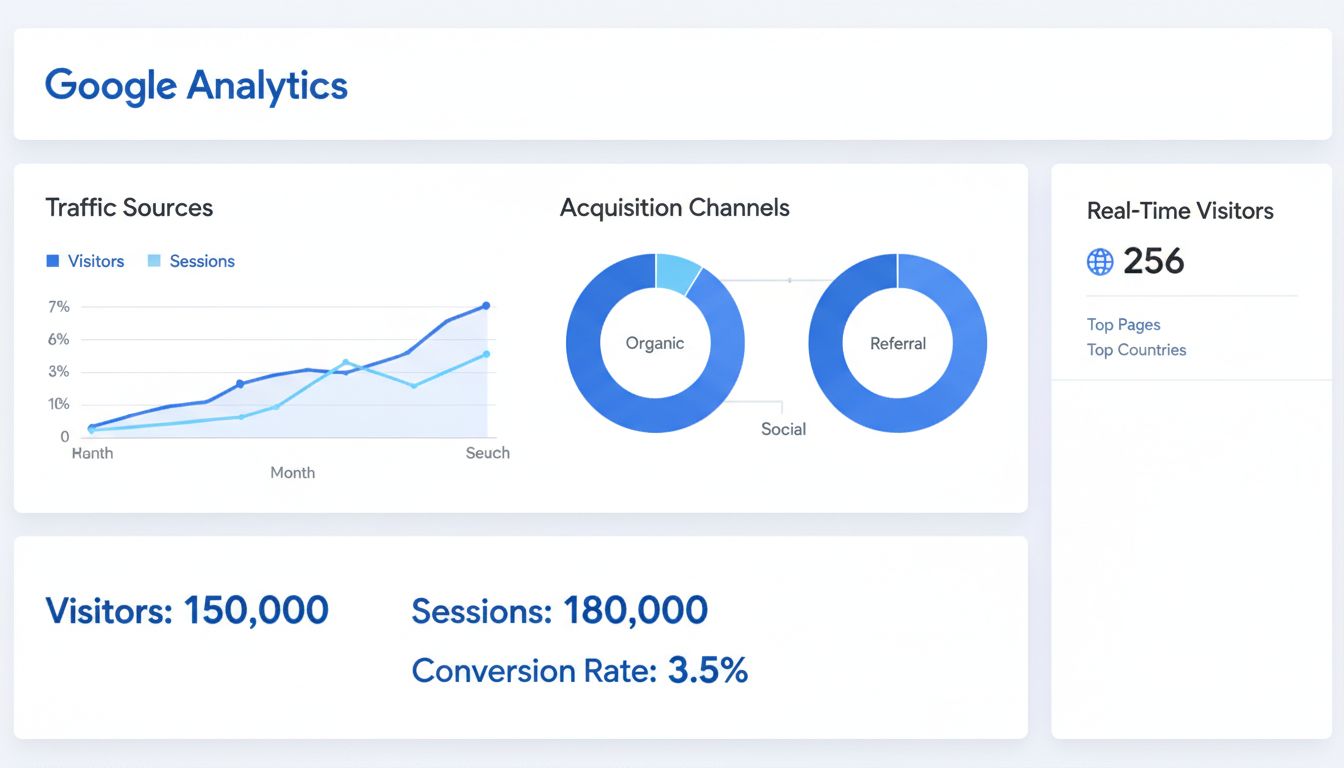
Learn how to check traffic on Google using Google Analytics, Search Console, and advanced tools. Discover methods to monitor your website and competitor traffic...
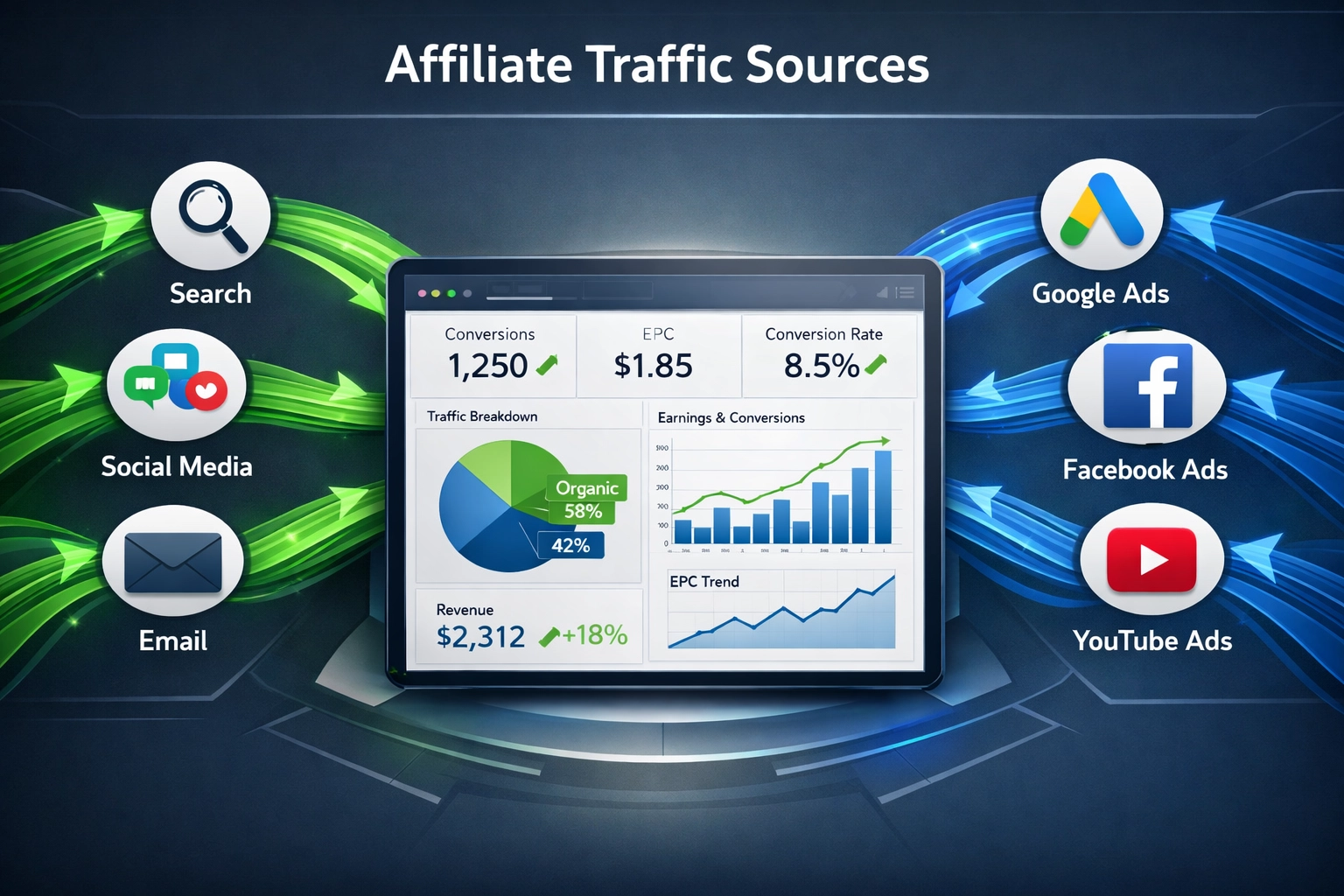
Learn about organic and paid affiliate traffic sources, their impact on conversion rates, and how to build a hybrid strategy for profitability.
Join our community of happy clients and provide excellent customer support with Post Affiliate Pro.




Cookie Consent
We use cookies to enhance your browsing experience and analyze our traffic. See our privacy policy.