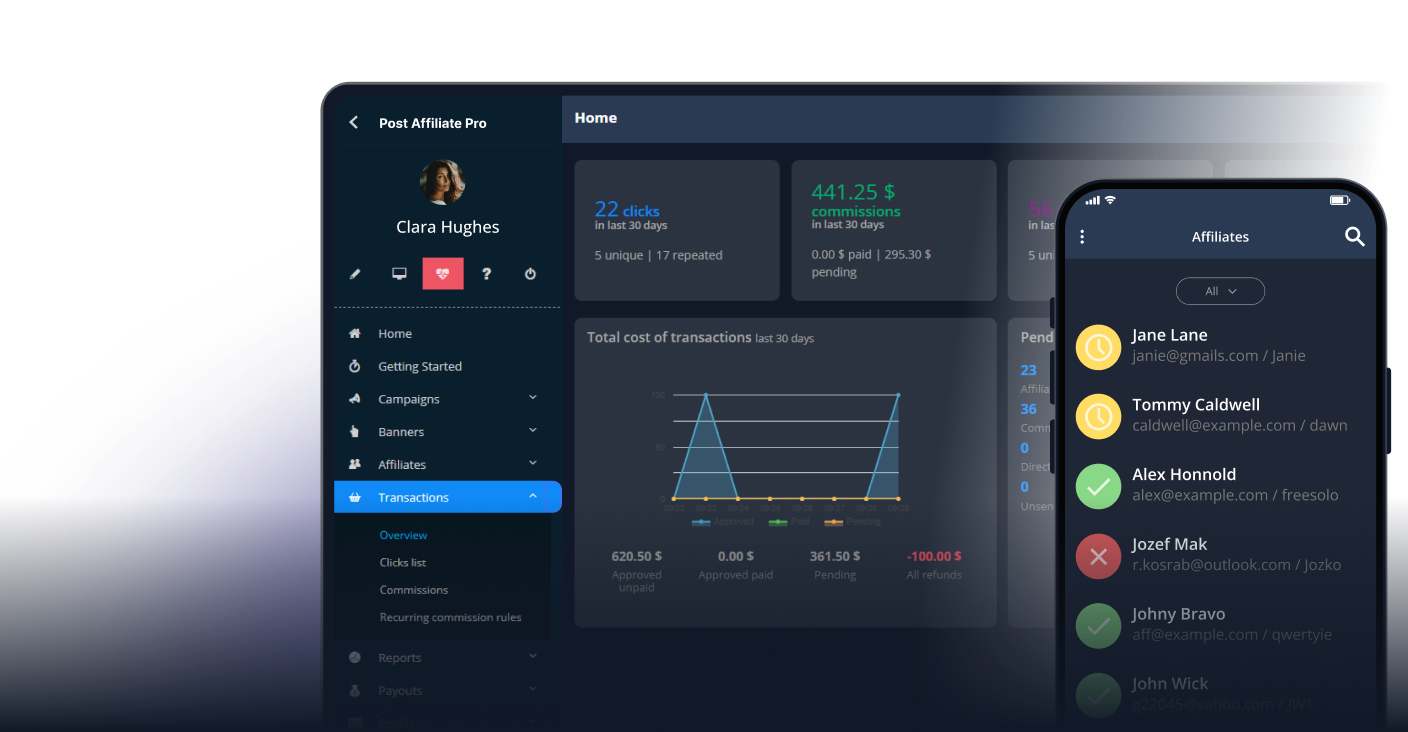
A SaaS company pays partners for customers who keep paying, not for one sale. Your affiliate management software has to follow that whole story: the first payment, every renewal, the upgrades and the refunds. This guide lists what to check before you choose affiliate software for SaaS, and shows how Post Affiliate Pro handles each point, so you can compare it with any other tool on the same list.
What SaaS affiliate software has to do differently
In e-commerce, an affiliate sends a visitor, the visitor buys once and the commission is final. In SaaS the value sits in the months that follow. That changes four things:
- Time – the customer pays again every month or year, so a commission may repeat or stay with one affiliate
- Money moving back – refunds and cancellations come days or weeks after the sale
- Tracking – signup, trial and payment can happen in your own app and billing system, not on a shop checkout page
- Cost – the commission you can afford depends on how long a customer stays, which our guide to SaaS affiliate commission rates covers in detail
What to check in affiliate software for SaaS
Recurring commissions
Ask how the software knows about a renewal. In Post Affiliate Pro, recurring commissions can be created automatically by a scheduled rule, triggered through the API, or by a payment gateway plugin that reports each payment with the subscription ID as the order ID, so the renewals are tied to the first sale. You can also choose whether recurring commissions are created as pending and whether they use the same commission settings and group as the first sale. Recurring commissions are a separate feature, included in the Ultimate and Network plans; the pricing page has the current plan comparison. If the feature is not active, a Stripe renewal is not treated as a recurring commission: the Stripe plugin records the payment as a regular sale and runs it through the normal affiliate recognition and commission rules.
Connection to your billing system
The affiliate tool is only as good as the data it gets from your payments. Post Affiliate Pro has a Stripe webhook plugin that handles completed checkout sessions, successful charges and paid invoices, depending on the events you enable, and recognizes subscription items as recurring. There are also plugins for Chargebee, Chargify, CheddarGetter, Cleeng, FastSpring, Memberful, Moonclerk, Recurly, ThriveCart, SamCart, Braintree, PayPal and 2Checkout. See the integrations page for the full list.
The payment also has to be matched with the right affiliate. The Stripe plugin reads the visitor ID that the Post Affiliate Pro tracking script stores. For subscription invoices it reads it from the description field of the Stripe customer. For Stripe Checkout sessions it reads it from client_reference_id, and the Checkout event has to be switched on in the plugin. The plugin can also save the customer’s email in the sale’s extra data, which the lifetime commissions described below can use to recognize returning customers.
Refunds
A commission for a refunded payment is money you pay twice. When Stripe reports a refund, the Stripe plugin refunds the matching transaction in Post Affiliate Pro for the refunded amount, so partial refunds are covered too. Ask any tool you test what happens to a commission when a payment is refunded, and try it with a test purchase.
Attribution that lasts as long as the customer
Cookies expire. In Post Affiliate Pro the cookie lifetime is a setting: 60 days by default and up to 365 days in the hosted version. Lifetime commissions work differently: the software links the customer to an affiliate through a unique identifier, usually the customer’s email address, and the affiliate keeps earning on that customer’s later sales for as long as the relationship lasts. By default this link is checked before cookie and IP tracking, and you can switch it to apply only when no affiliate was recognized in another way. If your signup happens inside your own app, order ID tracking and payment gateway webhooks record the sales on the server, without a browser step; the server-side tracking page explains the options.
Free trials
Many SaaS products start with a free trial. By default Post Affiliate Pro does not save a commission for a zero-value order, so a trial invoice of 0 does not create one, and the first paid invoice is tracked as the sale. How the affiliate is matched at that point depends on the visitor ID stored on the Stripe customer, or on the customer’s email if a lifetime relation exists. Test your own trial flow, because the result depends on which Stripe events you enable.
Commission structure and partner tiers
A SaaS program can pay a percentage of every payment for a set period, or for the life of the customer. Post Affiliate Pro supports commission groups to give different affiliates different rates, and multi-tier commissions to pay partners for sub-affiliates they recruit. Think about the total cost per customer before you add levels.
Branding and API
If partners log in to a portal, it can show your brand: white-label branding lets you change the branding text, links and logo that partners see in the panels. For custom flows, the API v3 lets your systems talk to the software through standard web requests. The API v3 page lists the plans that include it.
Payouts
Be clear about what the tool does with money. Post Affiliate Pro records each payout, marks affiliates as paid and creates a mass payment export file, and you send the money through your own payment provider or bank. See mass payments for the steps.
Fraud rules
Self-referrals and fake signups cost a SaaS company real commissions. Fraud protection in Post Affiliate Pro lets you ban referrer URLs and IP addresses and decline duplicate orders and repeated clicks, and you can decline a single commission or decline an affiliate.

Launch your affiliate program today
Set up advanced tracking in minutes. No credit card required.
How to test affiliate software before you commit
A short test shows more than any feature list:
- Connect your payment system and run a test purchase
- Check that the commission is created for the right affiliate
- If you offer a free trial, start one and check what is created at the start and at the first payment
- Trigger a renewal, or a second payment on the same subscription, and check that a recurring commission appears
- Refund the payment and check that the commission is reversed
- Look at how the payout is prepared and what you still have to do yourself
Post Affiliate Pro has a 30-day free trial and no limit on the number of affiliates, and its plans are priced by tracking requests, not by affiliates. The plans are on the pricing page.
How to compare your options
If you are choosing between several tools, use the same checklist for each one and ask for the answers in writing. Our affiliate management software comparison puts the published prices, payouts and multi-tier commissions of nine platforms side by side.
If you have not started a program yet, our guide to affiliate marketing for SaaS explains how to begin, how to find partners and how to keep them motivated.