


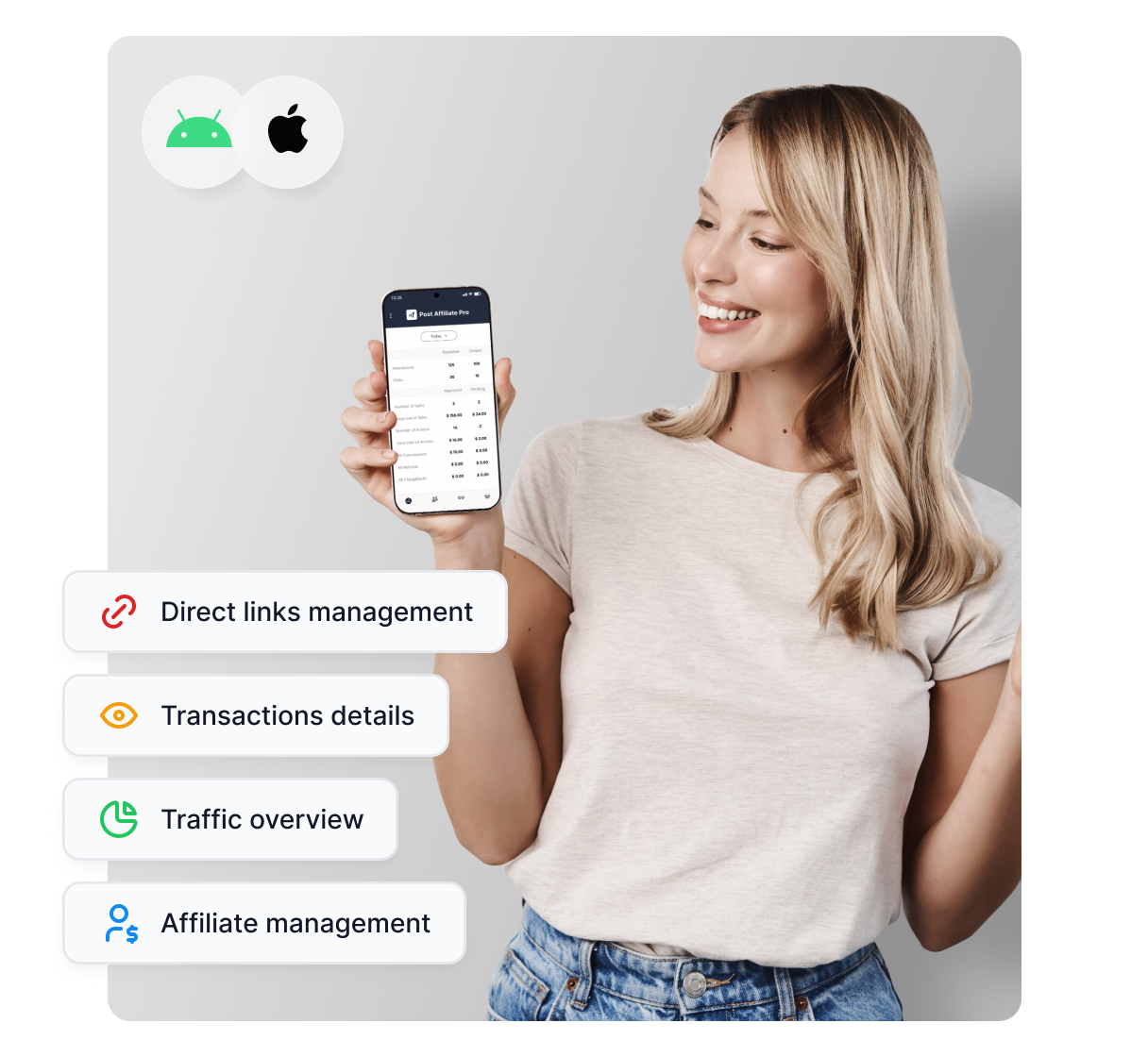
Mobile apps
Discover the power of Post Affiliate Pro mobile apps for iOS and Android. Manage your affiliate marketing on the go—track traffic, finances, affiliates, links, ...
2 min read
A closer look at what the Post Affiliate Pro mobile app actually covers, traffic, affiliates, and transactions, plus a simple weekly routine for using it well.
If your relationship with the Post Affiliate Pro mobile app is a quick glance at a stats widget every few days, you are using maybe a third of what it actually does. That is a common pattern with any app that gets installed once during onboarding and then quietly forgotten, so this is a straightforward look at what is actually in there, and a small weekly habit that makes it worth opening on purpose.
Both apps are free and included with every account. Open the mobile app page from your phone’s browser, scan the QR code with your camera, and it takes you straight to the right listing on Google Play or the App Store, no searching required (mobile apps ). Log in with your existing Post Affiliate Pro credentials and you are looking at live data within a minute or two.
The mobile app mirrors three specific parts of your program, not a stripped-down preview of everything.
This view gives you impressions, clicks, sales, costs, actions, and commissions, filterable by date range, so you can check “how did this week actually go” without waiting until you are back at a desktop. It is the fastest way to notice something is off, a campaign that suddenly went quiet, or a spike that is worth understanding before you assume it is good news.
This section shows your full affiliate list with IDs, names, contact details, and status, along with a search box. It earns its place on your phone the moment you are away from your desk and need to check one specific affiliate’s details, confirm their status, or pull up their contact information before replying to a message, rather than digging through a spreadsheet or waiting until you are back at a laptop.
This lets you review every transaction in a campaign, filtered by pending, approved, or declined, with its own search so you can find one specific transaction fast rather than page through all of them. It is also where you would first notice the classic signs of affiliate fraud, a sudden, unexplained jump in referred transactions from one affiliate is one of the more reliable early warning signs, and Post Affiliate Pro’s fraud protection automatically flags and can decline suspicious ones before they ever get paid out (fraud protection ). Catching that pattern from your phone on day one is a lot cheaper than catching it from a monthly report on day thirty.
None of this requires you to be at your desk, which matters more than it sounds like it should. A program that gets checked once a week from a laptop reacts to problems days after they start. One that gets glanced at daily from a phone catches most of them the same day.

Set up advanced tracking in minutes. No credit card required.
Pick one day, the start of the week works well, and spend five minutes doing three things in the app. Check the traffic overview against the previous week, since a sudden drop is far easier to investigate on day one than day seven. Scan your top affiliates by commission, since a leading affiliate who suddenly goes quiet is worth a message before they disappear entirely. Glance through pending transactions, since a backlog of unapproved transactions is the kind of thing that quietly damages affiliate trust if it sits for too long without anyone noticing.
None of this replaces the deeper weekly or monthly review you would do on the full dashboard. It is meant to catch the obvious problems early, in less time than it takes to make coffee, so the deeper review is dealing with strategy rather than putting out a fire that has been burning for a week.
Be realistic about what this is for. The app is built for checking in, not for the deep configuration work, setting up new campaigns, adjusting commission structures, or building out tracking, that still genuinely needs the full dashboard and a bigger screen. Think of it as the difference between checking your bank balance on your phone and doing your taxes: one is a quick, frequent glance, the other needs a proper sit-down. Used for what it is actually built for, a five-minute daily or weekly check that catches problems early, it earns its place on your home screen instead of sitting there unopened.
Be the first to know about new features and product updates.
Mobile devices have accounted for just over half of all global web traffic for years running, a lead that has not gone away (StatCounter ). A meaningful share of your own affiliates are almost certainly doing at least part of their promotion, checking their stats, or replying to your messages from a phone too. Managing your own side of the program from the same kind of device you would expect them to use is not just convenient, it keeps you closer to how the program actually behaves for the people driving it, rather than only ever seeing it through a desktop dashboard several steps removed from where the traffic originates.
If you manage a program with meaningful mobile-driven traffic, pairing this habit with accurate mobile conversion tracking means the numbers you are glancing at from your phone are ones you can actually trust. And if you are curious how your own affiliates experience mobile on their side, including what actually convinces someone to run their whole promotion strategy from a phone, our mobile affiliate marketing guide covers that half of the picture.
It's free, it's already included with your Post Affiliate Pro account, and it takes about two minutes to set up on your phone.
Discover the power of Post Affiliate Pro mobile apps for iOS and Android. Manage your affiliate marketing on the go—track traffic, finances, affiliates, links, ...
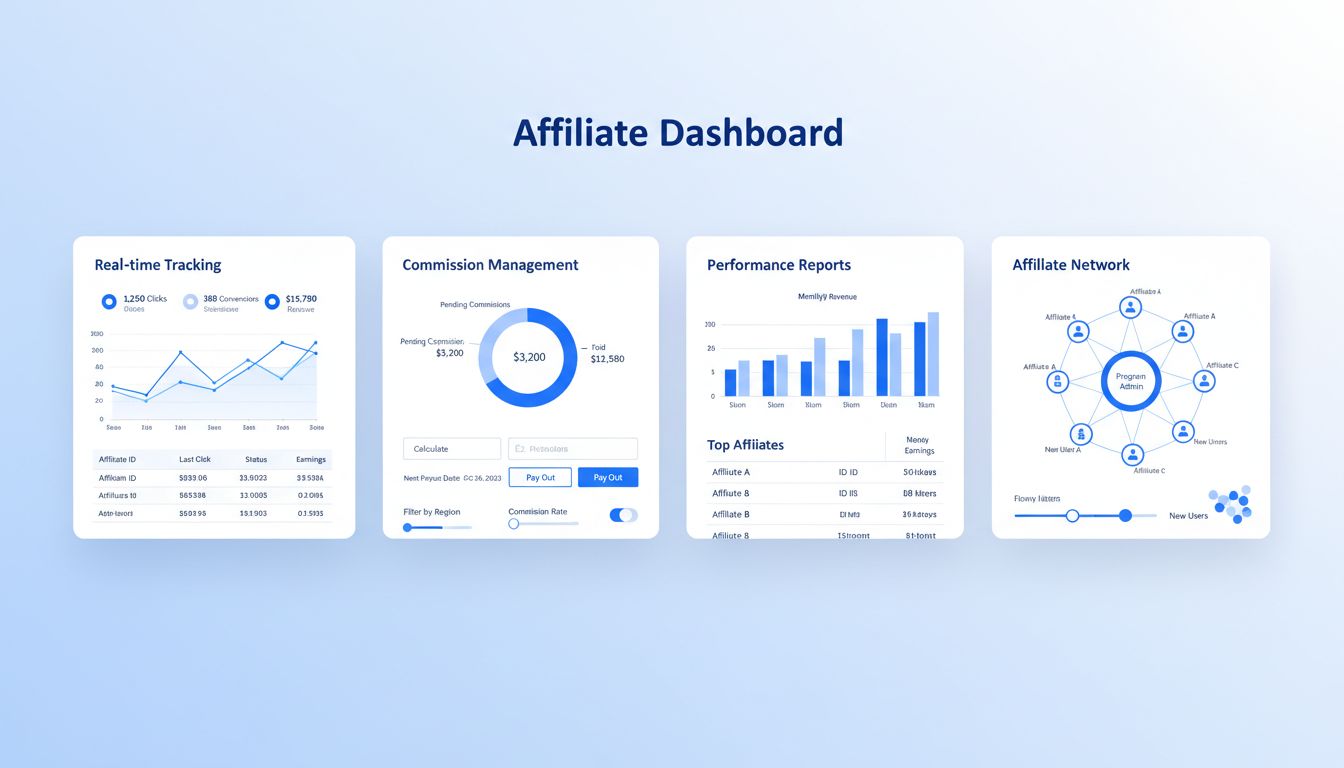
Discover how Post Affiliate Pro streamlines affiliate program management with advanced tracking, commission automation, fraud prevention, and comprehensive repo...
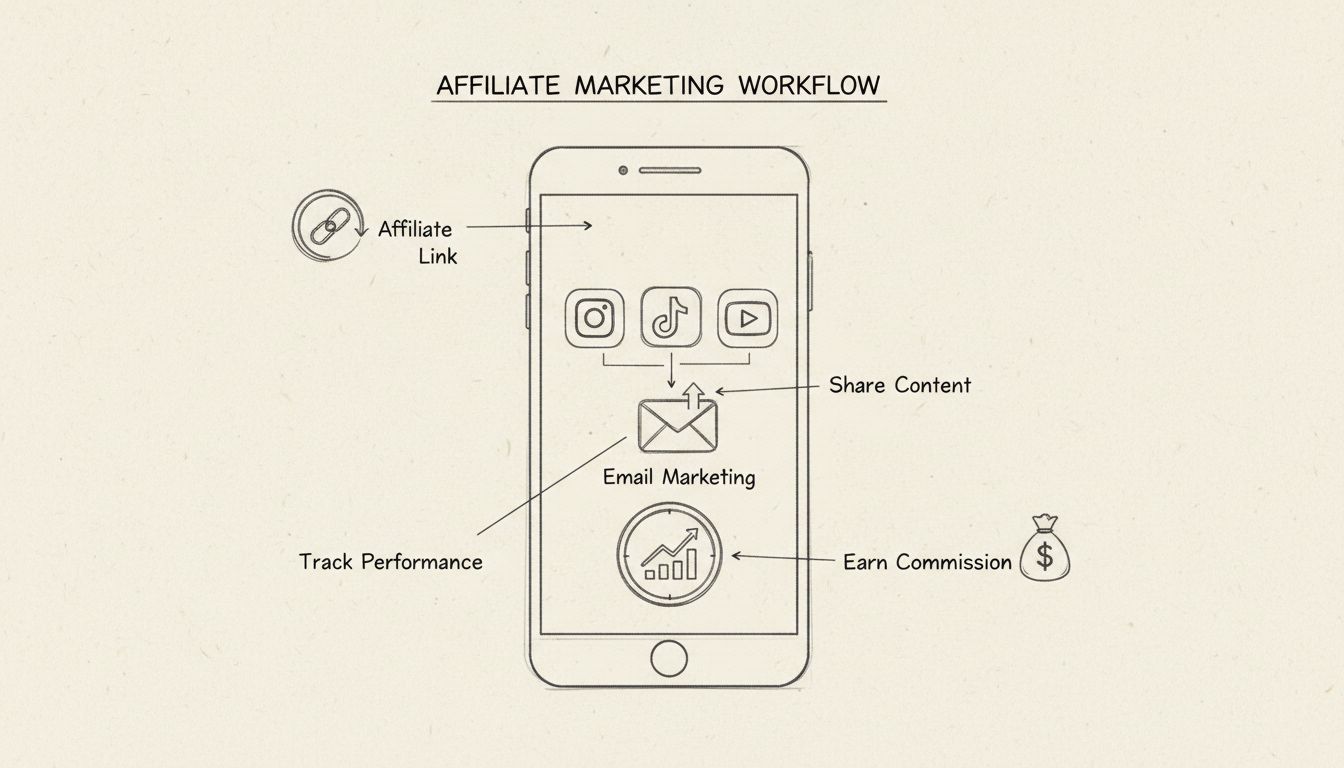
Discover how to run a profitable affiliate marketing business entirely from your smartphone. Learn the best tools, strategies, and platforms for mobile affiliat...
Join our community of happy clients and provide excellent customer support with Post Affiliate Pro.




Cookie Consent
We use cookies to enhance your browsing experience and analyze our traffic. See our privacy policy.