WordPress vs. Wix vs. Squarespace for affiliate marketing
A practical, technically verified comparison of WordPress, Wix, and Squarespace for running an affiliate site, including what each platform actually lets a tracking plugin see.
Before you can pick an affiliate plugin, you have to pick a platform, and that decision gets made earlier than most people realize. If you build your site on the wrong one, you find out months later, when you try to install real tracking software and discover the platform only lets you go so far.
WordPress, Wix, and Squarespace all get pitched as fine for affiliate marketing, and in a loose sense they are. You can put affiliate links on any of them. But “can you add links” and “can a tracking plugin see what actually happened at checkout” are two very different questions, and the gap between them is where this comparison actually matters.
WordPress: the open platform, for better and worse
WordPress
runs more than 42% of all websites
and close to 60% of sites built on any identifiable CMS, which is exactly why the affiliate plugin ecosystem around it is so much deeper than anywhere else. When a plugin like Post Affiliate Pro
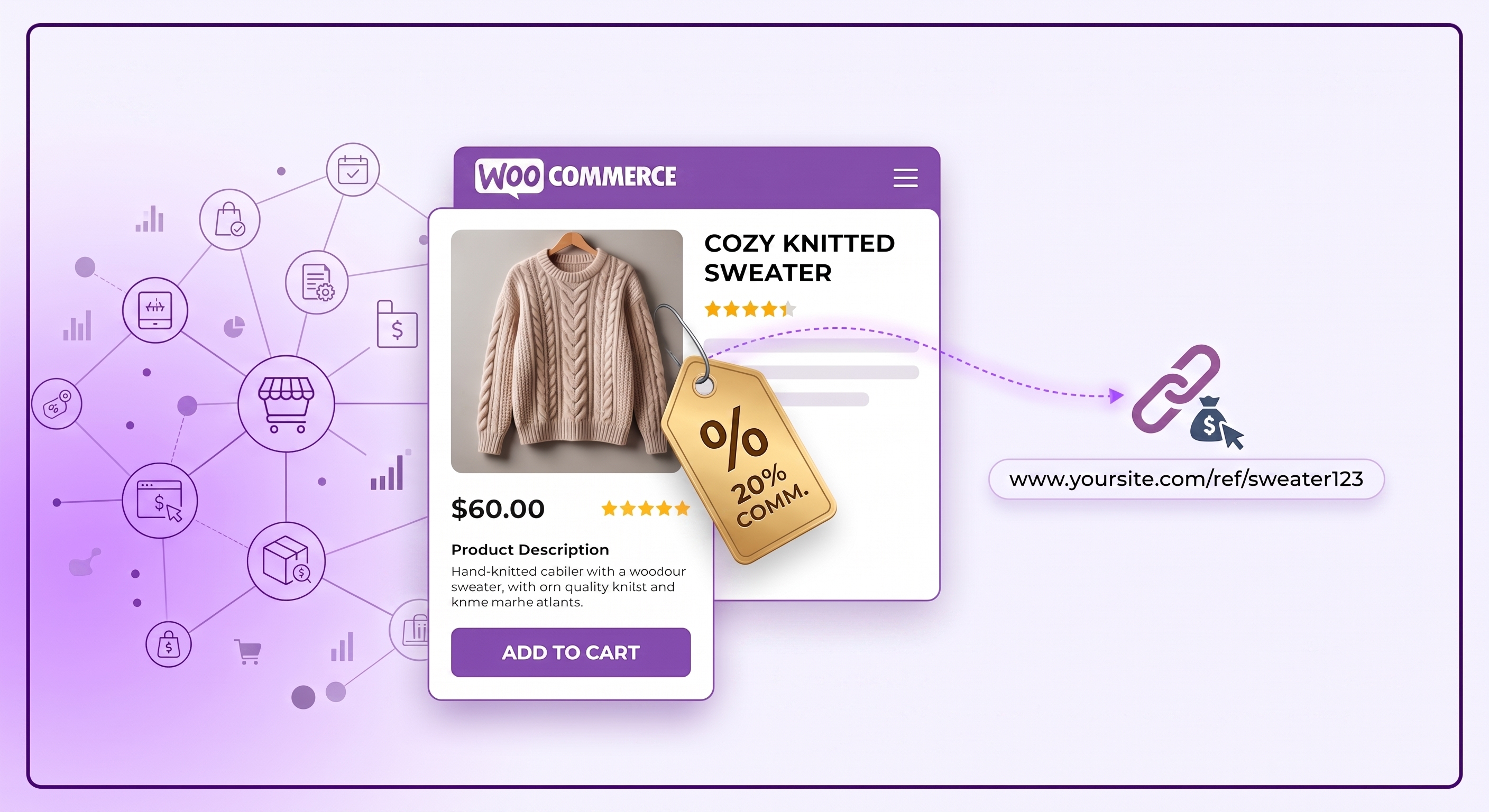
integrates with WordPress, it isn’t limited to reading a confirmation page after the fact. It can hook into WooCommerce’s own order object directly, pulling order totals, product IDs, discounts, and customer data straight from the source.
That depth is the whole advantage. A WordPress affiliate plugin can support multiple tracking methods
at once (cookies, pixels, server-to-server calls, IP-based fallbacks) because it’s running as genuine server-side code on your own site, not a script bolted onto someone else’s platform.
The tradeoff is that WordPress asks more of you upfront. You’re responsible for hosting, updates, and picking compatible plugins, which is exactly the learning curve that makes Wix and Squarespace appealing in the first place.
Wix: works, but through the App Market and custom code
Wix
supports affiliate tracking two ways: apps from its App Market, or custom code you add yourself. Post Affiliate Pro’s own Wix integration
uses the second route, adding an HTML/JavaScript tracking snippet to your store’s thank-you page, with separate code for tracking a whole order versus tracking individual products.
That’s a meaningful capability. Per-product tracking on Wix means you genuinely can run commission structures tied to what someone actually bought, not just that they bought something. But getting there means editing custom code on specific pages rather than configuring settings in a plugin dashboard, which is a rougher experience than WordPress if you’re not comfortable pasting scripts into your site’s code panel.
If you’d rather not touch code at all, Wix’s own App Market has a handful of self-contained affiliate apps too, including Affiliate Builder Pro, which lets affiliates share links and see their own clicks and payouts from a built-in dashboard, and OSI Affiliate, which runs a full referral program from inside your Wix site. They’re simpler to set up than a code-injection approach, but also less flexible than a dedicated tracking platform once your program grows past the basics.
Launch your affiliate program today
Set up advanced tracking in minutes. No credit card required.
Squarespace: the one real limitation worth knowing
Squarespace
integrates through Code Injection on the order confirmation page, and the available data is narrower than either of the other two platforms. Post Affiliate Pro’s tracking code for Squarespace can capture order ID, order subtotal, and the customer’s email address, but not a product ID.
That’s not a minor detail if you’re running a store with different commission rates per product. On Squarespace, an affiliate plugin can confirm a sale happened and how much it was worth, but it can’t natively tell you which product drove it. If your commission structure is a flat rate per sale, this doesn’t matter much. If you pay different rates for different products, it’s a real constraint worth knowing about before you build your store there.
A few dedicated affiliate apps also connect to Squarespace directly, including LeadDyno, Peach’s, and iDevAffiliate, which handle affiliate signups and payout tracking without you writing any code yourself. The tradeoff is the same one as the built-in Code Injection route: none of them can see more product-level detail than Squarespace’s own checkout exposes, so the underlying limitation doesn’t go away just because you’re using an app instead of custom code.
What it actually costs to run an affiliate site on each platform
Platform cost isn’t just the sticker price. It’s what tier you actually need before affiliate tracking becomes possible at all.
WordPress itself is free, and its plugin (the tracking software) is a separate cost on top of hosting, which realistically runs $5 to $30 a month for a small to mid-sized store, more if you need dedicated resources as traffic grows. There’s no plan tier to unlock. Once you have WooCommerce installed, you can add a plugin like Post Affiliate Pro immediately.
Wix and Squarespace both gate real e-commerce functionality, the kind an affiliate program needs to track actual sales, behind paid tiers. Wix’s Business plan runs around $39 a month for the features most affiliate apps expect, and premium App Market apps add anywhere from a few dollars to $100 or more a month on top of that (source
). Squarespace restructured its plans in late 2025 into a new Basic, Core, Plus, and Advanced lineup, running roughly $16 to $99 a month depending on tier and billing (source
), and the e-commerce features most affiliate tracking apps require typically sit in the Core tier and above rather than the entry-level plan.
The practical upshot: on WordPress, you’re paying for hosting and a plugin. On Wix or Squarespace, you may be paying for a specific plan tier just to unlock the checkout data an affiliate program needs to see in the first place, on top of whatever the tracking app itself costs.
Join our newsletter
Be the first to know about new features and product updates.
SEO: the part that actually drives affiliate traffic
None of this matters if nobody finds your content, and this is where the three platforms diverge the most for affiliate sites specifically, since affiliate income usually depends on organic search traffic to reviews and comparison content.
WordPress has the deepest ceiling here. Plugins like Yoast SEO and RankMath give you control over schema markup, canonical tags, redirects, and site architecture that the other two platforms simply don’t expose. For a content-heavy affiliate site competing for genuinely competitive keywords, that technical depth adds up over time.
Wix has closed a lot of the gap with its built-in SEO tools and an SEO setup wizard aimed at beginners, and it’s a reasonable choice for smaller, less competitive niches. Squarespace’s SEO tools are also built in and easy to use, including automatic sitemaps and AI-assisted metadata suggestions, but offer less customization than either alternative, since structured data and advanced technical settings are limited by design.
If your affiliate strategy leans heavily on ranking content in a crowded niche, that gap in technical SEO control is worth weighing alongside the tracking differences above. If you’re promoting through email, social, or paid traffic instead, it matters a lot less.
If you’re starting from scratch and affiliate marketing is a real part of your revenue plan, WordPress is the safer bet. The plugin ecosystem exists specifically because so many site owners have already made this same decision, and you get to choose from dozens of purpose-built affiliate plugins
instead of working around what one platform’s code injection panel allows.
If you’re already running your store on Wix or Squarespace and switching platforms isn’t realistic, that’s fine too. Both still support real tracking, just with the tradeoffs above. Wix affiliates should plan on some custom code work if they want product-level detail. Squarespace affiliates should build commission structures around order value rather than per-product rates, since that’s what the platform can actually see.
Check out the Wix
and Squarespace
integration guides for the exact setup steps on either platform.
Frequently asked questions
For most affiliate programs, yes. WordPress lets a dedicated tracking plugin hook directly into checkout and order data, while Wix and Squarespace generally rely on code injected into a thank-you or confirmation page, which captures less detail.
Yes, but with a real limitation: Squarespace's own order confirmation page only exposes order-level data like order ID, subtotal, and customer email, not individual product IDs, so per-product commissions are harder to track accurately than on WordPress.
Yes. Wix supports affiliate tracking through apps in its App Market and through custom code added to checkout pages, and it does allow per-product tracking, but the setup is more manual than installing a WordPress plugin.
WordPress is the best choice if you want full control over tracking and commission rules, since its open plugin architecture avoids the code-injection workarounds Wix and Squarespace both require for the same level of detail.
Build Your Affiliate Program on the Platform That Tracks Everything
Post Affiliate Pro works with WordPress, Wix, and Squarespace, with the deepest tracking on WordPress. See which setup fits your site.
Compare the 10 best WordPress affiliate plugins for 2026, including pricing, WooCommerce compatibility, and tracking features, so you can pick the right affilia...
WooCommerce powers more than 32% of online stores. Here's an honest look at whether it's actually a good fit for running an affiliate program, not just a popula...
Discover why WordPress is the top choice for affiliate marketing. Learn about plugins, tracking, SEO benefits, and how to build a profitable affiliate business ...
10 min read
You will be in Good Hands!
Join our community of happy clients and provide excellent customer support with Post Affiliate Pro.