Unleashing the Potential of Amazon Affiliate Marketing on Facebook
Navigating the world of affiliate marketing
requires strategic steps, especially when leveraging platforms like Facebook to boost your revenue streams. By incorporating Amazon affiliate links
into your social media strategy, you can effectively tap into a vast audience and earn commissions through product referrals.
Integrating Amazon Affiliate Links on Facebook
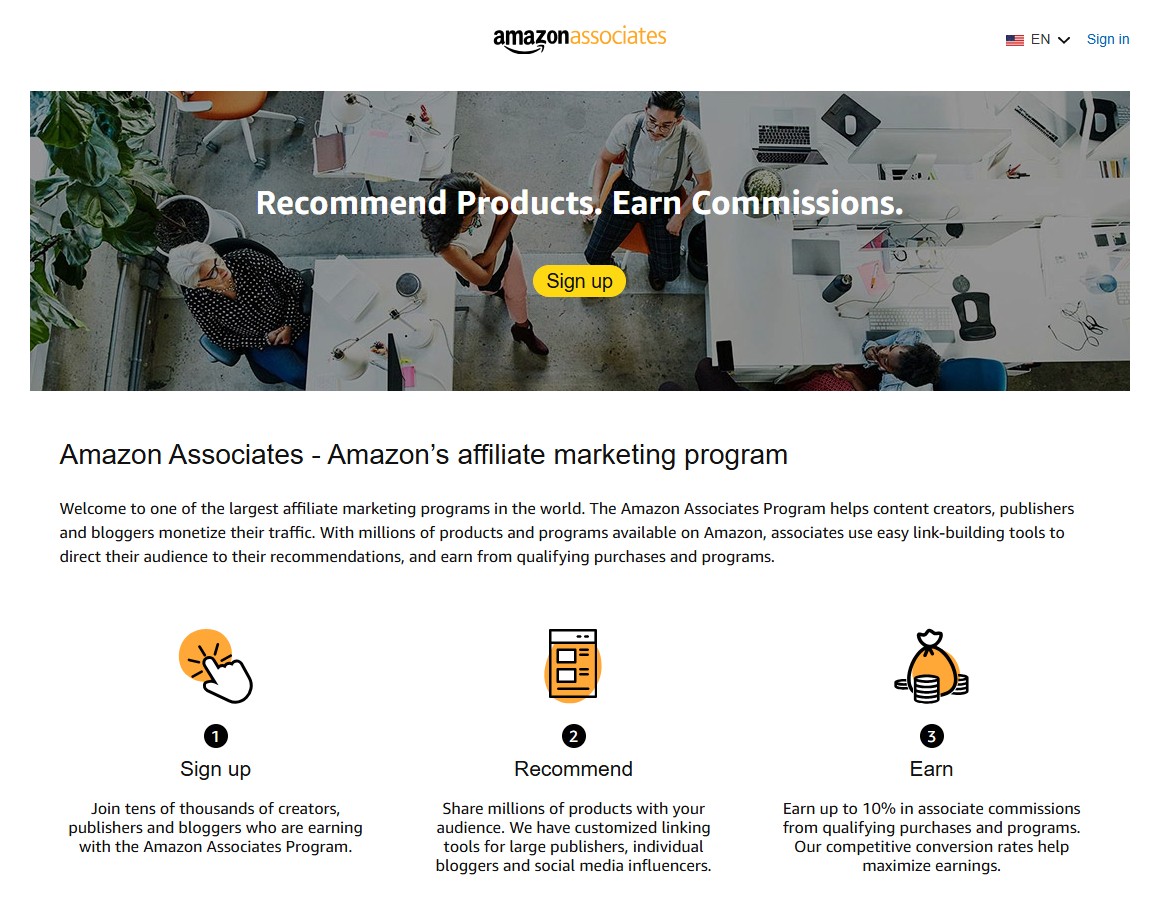
Becoming part of the Amazon Associates program is the first step to earning commissions from product referrals. As a registered Amazon affiliate
, you gain access to a suite of tools designed to simplify the process of sharing product links across various platforms, including Facebook.
Creating and Sharing Affiliate Links
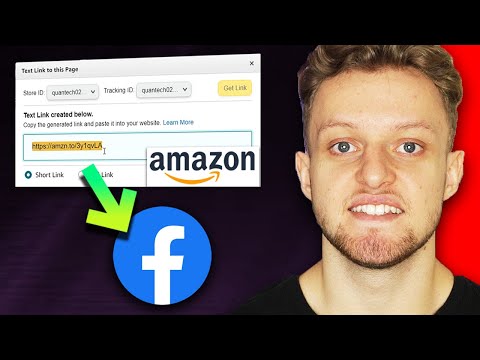
Once enrolled in the Amazon Associates program, a toolbar appears on your Amazon page, providing options to create affiliate links
for any product. The traditional method involves generating a hyperlink to share on your website or blog. However, Amazon simplifies social media sharing by offering built-in buttons for platforms like Facebook and Twitter.
To share an affiliate link
on Facebook, navigate to your chosen product’s page. The Facebook share button will auto-generate a post with an embedded affiliate
link, ready to be shared on your personal timeline, in groups, or on pages you manage. Transparency is crucial; always disclose that your post contains an affiliate link to ensure compliance with Amazon’s terms of service and build trust with your audience.
Maximizing Engagement and Earnings
Sharing your affiliate links on Facebook is not just about posting a link; it involves engaging storytelling and strategic placement. Highlight your genuine interest in the product and encourage interaction by inviting feedback or sharing personal experiences. This approach not only increases engagement but also enhances the likelihood of conversions.