Boosting Your Affiliate Income with Pinterest
Pinterest is not just a platform for inspiration; it’s a powerful tool for affiliate marketers
looking to increase their income streams. Leveraging Pinterest’s unique features can significantly enhance your affiliate marketing
strategy, particularly through the use of affiliate links on pins. Here’s how you can effectively utilize Pinterest to boost your affiliate income.
Maximizing Affiliate Links on Pinterest
Pinterest allows users to add affiliate links
directly to pins, providing a seamless path for users to explore and purchase products. This capability has been available for some time, yet it remains underutilized. Many users are either unaware of this feature or unsure of how to implement it effectively. Here’s a straightforward guide to integrating affiliate
links into your Pinterest strategy.
- Direct Linking to Products: You can directly link an affiliate product to a pin. For instance, if you create a pin showcasing a specific product, you can direct users to that product’s page with your affiliate link. This straightforward approach is simple yet effective.
- Utilizing the Shoppable Button: One of the lesser-known features is the shoppable button on Pinterest pins. By clicking this button, you can add products that users can shop directly from the pin. Although not widely used yet, this feature is poised to become more popular as more products are tagged in pins.
- Tagging Products: Begin by tagging products in your pins. For example, if you have a pin related to baking, you might tag relevant items like a mixer or baking trays. This feature allows you to add multiple products, enhancing the shopping experience for users.
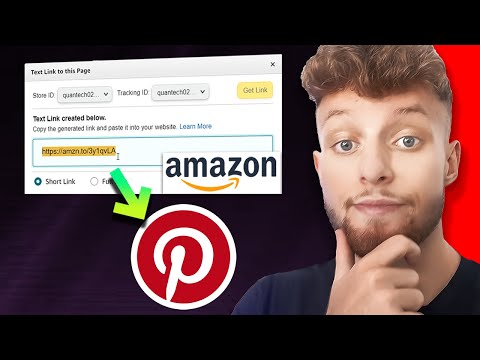
- Incorporating Amazon Affiliate Links: Pinterest supports Amazon affiliate links, among others. Simply obtain your affiliate link, insert it into the pin, and select a suitable image. This method is a great way to integrate affiliate marketing into your Pinterest strategy.
Overcoming Glitches
While the process is generally straightforward, users may encounter some glitches when saving products to pins. If this happens, try re-saving the product link a couple of times to ensure it’s correctly added.
Engaging with a community can provide additional support and insights. Joining groups such as “Pinterest Strategy with Allison Lancaster” can offer valuable tips and training sessions to enhance your Pinterest marketing efforts.