LiveAgent Help Desk Integration
Available in:
Launch your affiliate program today
Set up advanced tracking in minutes. No credit card required.
What is the LiveAgent Integration?
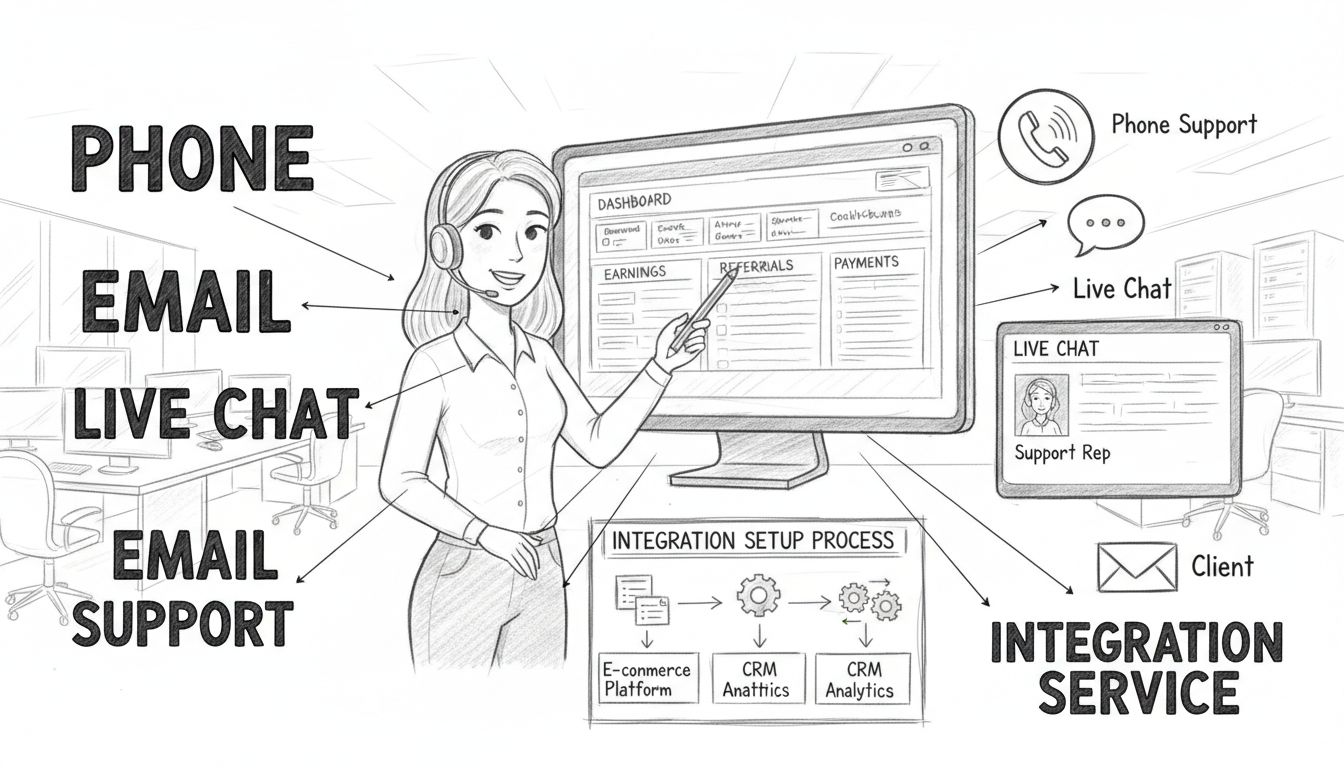
Active communication with your affiliates is essential for running a successful affiliate program. The LiveAgent integration connects Post Affiliate Pro with LiveAgent, a full-featured help desk and live chat software, allowing you to support your affiliates in real time.
With this integration, you can add live chat buttons and contact forms directly to your affiliate panel and signup pages. Affiliates can reach your support team instantly without leaving the platform, and you can manage all support conversations from your LiveAgent dashboard while monitoring ticket activity from within Post Affiliate Pro.
How the Integration Works
The integration uses the LiveAgent API v3 to connect both platforms. Once configured, Post Affiliate Pro communicates with your LiveAgent account to:
- Display live chat widgets in the affiliate panel
- Show contact forms for support requests
- Pull ticket and conversation data into your merchant dashboard
- Pass affiliate details to chat sessions for personalized support
| Feature | Description |
|---|
| Live Chat Button | Real-time chat widget that appears in the affiliate panel |
| Contact Forms | Support request forms embedded in the affiliate interface |
| Signup Page Chat | Chat and contact options on affiliate registration pages |
| Ticket Dashboard | View recent support tickets directly in Post Affiliate Pro |
| Department Status | Monitor LiveAgent department availability |
Join our newsletter
Be the first to know about new features and product updates.
Connecting LiveAgent with Post Affiliate Pro
Prerequisites
Before setting up the integration, you need:
- An active LiveAgent account
- Your LiveAgent installation URL (e.g.,
yourcompany.ladesk.com) - An API key from your LiveAgent account
- The email address associated with your LiveAgent agent account
Configuration Steps
Access Integration Settings
- Log in to your Post Affiliate Pro merchant panel
- Navigate to Configuration > Features
- Find and enable the LiveAgent Integration feature
Enter Connection Details
- URL: Enter your LiveAgent installation URL
- Email: Enter your LiveAgent agent email address
- API Key: Enter your LiveAgent API key
Test the Connection
- The system will ping your LiveAgent account to verify the connection
- If successful, the integration status will change to “Connected”
Configure Chat and Contact Forms
- Add your LiveAgent chat button code for the affiliate panel
- Add your contact form code if you want to replace the default contact form
- Optionally add chat/form codes for signup pages
Configuration Options
| Setting | Purpose |
|---|
| LiveAgent URL | Your LiveAgent installation address |
| Email | Agent email for API authentication |
| API Key | API key for secure communication |
| Affiliate Chat Button Code | LiveAgent widget code for affiliate panel |
| Affiliate Contact Form Code | Contact form code for affiliate panel |
| Signup Chat Button Code | Widget code for registration pages |
| Signup Contact Form Code | Contact form code for registration pages |
Ticket Tracking for Affiliates
Once connected, you can monitor affiliate support activity directly from your Post Affiliate Pro merchant panel.
Viewing Support Tickets
The integration adds an Affiliate Help Desk section under the Affiliates menu. This dashboard displays:
- Ticket ID: The unique code for each support conversation
- Customer: The email address of the affiliate
- Subject: The topic of the support request
- Date Changed: When the ticket was last updated
- Status: Current ticket status (New, Chatting, etc.)
The dashboard shows tickets from the last 30 days and can be sorted by any column.
Department Overview
You can also view your LiveAgent departments and their online status, helping you understand your support capacity and availability.
Support Integration Features
Live Chat for Affiliates
Add a live chat button to your affiliate panel so affiliates can get instant help:
- Affiliates see a chat button in their panel footer
- Clicking opens a real-time chat with your support team
- Chat sessions can include affiliate details for context
- Supports both popup and embedded chat modes
Personalized Chat Sessions
The integration can automatically pass affiliate information to LiveAgent:
| Variable | Data Passed |
|---|
{$affiliateUsername} | Affiliate’s username |
{$affiliateFirstname} | Affiliate’s first name |
{$affiliateLastname} | Affiliate’s last name |
Use these variables in your LiveAgent chat button code to pre-fill visitor information.
Replace the default Post Affiliate Pro contact form with a LiveAgent contact form:
- Tickets are created directly in your LiveAgent system
- All communication history stays in one place
- Supports custom form fields and departments
Signup Page Support
Provide support to potential affiliates during the registration process:
- Add chat buttons to signup pages
- Help prospects with questions about your program
- Reduce signup abandonment with immediate assistance
Benefits of the Integration
Centralized Communication
All affiliate support happens through one platform. No need to manage separate support systems or check multiple dashboards. LiveAgent becomes your single source of truth for affiliate communication.
Real-Time Support
Live chat enables instant responses to affiliate questions. Help affiliates with technical issues, promotional strategies, or payment questions without email delays.
Better Affiliate Experience
Affiliates can get help without leaving their panel. The seamless experience shows professionalism and builds trust in your affiliate program.
Efficient Ticket Management
Support tickets flow into LiveAgent where you can:
- Assign tickets to team members
- Use canned responses for common questions
- Track response times and resolution rates
- Set up automation rules and SLAs
Multiple Support Channels
LiveAgent supports more than just chat. Connect your support email, add a knowledge base, or use other channels. All conversations stay linked to the same affiliate record.
Quick Access from Merchant Panel
Monitor support activity without switching applications. The Affiliate Help Desk dashboard gives you an overview of recent tickets so you can spot issues quickly.
Best Practices
1. Set Up Dedicated Affiliate Department
Create a department in LiveAgent specifically for affiliate support. This helps you:
- Track affiliate-specific metrics
- Route tickets to appropriate team members
- Maintain separate workflows from customer support
2. Use Canned Responses
Prepare templates for common affiliate questions:
- How to get paid
- How to find promotional materials
- How to read reports
- Technical integration issues
3. Include Affiliate Context
Configure your chat button to pass affiliate details. Knowing who is chatting helps agents provide faster, more relevant support.
4. Monitor Response Times
Affiliates expect quick responses. Use LiveAgent reporting to track how fast you respond to affiliate inquiries and set internal targets.
5. Create a Knowledge Base
Reduce support volume by publishing answers to common questions. Point affiliates to documentation for self-service when appropriate.
Troubleshooting
Connection Failed
If the integration cannot connect:
- Verify your LiveAgent URL is correct (include https://)
- Check that the API key is valid and has proper permissions
- Confirm the email matches an active LiveAgent agent
- Ensure your LiveAgent account is active
If the chat button does not show:
- Verify the integration code contains
LiveAgent.createButton or LiveAgent.createForm - Check that the integration status shows “Connected”
- Clear browser cache and reload the affiliate panel
- Test with a different browser
Tickets Not Showing in Dashboard
If the Affiliate Help Desk shows no tickets:
- Confirm you have tickets in LiveAgent from the last 30 days
- Verify the API key has permission to read tickets
- Check the connection status in integration settings
Knowledge Base Resources
Learn more about LiveAgent