


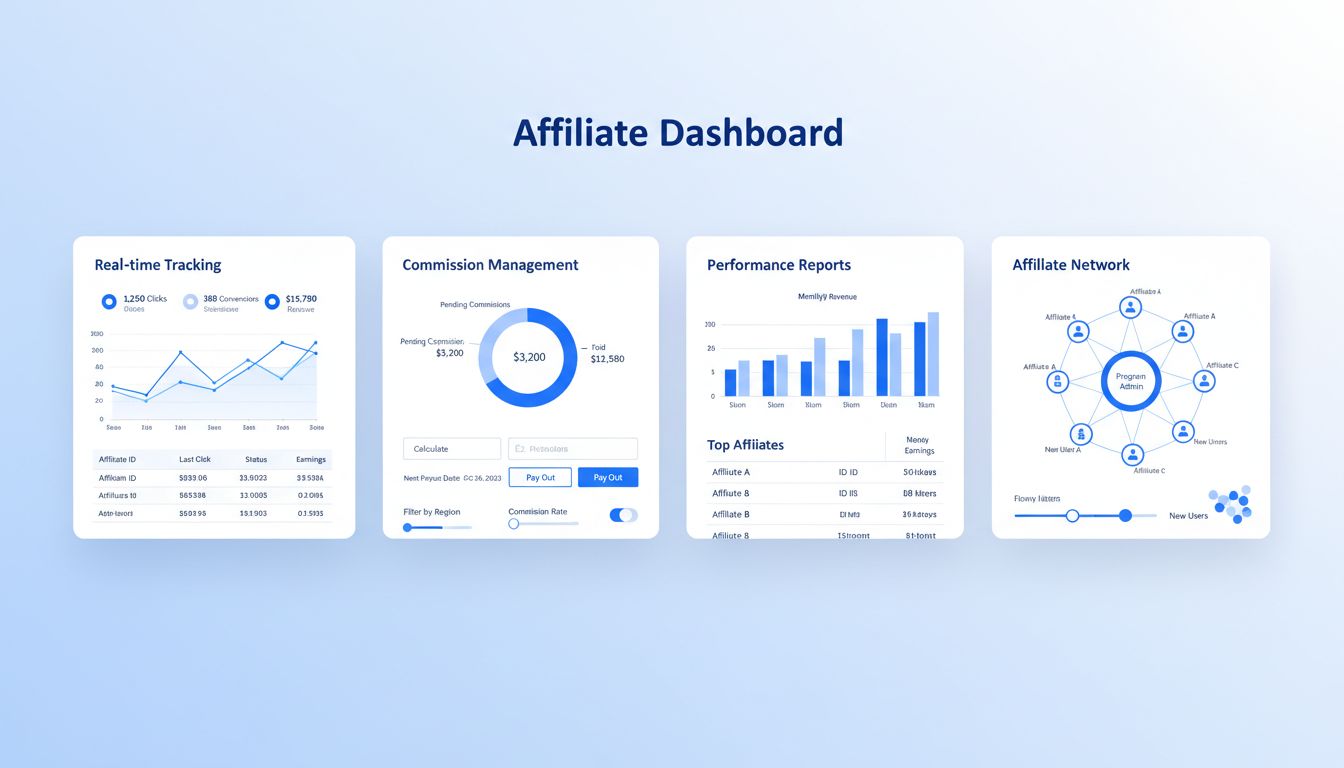
How Can Post Affiliate Pro Help Manage Affiliate Programs?
Discover how Post Affiliate Pro streamlines affiliate program management with advanced tracking, commission automation, fraud prevention, and comprehensive repo...
9 min read


Post Affiliate Pro provides comprehensive affiliate lifecycle management including automatic registration of affiliates from tracking codes, approval workflows, activity monitoring, and automatic handling of inactive affiliates.
Available in:
Post Affiliate Pro , Post Affiliate Pro Ultimate , Post Affiliate Network
Affiliate lifecycle management covers the entire journey of an affiliate in your program:
Post Affiliate Pro provides automation at each stage to reduce manual work and maintain a healthy, engaged affiliate network.

Set up advanced tracking in minutes. No credit card required.
Every affiliate account has one of three statuses:
| Status | Code | Description |
|---|---|---|
| Approved | A | Active account - can log in and earn commissions |
| Pending | P | Awaiting approval - cannot log in |
| Declined | D | Rejected or deactivated - cannot log in |
Registration → Pending → Approved → Active use
                   ↓
               Declined
Or with automatic approval:
Registration → Approved → Active use
Merchants can change affiliate status at any time:
Status changes can trigger email notifications to the affiliate.
The Auto-Registering Affiliates feature automatically creates affiliate accounts when tracking codes contain an unregistered email address. This is useful for:
When a sale or click is tracked with an email parameter:
| Setting | Description |
|---|---|
| Send notification on every sale | Send registration email on every sale, not just the first |
| Allow RefID | Accept non-email identifiers for auto-registration |
Post Affiliate Pro provides special HTML forms for auto-registration scenarios:
Find these in Configuration > Affiliate Signup > Auto Registering Forms.
Auto-registered affiliates don’t receive transaction notifications until they’ve logged in at least once. This prevents confusing emails to people who don’t yet know they’re affiliates.
The registration notification is sent when:
Be the first to know about new features and product updates.
Control how new affiliate registrations are handled:
New affiliates are immediately approved and can log in right away.
Pros:
Cons:
Configuration:
New affiliates start in “Pending” status and must be approved by a merchant.
Pros:
Cons:
Configuration:
Configure email notifications for the approval workflow:
| Notification | Recipient | Trigger |
|---|---|---|
| New affiliate signup | Merchant | New registration (pending approval) |
| Affiliate approved | Affiliate | Status changed to approved |
| Affiliate declined | Affiliate | Status changed to declined |
Configure in Configuration > Email Notifications.
The Automatic Affiliate Activity Checking feature monitors affiliates for inactivity and can automatically take action on dormant accounts.
Note: This feature requires the cron job to be configured.
Configure what counts as “activity”:
| Activity Type | Description |
|---|---|
| Based on Activity | Consider any login as activity |
| Based on Transactions | Consider any transaction as activity |
| Including Clicks | Count clicks as activity |
| Including Commissions | Count any commission as activity |
| Including Multi-tier | Count sub-affiliate commissions |
| Including Sub-affiliates | Count sub-affiliate registrations |
| Based on Not Approved | Also check pending affiliates |
Configure the inactivity workflow:
| Setting | Description | Default |
|---|---|---|
| Days to Notification | Days of inactivity before warning | 30 days |
| Days to Remove | Days of inactivity before action | 183 days |
| Inactivity Action | What to do with inactive affiliates | Decline |
When an affiliate exceeds the inactivity period:
| Action | Code | Description |
|---|---|---|
| Decline | D | Set status to Declined (can be reactivated) |
| Delete | X | Permanently remove the account |
When removing inactive affiliates who have sub-affiliates:
| Option | Description |
|---|---|
| Keep sub-affiliates | Sub-affiliates remain but lose their parent |
| Move to parent | Sub-affiliates are reassigned to the inactive affiliate’s parent |
Configure this with the Move Children setting.
Some affiliates should never be marked as inactive:
Useful for:
Send warning emails before taking action:
| Notification | Recipient | Trigger |
|---|---|---|
| Inactivity Warning | Affiliate | Approaching inactivity threshold |
| Inactivity Applied | Affiliate | Account declined/deleted |
| Merchant Warning | Merchant | Affiliate approaching inactivity |
| Merchant Applied | Merchant | Action taken on affiliate |
Configure notifications in the activity check settings:
The system runs daily (via cron) and:
Post Affiliate Pro supports multiple registration methods:
The default registration page with customizable fields:
Embed registration forms anywhere:
Create affiliates programmatically:
// API v2 (PHP)
$affiliate = new Pap_Api_Affiliate($session);
$affiliate->setUsername('affiliate@example.com');
$affiliate->setFirstname('John');
$affiliate->setLastname('Doe');
$affiliate->setStatus('A'); // Approved
$affiliate->save();
Integrate affiliate registration with your existing user system:
Consider your risk tolerance:
Don’t be too aggressive:
Always send warnings before taking action:
When manually declining affiliates:
If using manual approval:
Affiliate lifecycle management works with:
Streamline affiliate registration, approval, and activity monitoring. Post Affiliate Pro handles the lifecycle automatically so you can focus on growth.
Discover how Post Affiliate Pro streamlines affiliate program management with advanced tracking, commission automation, fraud prevention, and comprehensive repo...
Post Affiliate Pro provides advanced campaign management features including Campaign Scheduler for automatic status changes based on time or performance, and Ca...
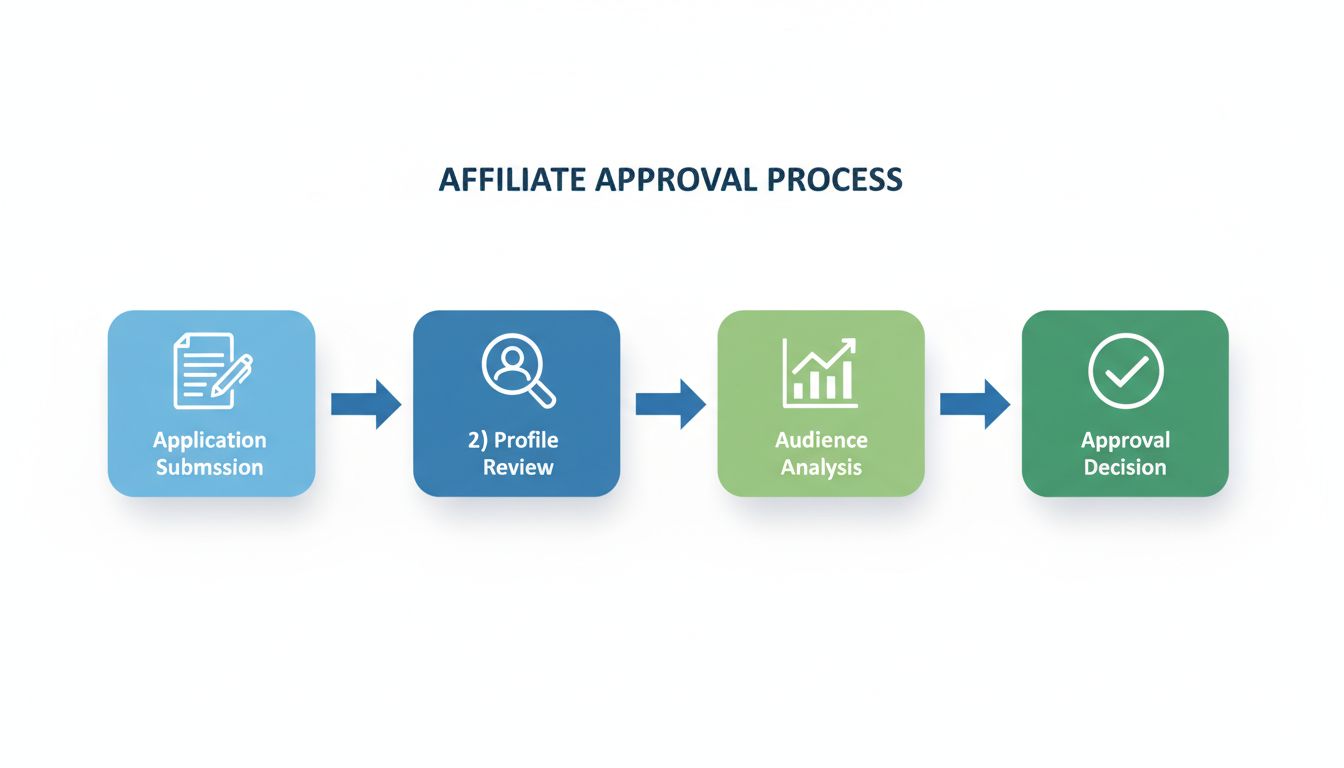
Understand how affiliate sign-up approval works in Post Affiliate Pro, including manual and automatic approval options, configuration steps, and best practices ...
Join our community of happy clients and provide excellent customer support with Post Affiliate Pro.




Cookie Consent
We use cookies to enhance your browsing experience and analyze our traffic. See our privacy policy.