


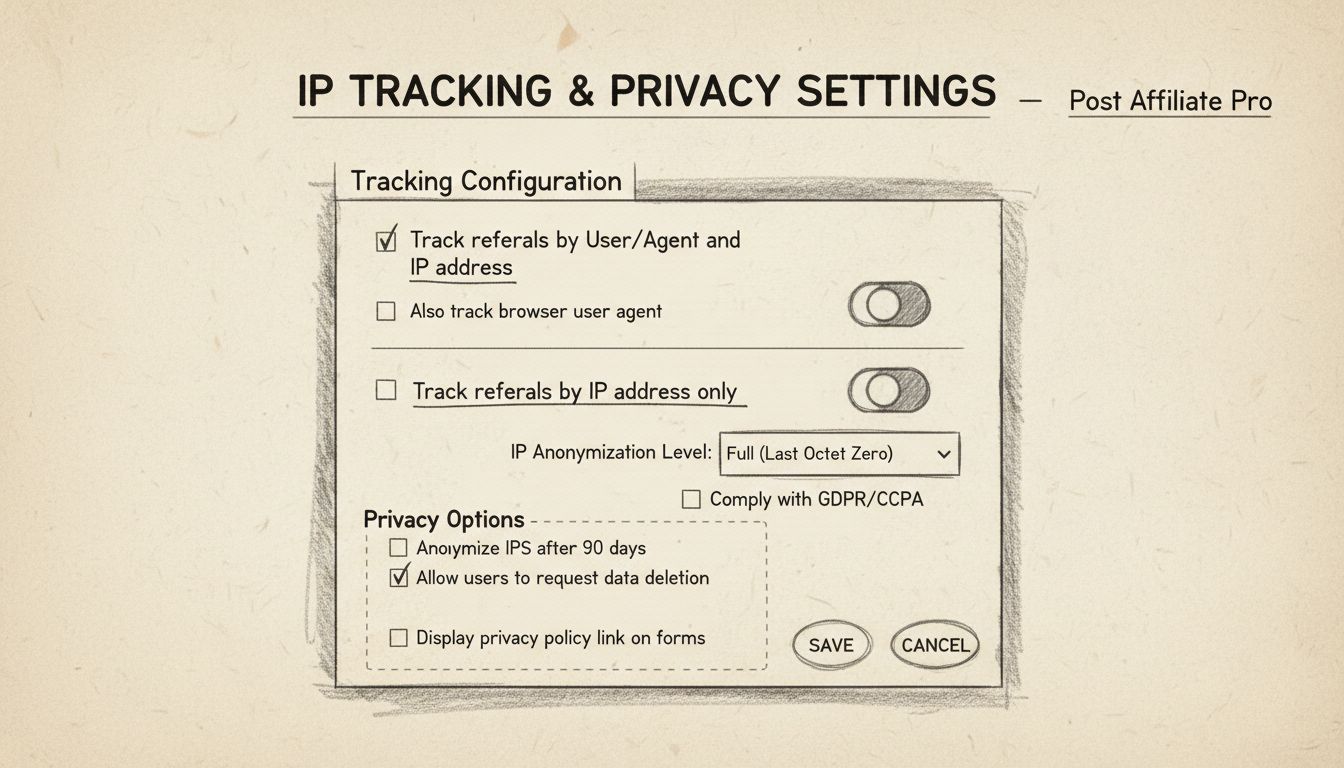
Can I Disable IP Tracking in Post Affiliate Pro?
Learn how to disable IP tracking in Post Affiliate Pro. Step-by-step guide to manage tracking levels, privacy settings, and alternative tracking methods for you...
10 min read
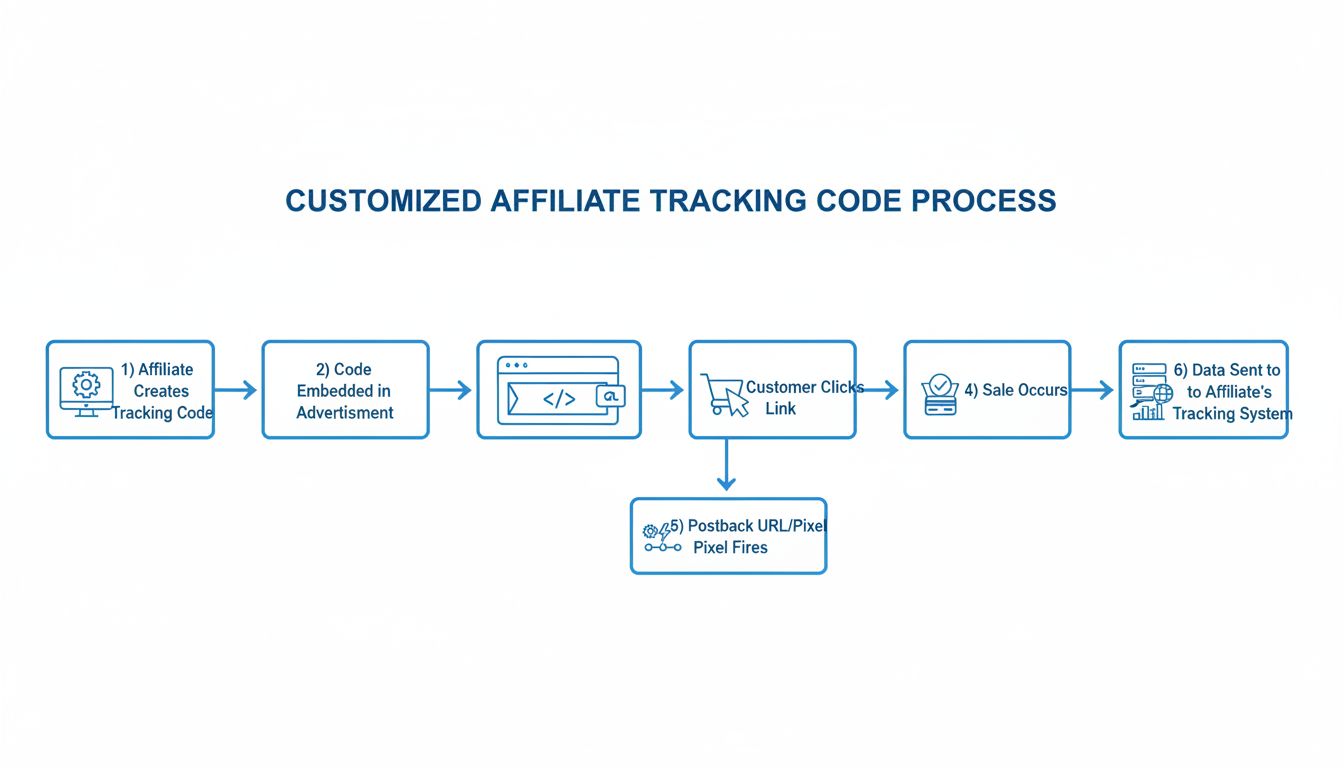
Learn why AdBlock and similar browser extensions may block the default Post Affiliate Pro JavaScript tracking code, and discover practical strategies to avoid tracking disruptions for accurate affiliate reporting.
Browser extensions like AdBlock, uBlock Origin, and others are widely used to block advertisements and tracking scripts. The default Post Affiliate Pro (PAP) tracking setup often uses a recognizable domain such as something.postaffiliatepro.com, which is frequently targeted by these extensions due to its known association with affiliate tracking. This can result in missing affiliate clicks and conversions, negatively impacting your affiliate program’s accuracy and trustworthiness.
Understanding how ad blockers operate and pro-actively adjusting your setup is vital to maintaining reliable affiliate tracking and accurate reporting for your program.
Ad blockers use filter lists that target known tracking domains and scripts. The default PAP subdomain (e.g., example.postaffiliatepro.com) is publicly associated with affiliate tracking and is therefore flagged and blocked by most ad blockers. Requests to typical tracking endpoints such as track.php or its hashed variants are intercepted, regardless of their file name, because the domain itself is on the blocklist. This means tracking scripts and conversion pixels may never load or register events when ad blockers are active.

Set up advanced tracking in minutes. No credit card required.
To determine if your tracking scripts are being blocked:
Tracking script names like track.php or their hashed versions (e.g., a1x2r2) can be unique per account and may change, so always filter by the domain in question.
Be the first to know about new features and product updates.
Browser-based tracking can never be fully immune to ad blockers. For maximum reliability, you can implement S2S (server-to-server) tracking in addition to (or instead of) JavaScript-based methods:
https://partners.yourdomain.com/scripts/sale.php?visitorId=abcdef123456&ip=123.45.67.89&totalcost=100&orderID=ABC123
S2S tracking is handled on the server side and is not affected by browser ad blockers, providing you with the most reliable method for conversion tracking.
By following these best practices, you can significantly improve the reliability of your affiliate tracking, reduce lost conversions, and keep your reporting accurate—even for visitors who use ad blocking tools.
Learn how to disable IP tracking in Post Affiliate Pro. Step-by-step guide to manage tracking levels, privacy settings, and alternative tracking methods for you...
Learn how to ensure reliable tracking with Post Affiliate Pro when using caching plugins such as WP Rocket in WordPress. Find out how to exclude tracking script...

Pixel tracking is used to track users' activity and collect personal data for marketing purposes. Learn more about pixel tracking.
Join our community of happy clients and provide excellent customer support with Post Affiliate Pro.




Cookie Consent
We use cookies to enhance your browsing experience and analyze our traffic. See our privacy policy.