










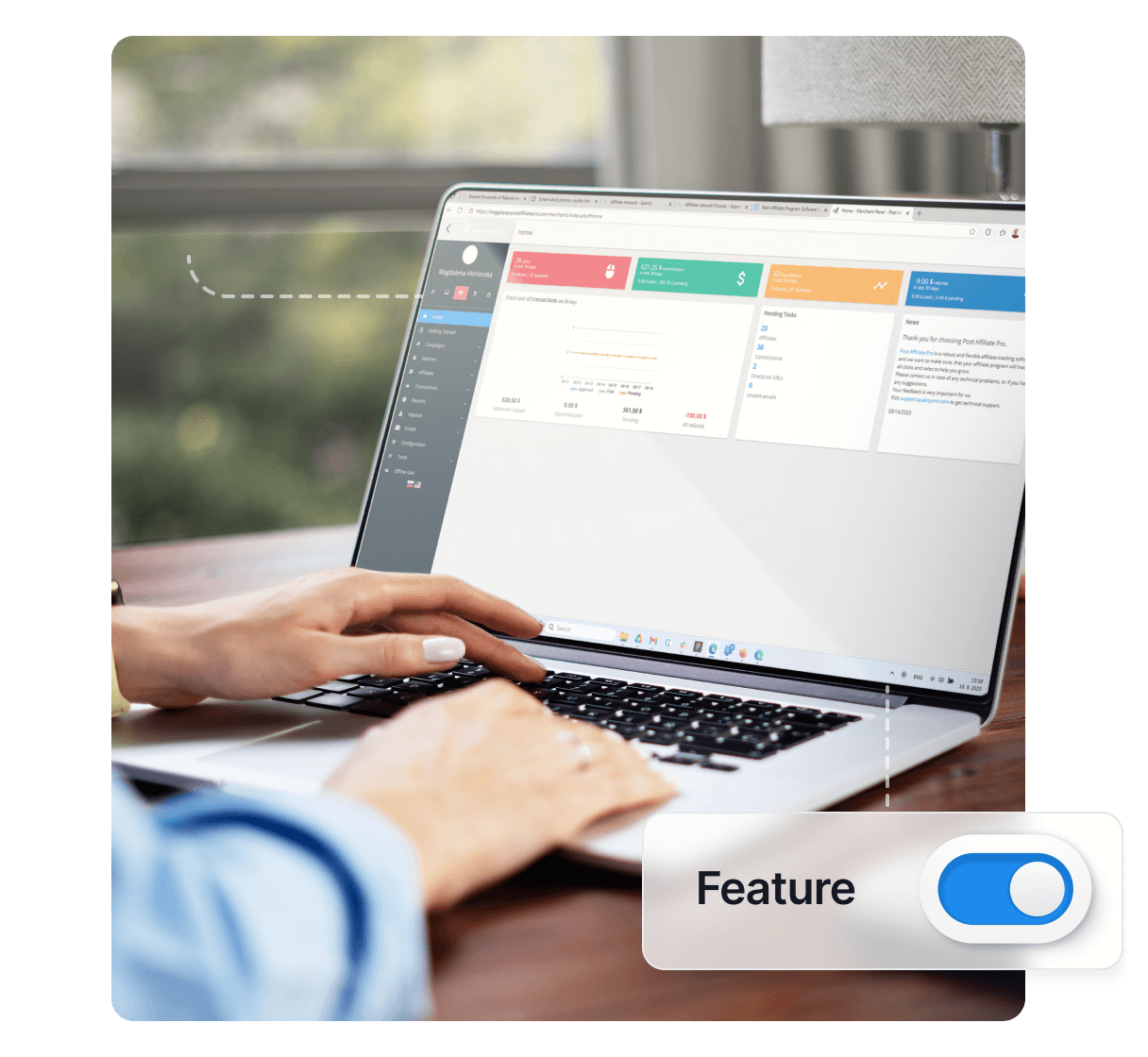
Fraud Protection Feature
Fraud protection system in Post Affiliate Pro monitors all transactions generated in the system. It automatically declines fraudulent transactions.
2 min read
Security
Fraud Protection
+4

Discover the latest fraud protection improvements in Post Affiliate Pro, including campaign-specific secret keys, IP filters, click fraud detection, and advanced security features for affiliate tracking.
Post Affiliate Pro validates sales with campaign-specific secret keys in the Sale Tracking Fraud Protection plugin, so each campaign can use its own key. Together with IP and referrer lists, country blacklists, repeated-click and duplicate-order checks and manual affiliate approval, these rules help keep invalid clicks and sales out of your commissions.
The Sale Tracking Fraud Protection plugin validates sales with a secret key. When the plugin is active, a sale is saved only if the tracking request contains a checksum that matches the one Post Affiliate Pro calculates itself. The checksum is an MD5 hash of the order total, the order ID and the secret key. You can set one general secret key and override it with a campaign-specific secret key in each campaign, so different campaigns can use different keys. If the checksums do not match, the transaction is not saved.
Fraud protection in Post Affiliate Pro is a set of rules that you switch on in Configuration > Tracking Settings > Fraud Protection and in the Sale Tracking Fraud Protection plugin. For most rules you choose whether a matching transaction is declined or simply not saved. For a step-by-step walkthrough of every tab, see how to set up fraud protection in Post Affiliate Pro .
| Setting | What it does | Applies to |
|---|---|---|
| Campaign-specific secret keys | Validates sales with a checksum, using a general key or a key set per campaign | Sales |
| IP address lists | Ban lists and allow lists of IP addresses | Clicks, sales, signups, logins |
| Referrer URL lists | Ban lists and allow lists of referrer URLs, with wildcards | Clicks, sales |
| Country blacklist (GeoIP) | Declines or ignores traffic from blacklisted countries | Clicks, sales, signups, logins |
| Repeated click check | Catches several clicks from the same IP address within a set number of seconds | Clicks |
| Duplicate order checks | Catches another sale from the same IP address, or the same order ID recorded again | Sales and leads |
| Signup protection | Banned IP addresses, repeating signups and banned referral IDs | Affiliate signups |
| Login protection | IP lists and rate limits | Merchant and affiliate logins |

Set up advanced tracking in minutes. No credit card required.
You can keep lists of banned IP addresses, and lists of allowed ones, for clicks, sales, affiliate signups and logins. Referrer URLs work the same way for clicks and sales, and the lists accept wildcards. With the GeoIP feature you can also blacklist countries by country code for clicks, sales, signups and logins. Declined traffic is recorded and marked as declined, while traffic that is not saved is ignored silently.
The click fraud check looks for repeated clicks from the same IP address within a number of seconds that you set, and can count only clicks that also share the same user agent. Sales and leads have two separate checks. One looks for another sale or lead from the same IP address within a set number of seconds, optionally limited to the same user agent, campaign, product, order ID or commission type. The other looks for the same order ID being recorded again within a set number of hours. Click fraud protection can also be switched off for chosen affiliates.
If you are comparing click fraud software or click fraud protection for an affiliate program, look at what is built into the tracking itself. These rules, together with campaign-specific secret keys and IP filters, form the affiliate protection layer of your program.
Be the first to know about new features and product updates.
With the GeoIP feature, Post Affiliate Pro computes a country code from IP addresses and assigns transactions to countries, so you can filter and report by country. You can also set different commission rates for countries and cities, for example 0% for countries with a high fraud rate.
New affiliates can be approved manually or automatically, and manual approval is the default setting. Signup protection adds banned IP addresses, repeating signup checks and banned referral IDs. On the commission side you can approve commissions manually, or let the Auto Approval Commissions plugin approve or decline pending commissions after a number of days that you set per commission type. That delay gives you time to check refunds and suspicious activity before a commission is paid.
Protect your commission tracking with built-in fraud protection rules. Post Affiliate Pro helps keep invalid clicks and sales out of your payouts across all your campaigns.
Fraud protection system in Post Affiliate Pro monitors all transactions generated in the system. It automatically declines fraudulent transactions.
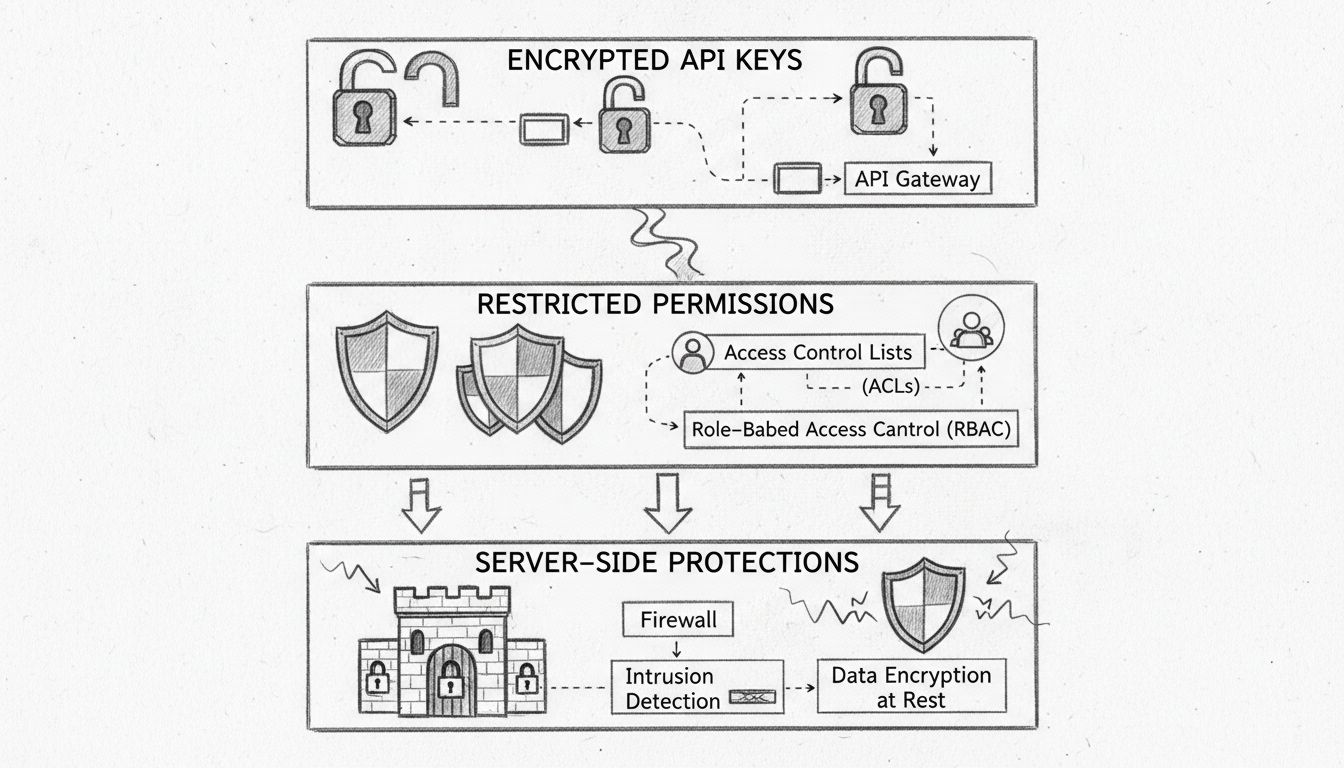
Learn how PostAffiliatePro protects your affiliate and customer data with encrypted API keys, restricted permissions, and server-side protections. Comprehensive...
Join our community of happy clients and provide excellent customer support with Post Affiliate Pro.



Cookie Consent
We use cookies to enhance your browsing experience and analyze our traffic. See our privacy policy.