


Fired Pixel
A fired pixel is tracking code that activates on a conversion page to record affiliate sales and commissions.
13 min read
AffiliateMarketing
Tracking
+3
A conversion pixel is a browser-loaded tracking resource or script that reports an action such as a purchase, signup, or lead. In affiliate marketing it sends conversion details so a tracker can match the action to a referral and apply commission rules. A pixel firing is not the same as a validated sale.
A conversion pixel is a browser-loaded tracking resource or script that reports an action such as a purchase, signup, or lead. In affiliate marketing it sends conversion details so a tracker can match the action to a referral and apply commission rules. A pixel firing is not the same as a validated sale.
A purchase pixel can send the transaction identifier, eligible order value, currency, and the referral context required by the tracker. A lead pixel can report a different action and its relevant details. The implementation must distinguish a confirmed event from a page visit or failed checkout.
Tracking pixel is a broader term: a pixel can measure impressions or page views rather than conversions. A conversion tag can use JavaScript rather than a literal one-pixel image. The purpose and event data matter more than the visual size.

Set up advanced tracking in minutes. No credit card required.
| Method | Runs from | Typical integration concern |
|---|---|---|
| Conversion pixel | A browser context | The correct event must load and the request must succeed |
| Server postback | A server or billing integration | Referral data and source events must be connected correctly |
A hypothetical checkout reports order order-1042 from its confirmation page. The customer reloads that page, causing another tracking request. If both requests identify the same sale, the system should retain one eligible conversion rather than create a second commission.
If the customer’s next purchase is order order-1043, it is a separate event that needs its own validation. Suppressing every purchase by the same customer would undercount legitimate activity.
Be the first to know about new features and product updates.
A blocked request, script failure, incomplete navigation, or missing referral context can prevent a correct record. A renewal processed without a browser visit needs another event source. Use source-system reconciliation to find missing records and investigate the actual cause before changing the attribution policy.
Place purchase tracking at the confirmed event, not on every checkout page visit. Send a stable transaction identifier, an appropriate value and currency, and the referral details required by the integration. A thank-you page refresh should not create another payable conversion.
Check the browser’s network requests during a test journey and confirm that the tracker records the expected event. Then test consent choices, blocked requests, failed checkout, redirects, and a repeat page load. A request reaching the tracker still needs eligibility and attribution checks.
If you also send server-side conversions, make both routes use compatible deduplication identifiers. Compare records with the commerce system rather than assuming one tracking route is complete. Browser delivery and server delivery have different failure modes, so test the whole referral-to-payment chain.
For the corresponding Post Affiliate Pro settings, consult the pixel tracking documentation . Confirm the configuration and integration requirements against your program’s rules.
Explore Post Affiliate Pro’s tracking, commission settings, and partner management tools.
A fired pixel is tracking code that activates on a conversion page to record affiliate sales and commissions.
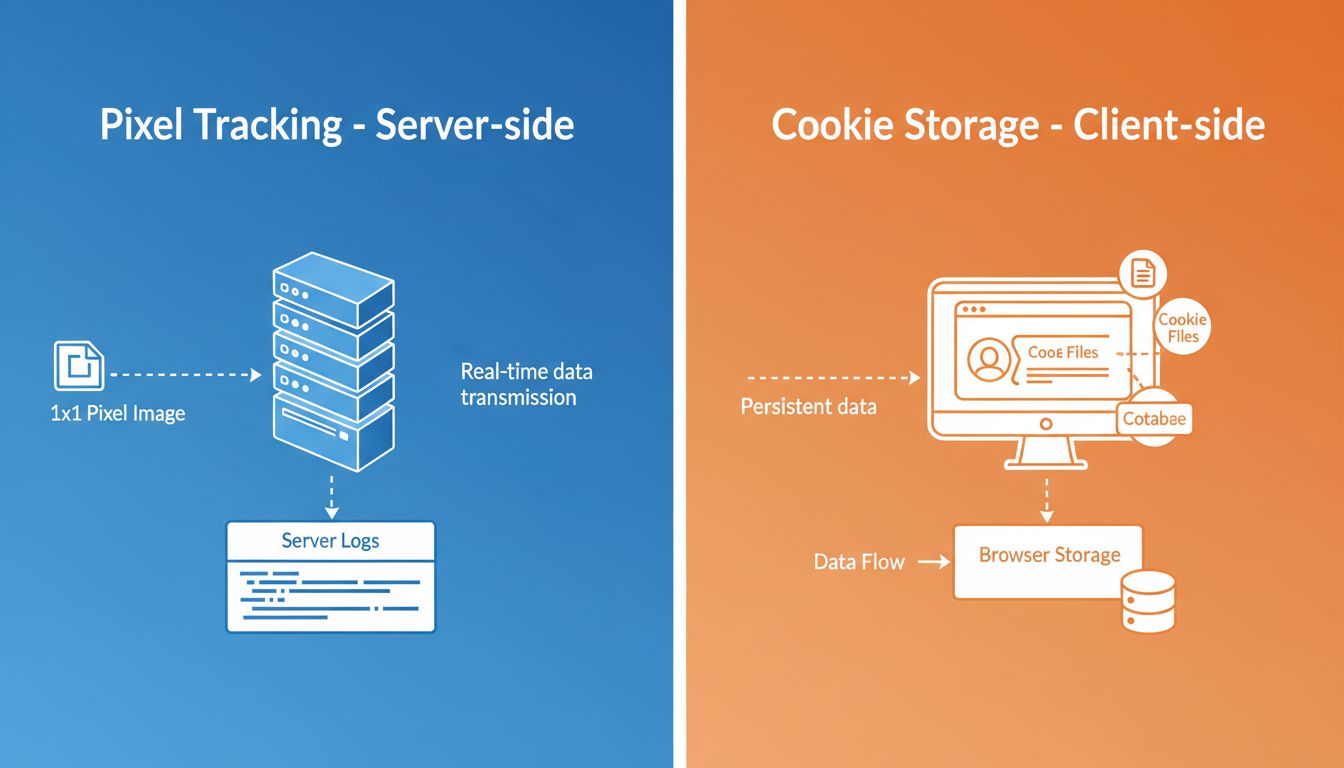
Understand the differences between pixel tracking and cookies. Learn how each technology works, their advantages, privacy implications, and which tracking metho...
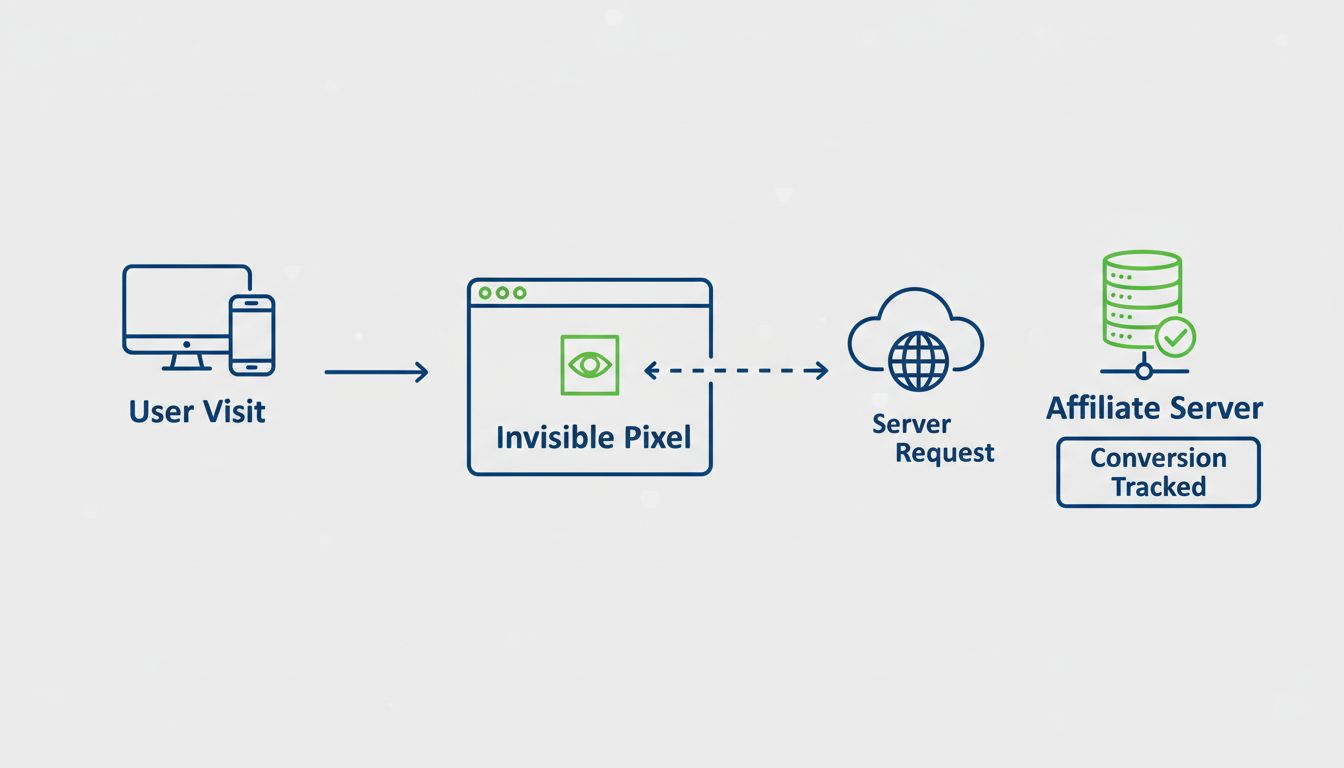
Learn when to use pixel tracking in Post Affiliate Pro for accurate affiliate conversion tracking. Discover pixel tracking benefits, implementation methods, and...
Join our community of happy clients and provide excellent customer support with Post Affiliate Pro.




Cookie Consent
We use cookies to enhance your browsing experience and analyze our traffic. See our privacy policy.