



User Interface
Customize the look of Post Affiliate Pro to your needs. Find out about the ways you can bring out your own flare.
4 min read
AffiliateMarketing
UserInterface
+3

Post Affiliate Pro’s Branding Free feature allows you to completely white-label your affiliate software, customizing the product name, copyright text, logo, favicon, and all visible references to present it as your own branded solution.
Available in:
Post Affiliate Pro , Post Affiliate Pro Ultimate , Post Affiliate Network
The Branding Free feature in Post Affiliate Pro allows you to completely white-label your affiliate software. This means you can remove or customize all references to “Post Affiliate Pro” throughout the merchant panel, affiliate panel, and signup pages, presenting the software as your own branded affiliate solution.
White-labeling is essential for:

Set up advanced tracking in minutes. No credit card required.
The Branding Free feature can be activated in your merchant panel:
Once enabled, you gain access to comprehensive branding customization options.
Replace “Post Affiliate Pro” with your own product name throughout the interface:
| Setting | Description |
|---|---|
| Product Name | The name displayed throughout the application (e.g., “Your Brand Affiliates”) |
| Short Name | Abbreviated name used in space-constrained areas (e.g., “YBA”) |
The product name appears in:
Customize the copyright text that appears in the footer of all panels:
Default text:
Best Affiliate Software by Post Affiliate Pro
Custom example:
Powered by Your Brand | © 2024 Your Company
The copyright text supports:
Upload a custom favicon to replace the default Post Affiliate Pro icon:
To set a custom favicon:
While separate from the Branding Free feature, logo customization works together with white-labeling:
Be the first to know about new features and product updates.
Replace all Post Affiliate Pro help and documentation links with your own:
| Link Type | Description |
|---|---|
| Knowledge Base Link | Main documentation/help center URL |
| Product Help Link | In-app help documentation URL |
| Changelog Link | Product updates and release notes URL |
| Addons Link | Extensions and integrations page URL |
These links appear in:
| Setting | Default Value | Your Custom Value |
|---|---|---|
| Knowledge Base | support.qualityunit.com | help.yourbrand.com |
| Help Link | Post Affiliate Pro docs | docs.yourbrand.com/affiliates |
| Changelog | PAP development blog | yourbrand.com/updates |
Customize company-related links displayed throughout the application:
| Link | Purpose |
|---|---|
| Company Link | Your company’s main website |
| Privacy Policy Link | Your privacy policy page |
| Contact Us Link | Your contact/support page |
| Support Email | Email address for support inquiries |
These ensure affiliates and merchants are directed to your own resources rather than Post Affiliate Pro’s.
Control whether tutorial videos are displayed in the interface:
For fully white-labeled installations, you’ll typically want to disable built-in tutorial videos and provide your own training materials.
The Branding Free feature includes an option to control search engine indexing:
Add NoIndex Header on Original Domain
When enabled, this adds a noindex header to prevent search engines from indexing your Post Affiliate Pro installation on the original subdomain. This is useful when:
For complete white-labeling, combine the Branding Free feature with a custom domain:
affiliates.yourbrand.comBranding Free works together with Themes for complete visual customization:
| Customization Area | Feature |
|---|---|
| Visual appearance (colors, layout) | Themes |
| Product name and copyright | Branding Free |
| Logo and favicon | Logo Upload + Branding Free |
| Help links and documentation | Branding Free |
For a fully branded solution:
When the Branding Free feature is deactivated:
This allows you to easily toggle between branded and white-labeled modes.
Before enabling Branding Free:
After applying branding:
Remember to review and update email templates to match your branding:
If you disable tutorial videos:
Ensure brand consistency across:
White-label Post Affiliate Pro to match your brand identity. Remove all references to Post Affiliate Pro and present a fully customized affiliate solution to your affiliates.
Customize the look of Post Affiliate Pro to your needs. Find out about the ways you can bring out your own flare.
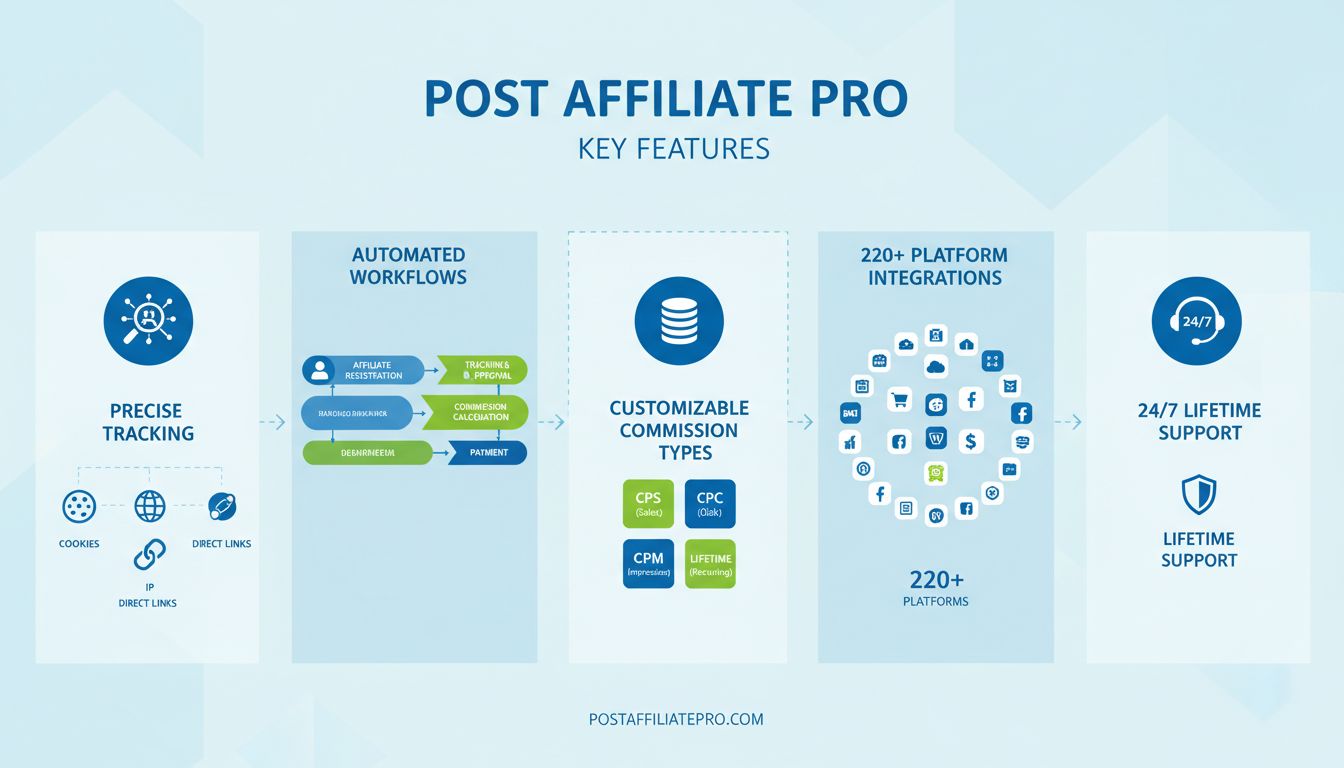
Discover Post Affiliate Pro's essential features including precise tracking, automated workflows, customizable commissions, 220+ integrations, and lifetime supp...
Learn how to use Private Campaigns and manual approval to control which affiliates can join specific campaigns in Post Affiliate Pro.
Join our community of happy clients and provide excellent customer support with Post Affiliate Pro.




Cookie Consent
We use cookies to enhance your browsing experience and analyze our traffic. See our privacy policy.