


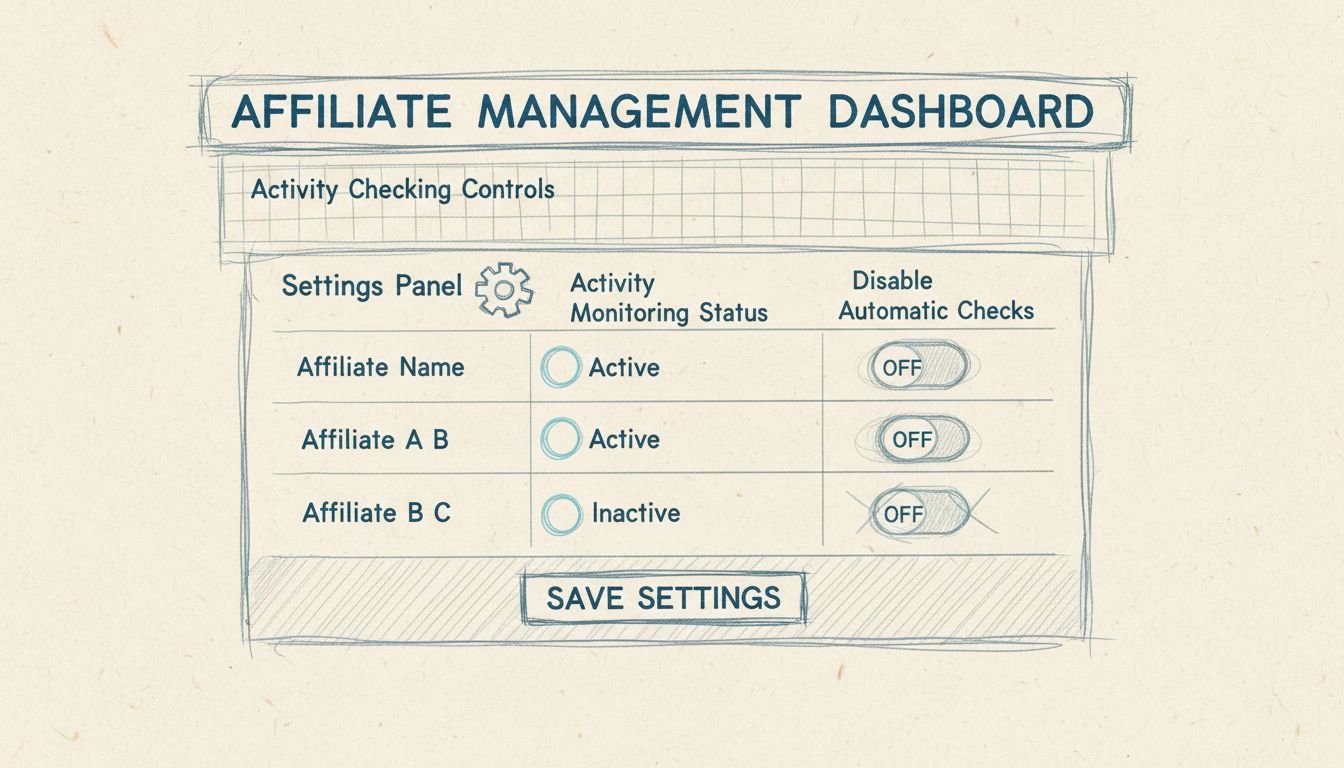
How to Restrict Campaigns to Specific Affiliates in Post Affiliate Pro
Learn how to use Private Campaigns and manual approval to control which affiliates can join specific campaigns in Post Affiliate Pro.
3 min read
campaigns
affiliates
+1


Customize your Post Affiliate Pro interface with display and UI plugins. Hide campaigns, display affiliate info widgets, customize trends reports, and add channel lists to templates.
Available in: Post Affiliate Pro , Post Affiliate Pro Ultimate , Post Affiliate Network
Post Affiliate Pro offers a suite of display and UI customization plugins that allow you to tailor the user experience for both merchants and affiliates. These plugins provide granular control over what information is displayed, how reports are configured, and what variables are available in templates. This documentation covers the key display and UI customization plugins available in Post Affiliate Pro.
The Hide Campaigns plugin gives merchants the ability to hide specific campaigns from the affiliate panel while keeping them fully operational for tracking purposes. This is particularly useful for internal campaigns, special promotions, or campaigns that should only be accessible to specific affiliates.
When you enable the Hide Campaigns plugin, you gain access to the following configuration settings:
Assign commissions to default affiliate: When enabled, all commissions generated through hidden campaigns are automatically assigned to your designated default affiliate, rather than the affiliate identified through tracking cookies. This is useful for house campaigns or internal promotions.
Skip lifetime creation: When enabled, commissions from hidden campaigns will not create lifetime customer associations. This prevents hidden campaigns from affecting your lifetime commission structure.
The campaign will immediately be hidden from all affiliate campaign lists but will continue to track and record commissions normally.

Set up advanced tracking in minutes. No credit card required.
The Affiliate Info plugin enables you to display affiliate details on any external webpage. This is valuable for creating personalized landing pages, showing referrer information to visitors, or integrating affiliate data into third-party applications.
The plugin can expose the following affiliate data fields:
To display affiliate information on your page, use the following HTML and JavaScript structure:
<span id="papname"></span>
<script src="https://your-domain.com/plugins/AffiliateInfo/affiliateinfo.php?param=name" type="text/javascript"></script>
Replace name with any of the available parameters: name, email, photo, field1 through field12, or all to load all enabled values at once.
The plugin includes important security controls:
In the plugin settings, you can enable or disable each data field:
Each field can also be configured to show parent affiliate data by selecting the corresponding parent_ option.
The Affiliate Campaigns plugin extends email template capabilities by providing access to campaign data for personalized communications. This plugin adds the {$affiliatecampaigns} variable to all email templates.
The {$affiliatecampaigns} variable contains an associative array of all campaigns available to the affiliate receiving the email. This allows you to:
When creating email templates, you can iterate through the campaigns array to display campaign information:
{foreach from=$affiliatecampaigns item=campaign}
    Campaign: {$campaign.name}
    Status: {$campaign.status}
{/foreach}
This is particularly useful for:
Be the first to know about new features and product updates.
The Custom Options in Trends Report plugin enhances the Trends Report by replacing the default data types with more detailed, tier-specific metrics. This provides merchants with deeper insights into their affiliate program performance.
After enabling this plugin, the Trends Report will display the following metrics:
Click Metrics:
Tier 1 Metrics:
Tier 2 Metrics:
Aggregate Metrics:
This plugin is essential for affiliate programs that:
This plugin requires the Action Commission plugin to be active, as it depends on action-based commission types for generating the tier-specific metrics.
The Channels List in Templates plugin adds channel information to affiliate panel templates, enabling dynamic content based on an affiliate’s tracking channels.
The plugin provides the {$channels} variable to all affiliate panel templates. This variable contains an associative array where:
To ensure optimal performance, the plugin limits the number of channels loaded to 100 per affiliate. This prevents performance issues for affiliates with a large number of tracking channels.
This variable is valuable for:
{if $channels}
    <h3>Your Active Channels</h3>
    <ul>
    {foreach from=$channels key=code item=name}
        <li>{$name} (Code: {$code})</li>
    {/foreach}
    </ul>
{/if}
When using display and UI customization plugins, consider the following best practices:
| Plugin | Minimum Version Required |
|---|---|
| Hide Campaigns | PapCore 4.0.0.0 |
| Affiliate Info | PapCore 5.4.1.1 |
| Affiliate Campaigns | PapCore 4.2.5.0 |
| Custom Options in Trends Report | PapCore 4.4.11.0, ActionCommission 1.0.0 |
| Channels List in Templates | PapCore 4.2.11.6 |
To enable any of these display and UI customization plugins:
All plugins can be enabled or disabled at any time without affecting your existing data or configurations.
Take control of your affiliate program's user interface with Post Affiliate Pro's display and customization plugins. Create a tailored experience for your affiliates and merchants.
Learn how to use Private Campaigns and manual approval to control which affiliates can join specific campaigns in Post Affiliate Pro.
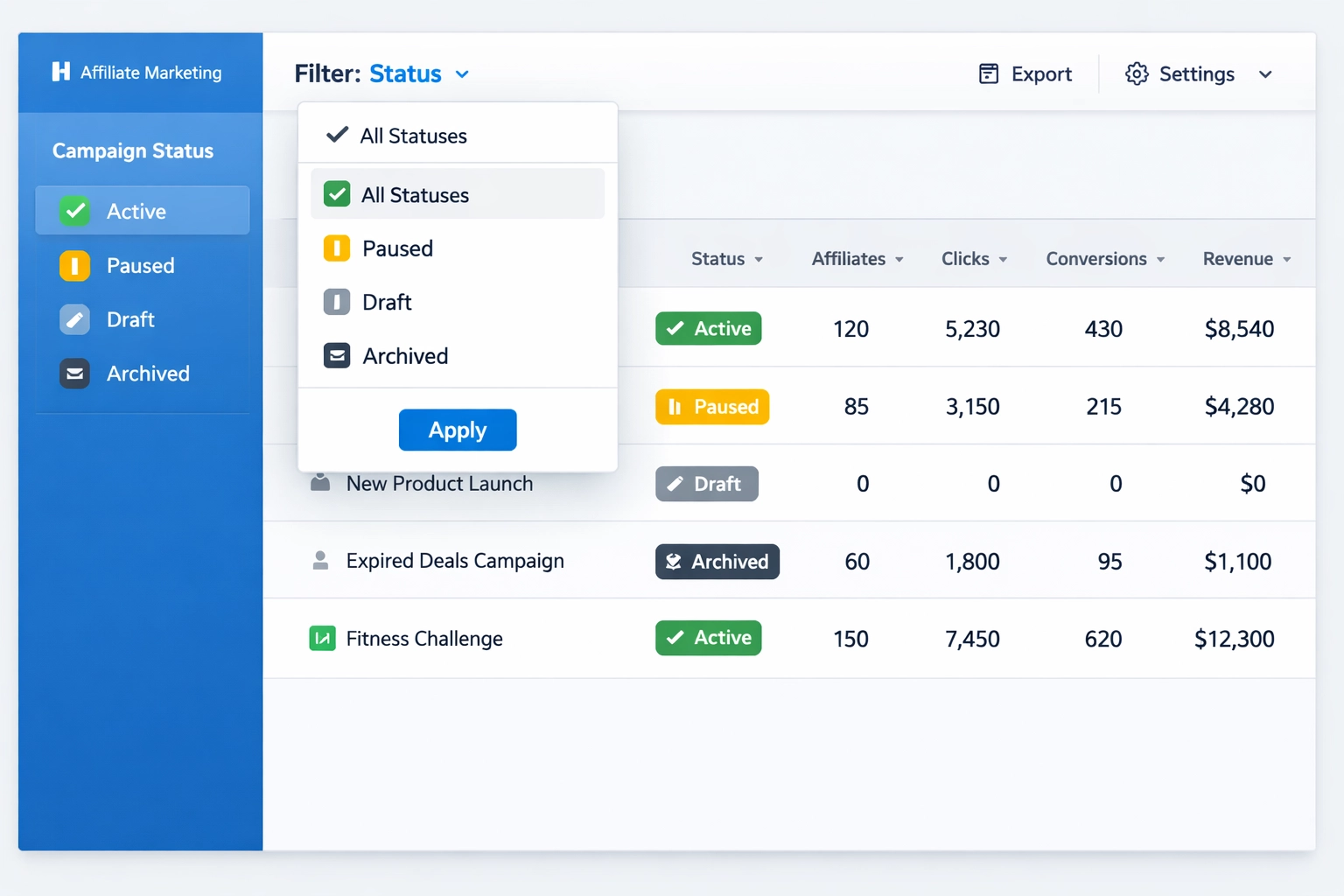
how the private campaign status filter helps you efficiently manage and monitor your affiliate campaigns. best practices for organizing affiliates by status.
Post Affiliate Pro provides advanced campaign management features including Campaign Scheduler for automatic status changes based on time or performance, and Ca...
Join our community of happy clients and provide excellent customer support with Post Affiliate Pro.




Cookie Consent
We use cookies to enhance your browsing experience and analyze our traffic. See our privacy policy.