


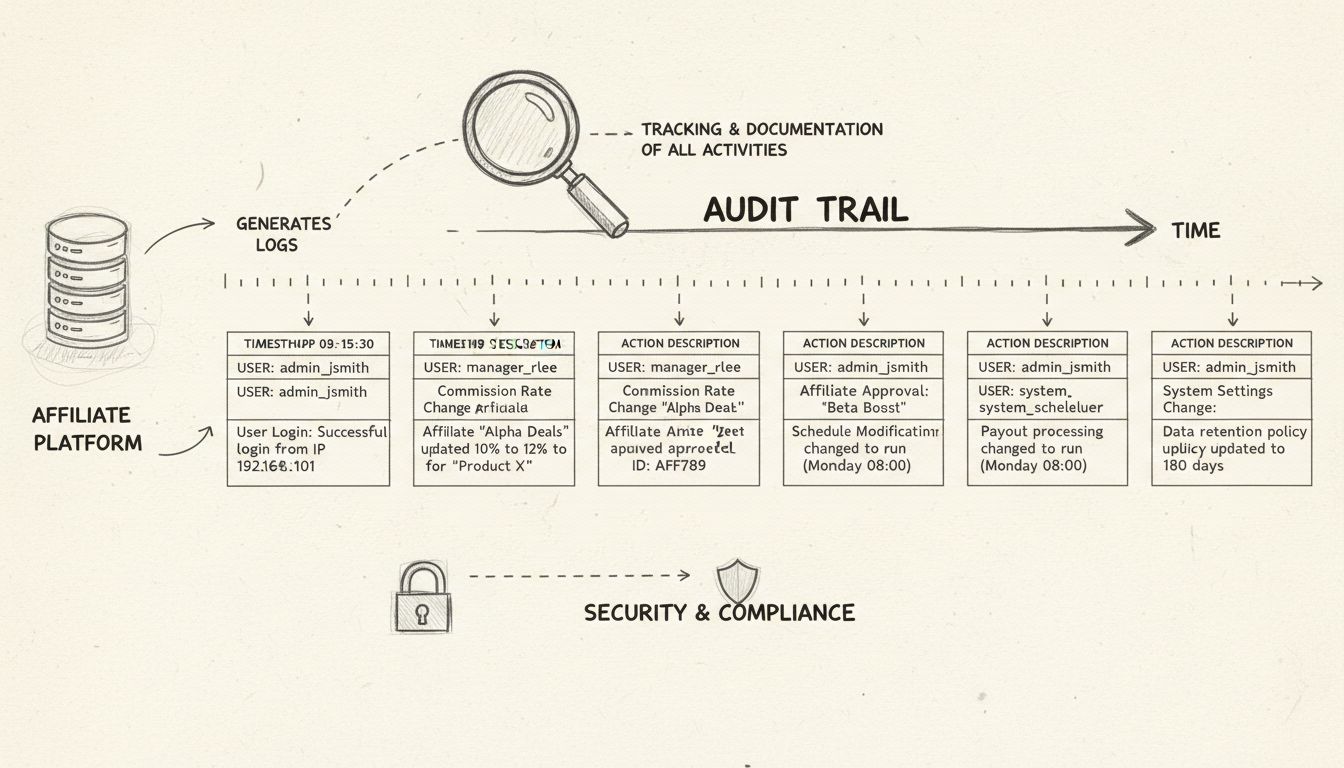
Audit Log Feature in Affiliate Software
Learn how PostAffiliatePro's Audit Log feature tracks all affiliate program activities, ensures compliance, and provides complete transparency for accountabilit...
10 min read


Track affiliate login activity, monitor session history, enforce username formats, and manage affiliate authentication with Post Affiliate Pro’s comprehensive login tracking system.
Available in:
Post Affiliate Pro provides comprehensive login and activity tracking capabilities that enable merchants to monitor affiliate authentication, maintain security, and manage user sessions effectively. This feature set ensures complete visibility into how affiliates access their accounts while providing robust protection against unauthorized access.
The login tracking system captures detailed information about every authentication event, stores historical login data, and provides merchants with powerful tools to monitor and manage affiliate access patterns.

Set up advanced tracking in minutes. No credit card required.
Every time an affiliate logs into the system, Post Affiliate Pro records the following information:
This comprehensive data collection enables merchants to:
The system automatically maintains a running count of total logins for each affiliate and updates the last login timestamp with every successful authentication. This information helps merchants:
Merchants can access a dedicated grid view showing login history for all affiliates. The grid displays:
| Column | Description |
|---|---|
| Logged In | Date and time of authentication |
| Last Request | Most recent activity timestamp |
| Logged Out | Session end time |
| Type | Authentication method used |
| IP | IP address of the login |
The grid supports:
Merchants can view currently active sessions through the Online Users Report, allowing real-time monitoring of affiliate activity. This helps identify:
Be the first to know about new features and product updates.
The Username Constraint plugin enables merchants to enforce specific formats for affiliate usernames during registration. This is particularly useful for:
Username Format Pattern Define a regular expression that usernames must match. Examples:
/^[a-zA-Z][a-zA-Z0-9]{5,15}$/ - Alphanumeric, starting with a letter, 6-16 characters/^[a-z]+_[0-9]+$/ - Lowercase letters followed by underscore and numbers/^AFF[0-9]{4,}$/ - Must start with “AFF” followed by at least 4 digitsCustom Error Message Define a user-friendly message that displays when an affiliate enters an invalid username format. This helps guide affiliates to choose compliant usernames without exposing the technical regex pattern.
When an affiliate attempts to sign up with a username that does not match the configured pattern, they receive the custom error message. This validation occurs before the account is created, ensuring data consistency from the start.
The Sequence Affiliate User ID plugin automatically generates sequential, predictable user IDs for new affiliates instead of random identifiers. This provides:
Current User ID Sequence Set the starting number for the sequence. The ID can be up to 8 characters and may include:
8000, 00001)AFF001)001US)The system automatically increments the numeric portion while preserving any prefix or suffix.
Decrease Sequence on Delete When enabled, if the most recently created affiliate is deleted, the sequence decreases to reuse that ID for the next signup. This prevents gaps in the sequence when test accounts are removed.
| Current Sequence | Next ID Generated |
|---|---|
| 8000 | 8001 |
| AFF001 | AFF002 |
| 00099 | 00100 |
| USR0050CA | USR0051CA |
The Default Signup Values plugin allows merchants to pre-populate custom fields during affiliate registration. This streamlines the signup process and ensures consistent data collection.
The plugin dynamically displays all available custom data fields (data1, data2, etc.) in its configuration panel. Merchants can set default values that apply to new signups when the field would otherwise be empty. Affiliates can still override these values if the field is editable during signup.
Post Affiliate Pro manages affiliate sessions with security best practices:
Affiliates can opt to be remembered across browser sessions. When enabled:
For integrations and automated logins, Post Affiliate Pro supports temporary login keys:
Post Affiliate Pro implements sophisticated rate limiting to prevent brute force attacks:
Per Username Limiting Tracks failed attempts by username and temporarily blocks authentication after exceeding the configured threshold per hour.
Per IP Address Limiting Monitors failed attempts by IP address and blocks all login attempts from that IP after exceeding limits.
When limits are exceeded, the system:
As users approach the limit, login error messages progressively warn about impending blocks:
Every login event records the source IP address with support for:
Post Affiliate Pro can alert users when a login occurs from an unfamiliar IP address:
For Merchants When enabled, merchants receive email notifications including:
For Affiliates Affiliates can receive similar notifications to detect potential account compromise early. The notification includes all relevant details to help them identify if the login was legitimate.
Merchants can configure IP-based access restrictions:
The system automatically updates each user’s last login timestamp upon successful authentication. This information is:
Each successful login increments the user’s total login count. This metric helps identify:
Enable 2-Step Verification - Require or encourage affiliates to use 2-step verification with Google Authenticator
Configure Rate Limiting - Set appropriate thresholds for failed login attempts to balance security with user experience
Monitor Login Patterns - Regularly review the affiliate logins grid for unusual activity such as:
Use IP Restrictions - For high-security environments, configure allowed IP ranges for sensitive accounts
Enable New IP Notifications - Turn on email alerts for logins from new IP addresses
Implement Username Constraints - Use the Username Constraint plugin to enforce consistent, identifiable username formats
Regular Access Reviews - Periodically review active sessions and login history to identify dormant or potentially compromised accounts
Use Strong Passwords - Create unique, complex passwords for affiliate accounts
Enable 2-Step Verification - Add an extra layer of security with the Google Authenticator app
Monitor Login Notifications - Pay attention to new IP login alerts and report any unrecognized access immediately
Log Out Properly - Always use the logout function rather than simply closing the browser
Secure Your Email - Since password recovery uses email, ensure your registered email account is secure
Report Suspicious Activity - Contact the merchant immediately if you notice unusual account behavior
Login and activity tracking integrates with Post Affiliate Pro’s audit log feature to provide complete accountability. All authentication events, configuration changes, and administrative actions are recorded for compliance and security review.
When affiliates or integrations authenticate via the API, the system:
This ensures comprehensive visibility regardless of how affiliates interact with your program.
Gain complete visibility into affiliate login activity with Post Affiliate Pro's comprehensive tracking and security features.
Learn how PostAffiliatePro's Audit Log feature tracks all affiliate program activities, ensures compliance, and provides complete transparency for accountabilit...
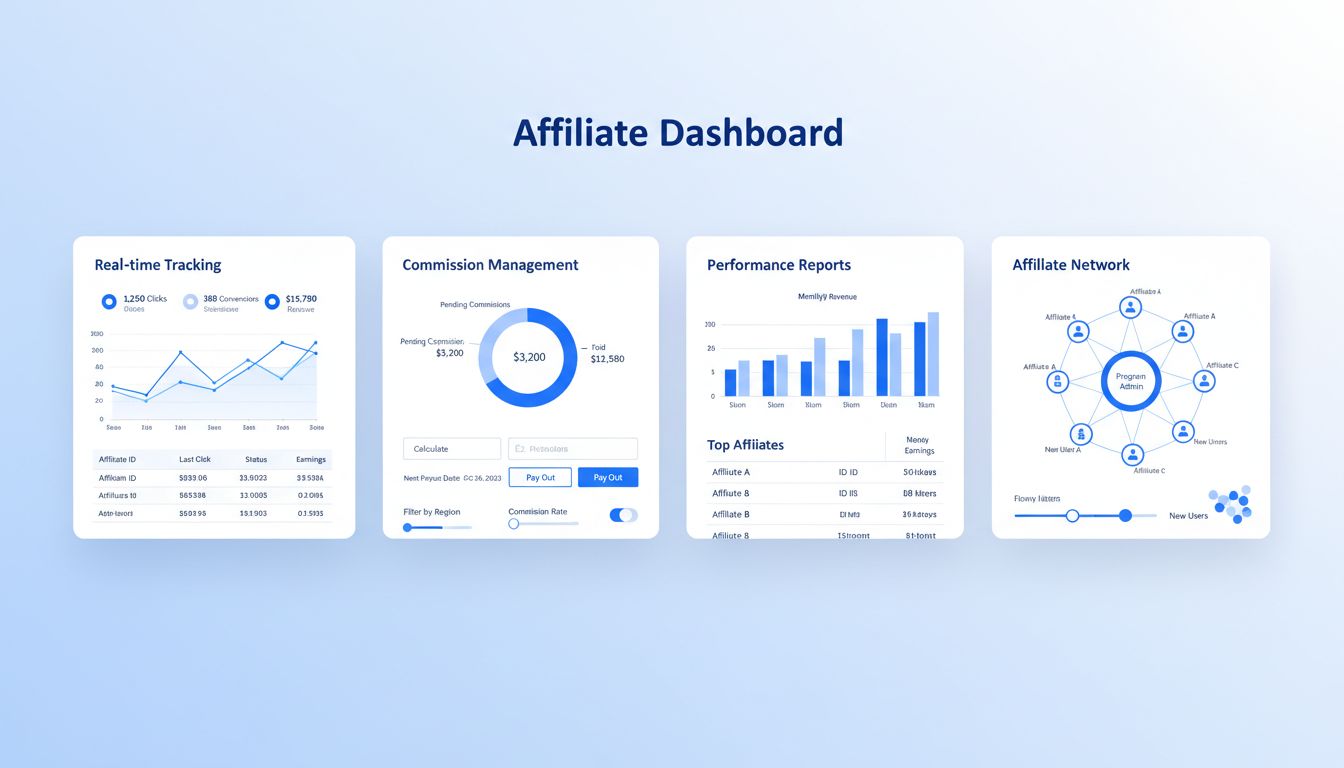
Discover how Post Affiliate Pro streamlines affiliate program management with advanced tracking, commission automation, fraud prevention, and comprehensive repo...
Track and analyze keyword performance in your affiliate program. Optimize PPC campaigns, monitor search terms, and measure ROI with Post Affiliate Pro's Keyword...
Join our community of happy clients and provide excellent customer support with Post Affiliate Pro.




Cookie Consent
We use cookies to enhance your browsing experience and analyze our traffic. See our privacy policy.