



Advanced Reports
Discover Post Affiliate Pro's advanced reporting suite including hourly reports, monthly reports, traffic statistics, channel analytics, sub-affiliate tracking,...
7 min read
AffiliateMarketing
Reporting
+3
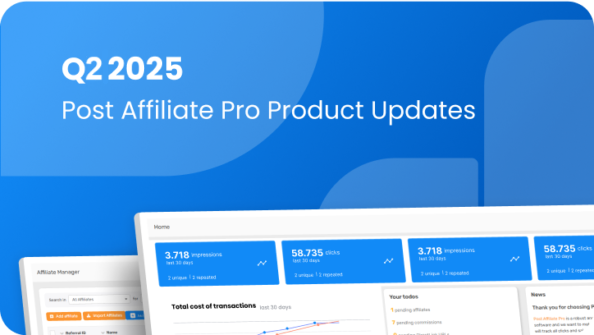
Discover Post Affiliate Pro Q2 2025 updates: hourly reports, WebP support, PayFast integration, and improved security settings.
Welcome to our Q2 2025 update on new features and enhancements in Post Affiliate Pro. We’re excited to share our latest improvements for this quarter, including:
Now, let’s delve into the details of how to utilize these new additions:
The brand-new Hourly report feature allows you to view the number of clicks and commissions received by the hour for a selected date. This provides detailed insights into the performance of your affiliate program and supports more informed decision-making.
Head over to the Reports section in your Post Affiliate Pro merchant panel, where you’ll now see a new option labeled “Hourly report”.

We heard your requests for more versatile image uploading and have added support for the .webp file format. This update enables high-quality image display while keeping file sizes low, enhancing the quality of your image banners and the overall Post Affiliate Pro experience.

Set up advanced tracking in minutes. No credit card required.
We’ve introduced an option to define your own Content-Security-Policy (CSP) header, increasing the security of information shared through our platform. With this feature, you can specify which external domains your Post Affiliate Pro panel can load resources from, strengthening the security of your affiliate program .
Go to Configuration ⚙️ > General security settings > Content-Security-Policy header. Here, use the checkbox to “Enable CSP headers” and the text area “CSP header trusted domains” to define your policy.

To improve page load speed and reduce bandwidth, we’ve implemented both the ETag and Last-Modified headers for images loaded from the database. This new addition will surely optimize banner and user image loading time.
These headers are now automatically applied to all images loaded from the database.
Be the first to know about new features and product updates.
We’re excited to introduce our new PayFast integration plugin. This plugin can seamlessly integrate with PayFast ITN notifications, enabling you to track payments made via the PayFast payment platform within the Post Affiliate Pro software.
To activate and configure this integration plugin:

We hope these new updates enhance your experience with Post Affiliate Pro even further. We truly appreciate your ongoing support, assistance in identifying bugs, and helpful feedback.
Don’t forget to keep an eye out for even more updates coming in the next quarter!
Yes. The Hourly Report feature is included in all active accounts. You can find it under Reports in your merchant panel.
The CSP header feature lets you define which external domains are allowed to load resources in your Post Affiliate Pro panel. This strengthens protection against cross-site scripting (XSS) and other security vulnerabilities.
ETag and Last-Modified headers enhance caching efficiency by helping browsers identify whether content has changed. This reduces redundant data loading and significantly speeds up page rendering in affiliate panels.
Most improvements are applied automatically, such as .WebP support and header caching. However, enabling CSP headers or PayFast integration requires manual setup through the Configuration menu.
Tamara is a copywriter at Post Affiliate Pro. She's passionate about helping businesses and marketers understand how affiliate programs can drive growth, one blog post at a time.

Experience hourly reporting, .webp image support, enhanced security, and seamless integrations. Streamline your affiliate management today.
Discover Post Affiliate Pro's advanced reporting suite including hourly reports, monthly reports, traffic statistics, channel analytics, sub-affiliate tracking,...
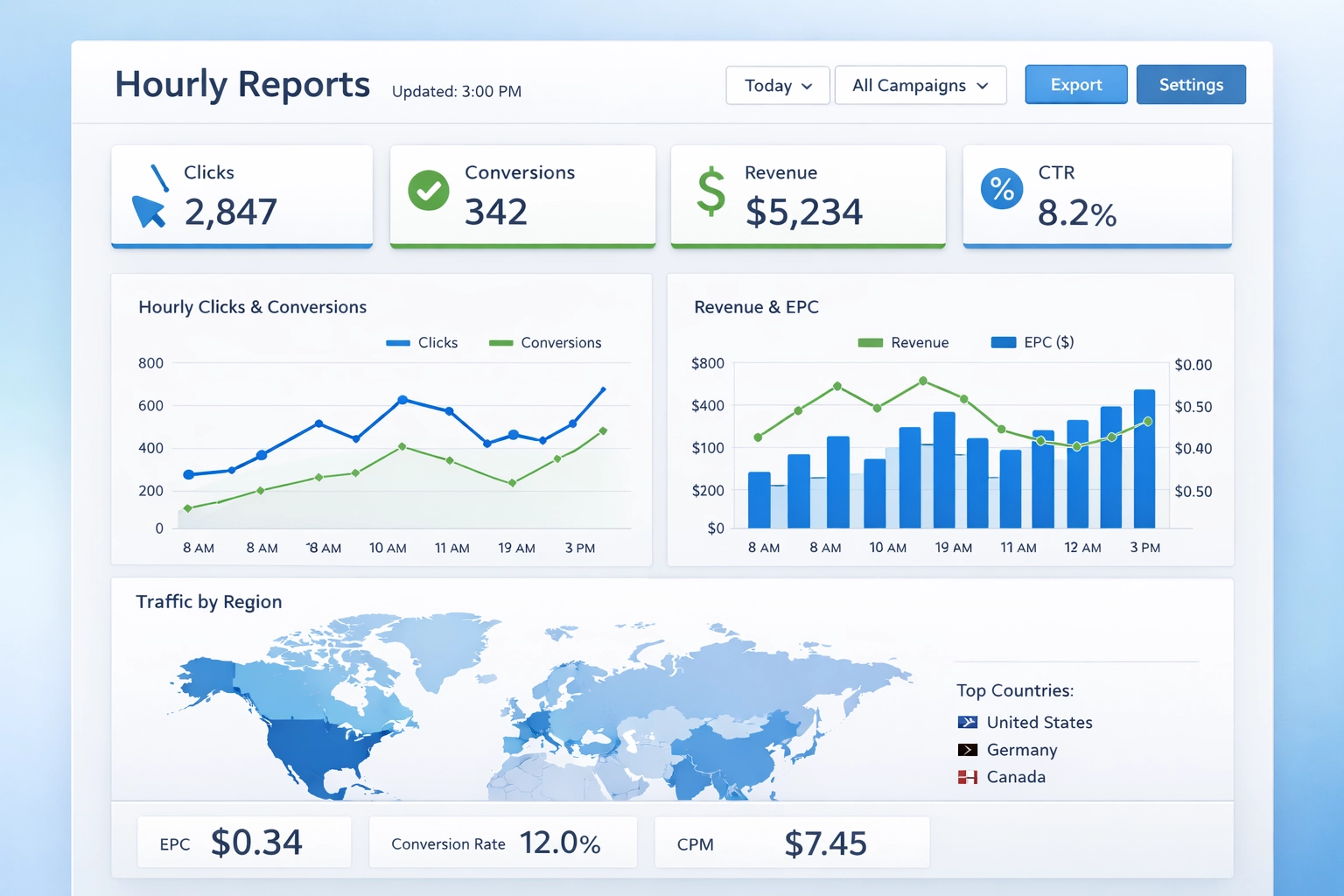
Hourly reports in Post Affiliate Pro track affiliate performance in real-time, optimize campaigns instantly, and make data-driven decisions to maximize ROI.
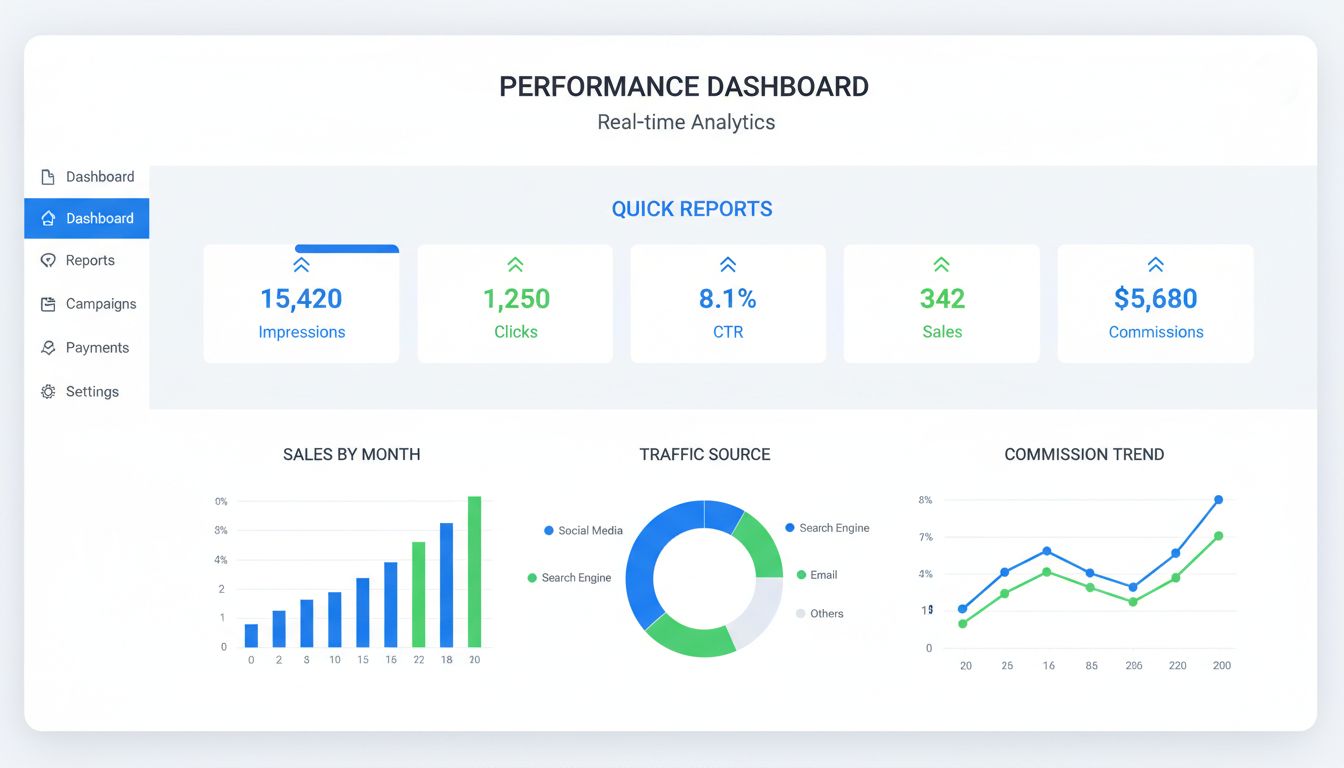
Discover the key benefits of quick reports in Post Affiliate Pro. Learn how real-time analytics, performance tracking, and data-driven insights help optimize yo...
Join our community of happy clients and provide excellent customer support with Post Affiliate Pro.




Cookie Consent
We use cookies to enhance your browsing experience and analyze our traffic. See our privacy policy.