


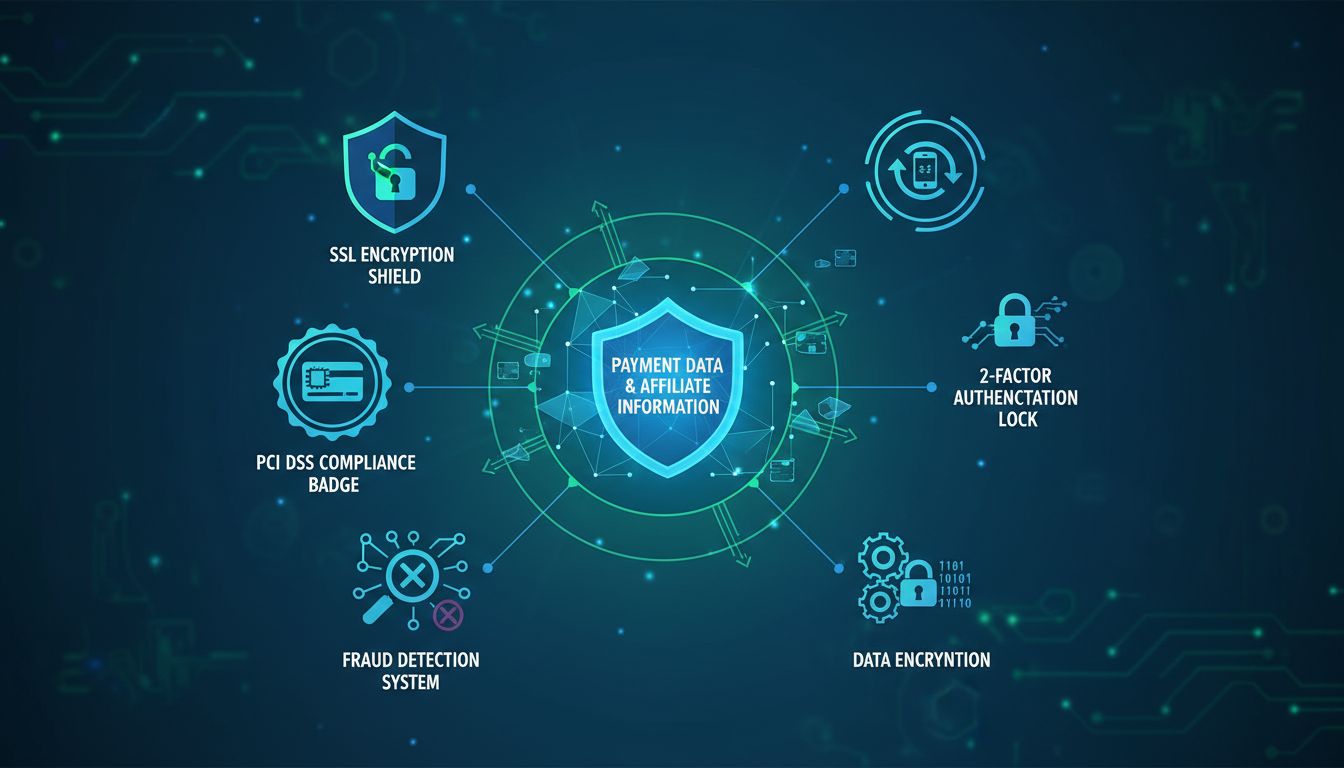
How Secure Are Affiliate Plugins in Handling Data and Payments?
Learn about affiliate plugin security, PCI compliance, encryption, fraud protection, and best practices for protecting sensitive payment data and affiliate info...
11 min read


Learn how to protect your affiliate program with secure plugins. Discover PCI-DSS compliance, encryption, and fraud detection best practices.
The affiliate marketing industry has grown into a $17 billion powerhouse, with 82% of brands now running affiliate programs to drive revenue and expand their reach. However, this explosive growth has created a significant security challenge: protecting sensitive affiliate data and payment information from increasingly sophisticated cyber threats. When you’re handling commission calculations, payment details, personal information, and financial transactions for hundreds or thousands of affiliates, the security of your plugin becomes absolutely critical. A single vulnerability can expose your affiliates’ data, compromise payment processing, damage your reputation, and result in costly legal consequences. The question isn’t whether you need to prioritize plugin security—it’s how to implement it effectively.

The security of your affiliate plugin depends almost entirely on the developer behind it. Reputable developers conduct regular security audits, release updates promptly, and maintain active support channels for addressing vulnerabilities. When evaluating a plugin developer, research their history in the WordPress community, check how frequently they update their plugins, and read user reviews specifically mentioning security. Look for developers who publish security policies, conduct third-party audits, and respond quickly to vulnerability reports. Well-regarded affiliate plugins like AffiliateWP, ThirstyAffiliates, and PostAffiliatePro have earned their reputation through consistent security practices and transparent communication with users.
| Security Evaluation Criteria | Importance Level | What to Look For |
|---|---|---|
| Regular Security Updates | Critical | Updates released within days of vulnerability disclosure |
| Developer Support Response | High | Active forums, quick ticket responses, documented support SLAs |
| Third-Party Security Audits | Critical | Published audit reports, compliance certifications |
| User Reviews & Ratings | High | 4.5+ stars, positive security mentions, low complaint volume |
| Active Installation Base | Medium | 10,000+ active installations indicates community trust |
| Security Policy Documentation | High | Clear privacy policy, data handling procedures, incident response plan |
| Compliance Certifications | Critical | PCI-DSS, GDPR, SOC 2, or equivalent standards |
| Update Frequency | High | At least monthly feature updates, immediate security patches |

Set up advanced tracking in minutes. No credit card required.
Payment processing is where affiliate security becomes most critical, as you’re handling sensitive financial information. PCI-DSS (Payment Card Industry Data Security Standard) compliance is non-negotiable if your plugin processes credit card data. The standard requires encryption of cardholder data, secure network architecture, and regular security testing. However, the best approach is to avoid handling card data directly by using PCI-compliant payment gateways like Stripe, PayPal, or Segpay. These processors handle the complexity of payment security, leaving your plugin to manage commission logic rather than sensitive financial data.
SSL/TLS encryption protects data in transit between your server and users’ browsers, preventing interception of sensitive information. Tokenization is another critical security layer—instead of storing actual card numbers, the payment processor returns a token that can be used for future transactions without exposing the original card data. Your affiliate plugin should never store credit card numbers, CVV codes, or unencrypted payment information in its database. Instead, it should integrate securely with payment processors through their APIs, allowing them to handle all sensitive financial data while your plugin focuses on tracking commissions and managing payouts.
Beyond payment data, your affiliate plugin handles numerous types of sensitive information that require protection. Encryption should occur at two levels: in transit (using SSL/TLS when data moves between servers and browsers) and at rest (when data sits in your database). Database encryption ensures that even if someone gains unauthorized access to your server, they cannot read the stored information without the encryption key.
Sensitive data requiring protection includes:
Implement the principle of data minimization—only collect and store information absolutely necessary for your affiliate program. Regular backups should be encrypted and stored securely, separate from your main server. Establish clear data retention policies specifying how long you keep affiliate information and when it should be deleted. This approach not only improves security but also helps you comply with privacy regulations.
Be the first to know about new features and product updates.
If your affiliate program includes partners or customers in the European Union, GDPR (General Data Protection Regulation) compliance is mandatory, regardless of where your business is located. GDPR requires explicit consent before collecting personal data, giving users the right to access their information, and the right to be forgotten (data deletion upon request). Your affiliate plugin must support these requirements through clear consent mechanisms, transparent privacy policies, and the ability to export or delete affiliate data on demand.
Beyond GDPR, other regulations like CCPA (California Consumer Privacy Act), PIPEDA (Canada), and LGPD (Brazil) impose similar requirements. These regulations share common themes: transparency about data collection, user consent, secure data handling, and breach notification procedures. Your plugin should include features for managing consent, documenting data processing agreements with third parties, and maintaining audit trails of data access. Privacy should be built into your plugin’s design from the start, not added as an afterthought.
One of the most critical security practices is keeping your affiliate plugin updated. When developers discover vulnerabilities, they release patches, but there’s often a dangerous gap between the patch release and when users actually apply it. Hackers actively scan for unpatched sites, exploiting this window of vulnerability. The File Manager plugin vulnerability in 2020 is a stark example: it affected over 600,000 WordPress sites, and while developers released a patch within hours, 300,000 sites remained vulnerable because users hadn’t updated. More recently, the Jetpack plugin vulnerability affected 27 million sites before users patched it.
Enable automatic updates for your affiliate plugin whenever possible, though testing updates on a staging site first is essential to catch compatibility issues. Subscribe to security monitoring services like Wordfence or WPScan to receive alerts about vulnerabilities affecting your installed plugins. Establish a clear update schedule and process, designating someone responsible for monitoring and applying security patches. Document all updates and security incidents for compliance purposes. Regular vulnerability scanning should be part of your routine maintenance, not something you do only when problems arise.
Two-factor authentication (2FA) adds a critical security layer by requiring something you know (password) plus something you have (phone, authenticator app, or security key). For affiliate programs, 2FA should be available for both affiliate account access and admin dashboard access. This prevents unauthorized access even if someone obtains an affiliate’s password through phishing or data breaches.
Additional access control measures include:
Limit the number of people with admin access to your affiliate plugin. Each additional admin account increases the attack surface. Implement granular permissions so affiliates can only see their own data, and admins can only access the information necessary for their role. Regularly audit access logs to identify suspicious activity or unauthorized access attempts.
Affiliate fraud costs the industry billions annually, with common schemes including cookie stuffing, click fraud, fake leads, and payment manipulation. Your affiliate plugin should include rule-based fraud detection that flags suspicious patterns like unusually high conversion rates, traffic from known bot sources, or conversions that don’t match typical customer behavior. Advanced plugins use machine learning to identify fraud patterns that evolve over time.
| Fraud Type | How It Works | Detection Method |
|---|---|---|
| Cookie Stuffing | Affiliate overwrites cookies to claim credit for conversions | Monitor cookie timestamps and conversion attribution |
| Click Fraud | Fake clicks generated to inflate traffic metrics | Analyze click patterns, IP addresses, and user behavior |
| Fake Leads | Low-quality or fabricated lead submissions | Validate lead information, verify contact details |
| Payment Manipulation | Affiliates manipulate commission calculations | Audit commission logic, verify transaction records |
| Bot Traffic | Automated traffic from non-human sources | Analyze user agents, IP reputation, behavior patterns |
| Duplicate Conversions | Same conversion counted multiple times | Track conversion IDs, implement deduplication logic |
| Geo-Spoofing | Affiliates misrepresent traffic location | Verify IP geolocation, cross-reference with user data |
| Return Fraud | Affiliates claim commissions on returned purchases | Implement hold periods, monitor return rates |
Implement conversion hold periods (typically 30-60 days) before releasing payments, allowing time to identify fraudulent activity, product returns, or subscription cancellations. Use conversion validation to verify that clicks actually resulted in legitimate customer actions. Integrate with your payment processor’s fraud detection systems, which analyze patterns across millions of transactions. Educate your affiliates about fraud prevention—legitimate partners appreciate that you’re protecting the program’s integrity.
Even with perfect security practices, disasters happen. Your affiliate plugin should be backed up regularly using the 3-2-1 rule: maintain at least 3 copies of your data, on 2 different storage types, with 1 copy stored offsite. Backups should be encrypted and tested regularly to ensure they can be restored successfully. Define your Recovery Time Objective (RTO)—how quickly you need to restore service—and Recovery Point Objective (RPO)—how much data loss you can tolerate.
Establish a documented disaster recovery plan specifying who’s responsible for backups, how often they occur, where they’re stored, and how to restore them. Test your recovery procedures at least quarterly to identify issues before you actually need them. Maintain backup retention policies specifying how long to keep old backups—typically at least 30 days for daily backups and longer for weekly/monthly backups. Document all backup activities and recovery tests for compliance purposes. Consider using managed backup services that handle encryption, redundancy, and testing automatically.
When selecting an affiliate plugin, security should be your primary evaluation criterion. Look for plugins that provide transparent security documentation, including privacy policies, data handling procedures, and incident response plans. Verify compliance certifications like PCI-DSS, GDPR, or SOC 2. Check the vendor’s security track record—how have they responded to past vulnerabilities? Do they publish security advisories? Are they transparent about incidents?

PostAffiliatePro stands out as the leading secure affiliate solution, implementing enterprise-grade security practices that exceed industry standards. The platform maintains PCI-DSS compliance, uses end-to-end encryption for sensitive data, conducts regular third-party security audits, and releases automatic security updates. PostAffiliatePro integrates securely with major payment processors, includes advanced fraud detection, supports two-factor authentication, and maintains comprehensive backup and disaster recovery procedures. The platform’s commitment to security is evident in its transparent security policies, responsive support team, and continuous investment in security infrastructure.
When evaluating any affiliate software, ask vendors these critical questions: How do you handle data encryption? What compliance certifications do you maintain? How quickly do you respond to vulnerability reports? Can you provide security audit reports? What’s your incident response procedure? How often do you conduct security testing? What backup and disaster recovery procedures do you have in place? The answers reveal whether a vendor takes security seriously or treats it as an afterthought.
Protecting your affiliate program’s data and payments isn’t a one-time project—it’s an ongoing commitment requiring vigilance, regular updates, and continuous improvement. The security landscape evolves constantly as new threats emerge and regulations change. By choosing reputable plugins, implementing security best practices, and staying informed about emerging threats, you create a program that affiliates trust and that protects your business.
Start by auditing your current affiliate plugin against the security criteria discussed in this guide. Identify gaps and create an action plan to address them. Enable automatic updates, implement two-factor authentication, conduct regular security audits, and establish clear data protection policies. Consider upgrading to PostAffiliatePro if your current solution doesn’t meet enterprise security standards. Your affiliates are your partners in growth—they deserve to know their data and payments are protected by the best security practices available. Start your free trial of PostAffiliatePro today and experience how enterprise-grade security can give you and your affiliates complete peace of mind.
PostAffiliatePro provides bank-level security for your affiliate data and payments. Start your free trial today and see how we keep your program and partners safe.
Learn about affiliate plugin security, PCI compliance, encryption, fraud protection, and best practices for protecting sensitive payment data and affiliate info...
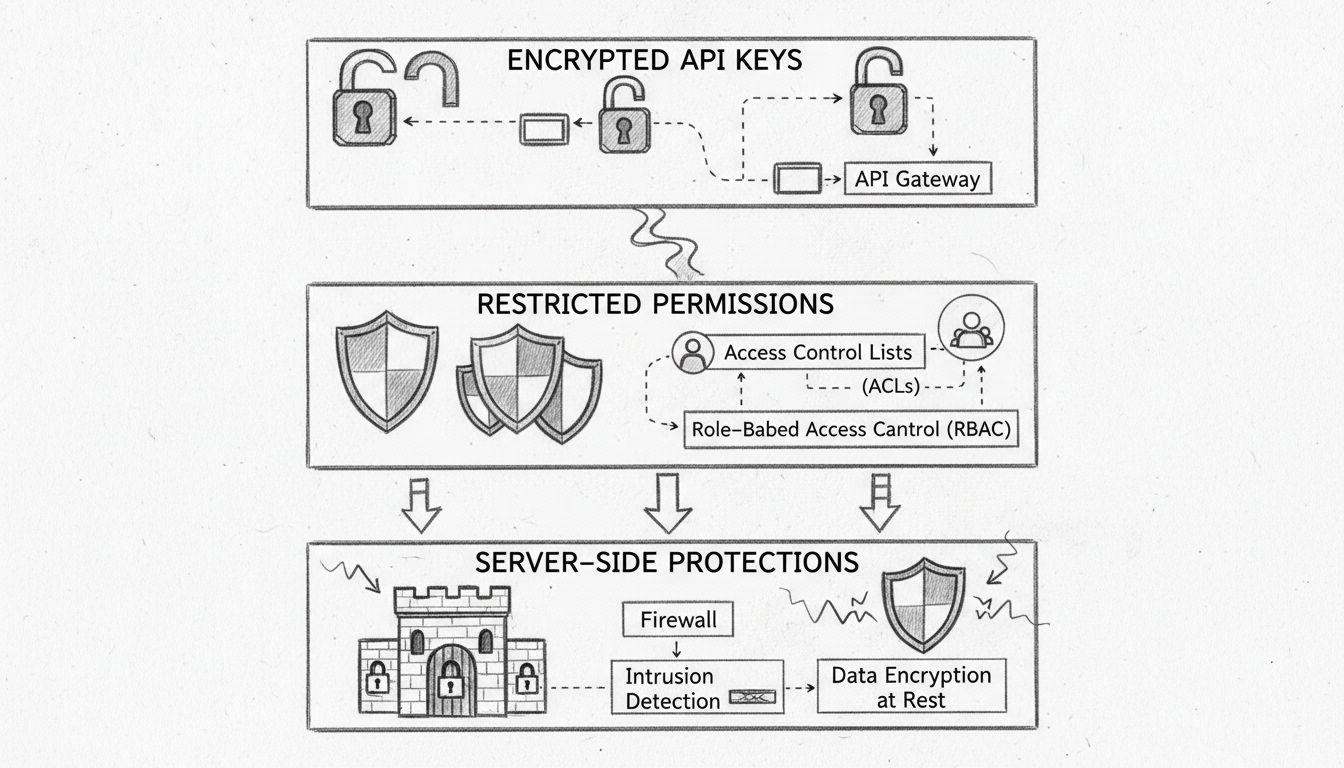
Learn how PostAffiliatePro protects your affiliate and customer data with encrypted API keys, restricted permissions, and server-side protections. Comprehensive...
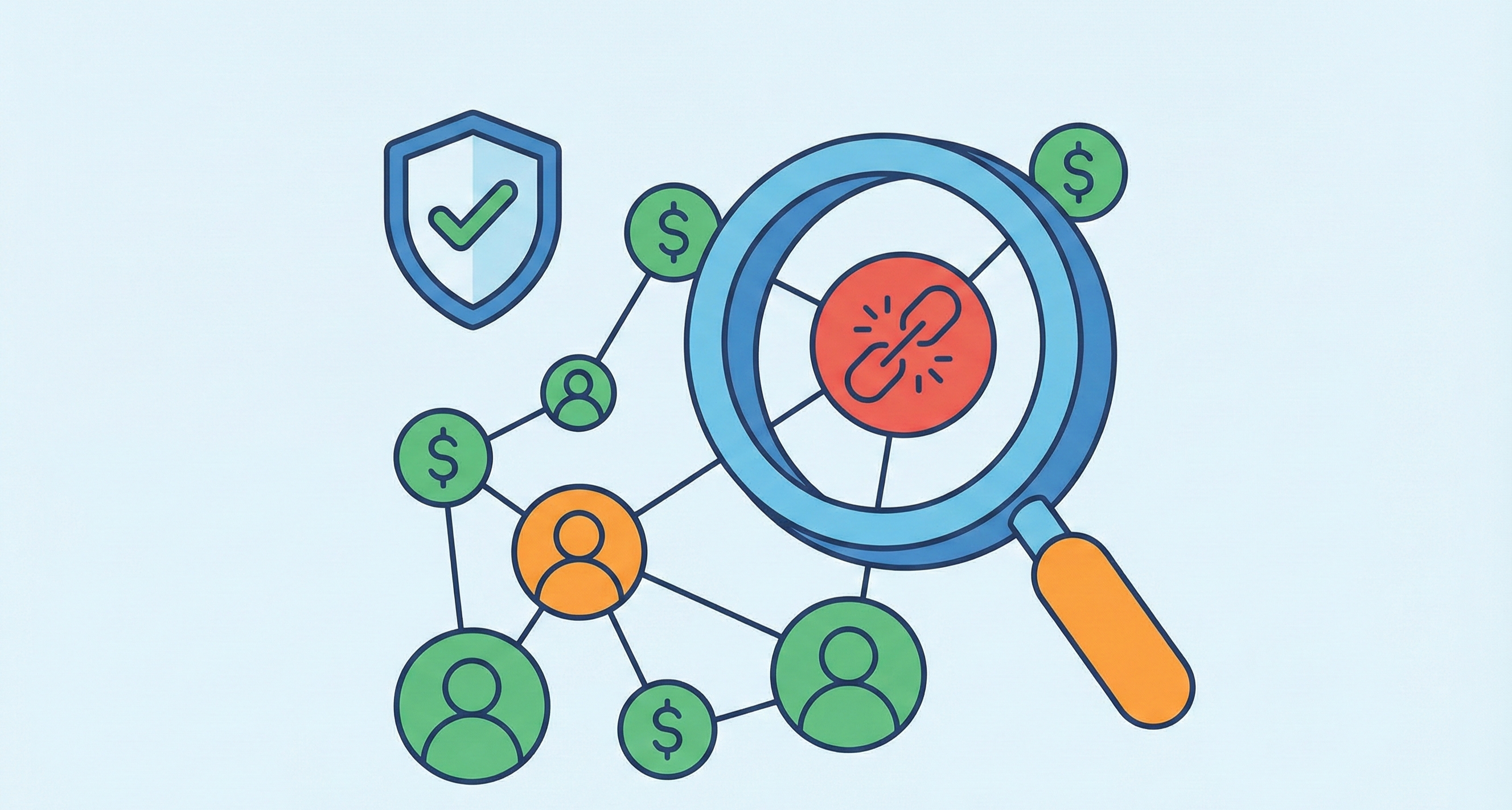
Learn proven strategies to prevent affiliate fraud in 2025. Discover monitoring techniques, fraud detection tools, and best practices to protect your affiliate ...
Join our community of happy clients and provide excellent customer support with Post Affiliate Pro.




Cookie Consent
We use cookies to enhance your browsing experience and analyze our traffic. See our privacy policy.