
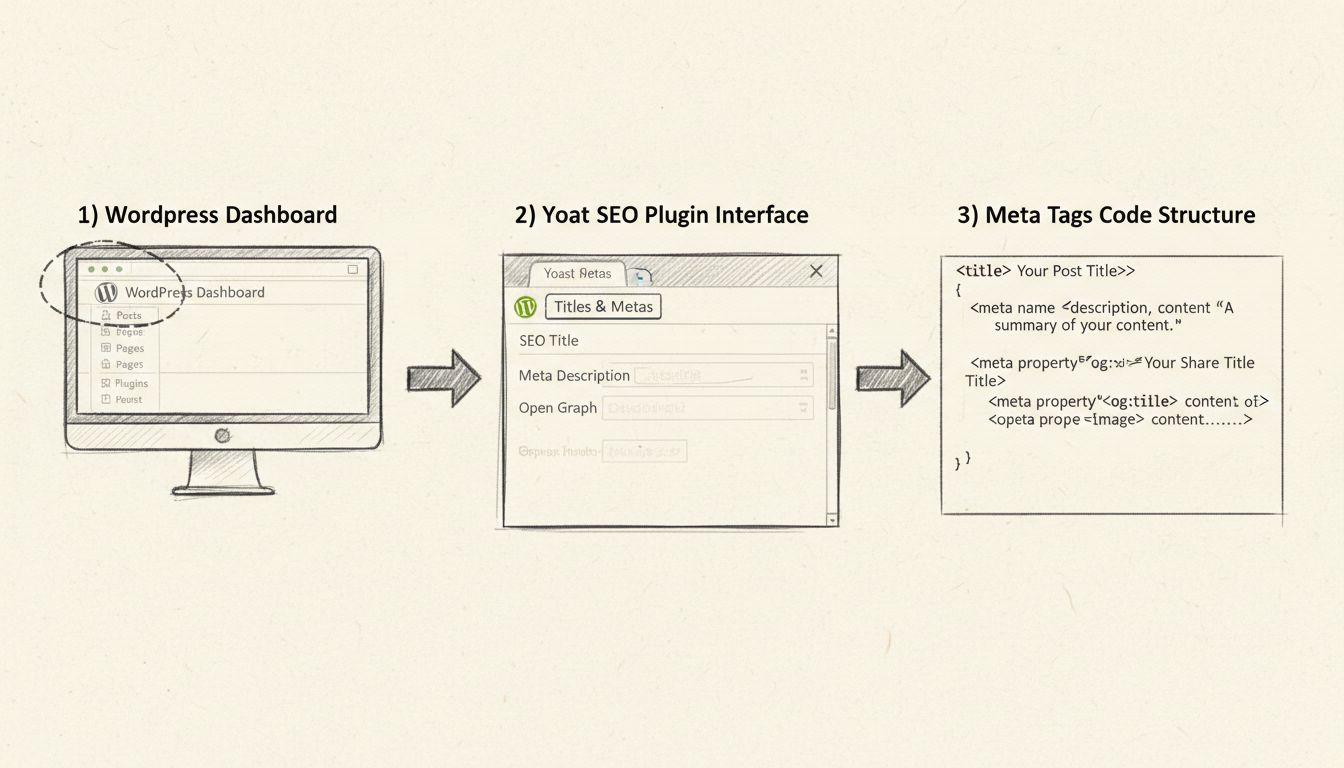
How to Add Meta Tags in WordPress
Learn how to add and manage meta tags in WordPress using Yoast SEO plugin. Step-by-step guide for optimizing titles, descriptions, and social media tags for bet...
8 min read
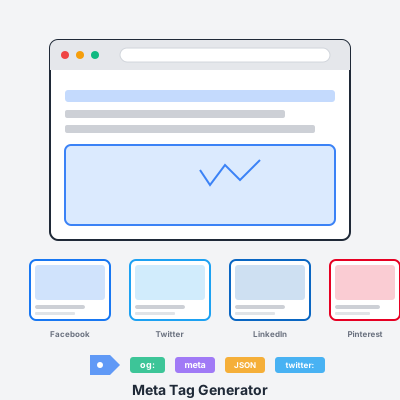
Generate comprehensive meta tags for SEO, Open Graph, Twitter Cards, and all major social media platforms. Preview how your content will appear on Google, Facebook, Twitter, LinkedIn, and Pinterest before publishing.
Basic SEO Tags - Control your page title, meta description, keywords, canonical URL, and robots directives. These tags tell search engines what your page is about and how to index it. Critical for organic search visibility and rankings.
Open Graph (Facebook) - og:title, og:description, og:image, og:url control how your content appears when shared on Facebook, LinkedIn, WhatsApp, and most social platforms. OG tags are the universal standard for social sharing previews.
Twitter Cards - Twitter-specific tags (twitter:card, twitter:title, twitter:image) let you customize how links appear in tweets. Choose from summary cards, large image cards, or app/player cards for rich media embeds.
Schema.org JSON-LD - Structured data markup that helps Google display rich snippets (star ratings, prices, availability, author info) in search results. Increases visibility and click-through rates for product reviews, articles, and business pages.
Google Search - Optimize title tags for click-through rates while including target keywords. Meta descriptions act as ad copy—compelling descriptions increase organic traffic even if you rank the same.
Facebook & LinkedIn - 1200x630px OG images with minimal text perform best. Facebook truncates descriptions after 200 characters. LinkedIn favors professional, data-driven content in previews.
Pinterest - Add pinterest-specific tags for rich pins. Vertical images (2:3 aspect ratio) work better than horizontal. Pinterest descriptions can be longer (500 chars) and should include keywords for Pinterest search.
Twitter/X - summary_large_image cards get 2-3x more engagement than summary cards. Mobile-first: previews are smaller on phones, so keep images simple and text minimal.
Use unique meta tags for every page—duplicate descriptions across pages hurt SEO. Include target keywords naturally in titles and descriptions, but write for humans, not robots. Always add og:image—links without images get 10x less engagement. Test your meta tags with platform preview tools before publishing.
Keep meta tags current—update descriptions when content changes, especially for seasonal promotions or affiliate offers. Monitor click-through rates in Google Search Console and A/B test different descriptions to find what resonates with your audience.
Meta tags are HTML snippets that provide information about your webpage to search engines and social media platforms. They control how your content appears in search results and when shared on social media. Proper meta tags improve SEO, increase click-through rates, and ensure your content looks professional when shared on Facebook, Twitter, LinkedIn, and other platforms.
SEO meta tags (title, description, keywords) help search engines understand and rank your content. Open Graph tags (og:title, og:image, og:description) control how your content appears when shared on social media platforms like Facebook, LinkedIn, and Pinterest. Twitter Cards use similar tags with a 'twitter:' prefix. You need both for complete coverage—SEO tags for search visibility and social tags for sharing.
Title tags: 50-60 characters (Google displays ~600px width). Meta descriptions: 150-160 characters for desktop, 120 for mobile. Open Graph titles: 60-90 characters. OG descriptions: 200 characters max (Facebook truncates). Twitter card descriptions: 200 characters. Going over limits causes truncation in search results and social previews, reducing effectiveness.
Not necessarily. Most platforms fall back to Open Graph tags if platform-specific tags aren't present. However, Twitter, Pinterest, and LinkedIn can use custom tags for better optimization. Best practice: always include basic OG tags (title, description, image, URL), then add Twitter Card tags if you want tweet-specific customization and Pinterest tags for pin optimization.
Use 1200x630px (1.91:1 aspect ratio) for optimal display across all platforms. File size under 5MB. JPG or PNG format. Include text/branding but keep it minimal—images may be cropped on mobile. Avoid important content at edges. Facebook, LinkedIn, and Twitter all support this size. Smaller images may appear pixelated; larger files slow page loading and may be rejected.
Absolutely. Well-crafted meta tags increase click-through rates from search results (better rankings mean more organic traffic). When affiliates share your links on social media, compelling OG images and descriptions drive more clicks. Product review pages with rich previews outperform generic links. Proper schema markup (which this tool can generate) helps Google show rich snippets with star ratings, pricing, and availability—proven to increase affiliate conversions.
Manage multiple affiliate programs and improve your affiliate partner performance with Post Affiliate Pro.
Learn how to add and manage meta tags in WordPress using Yoast SEO plugin. Step-by-step guide for optimizing titles, descriptions, and social media tags for bet...
Website meta tags contain information about a website, written in HTML code, and are not visible to external visitors.
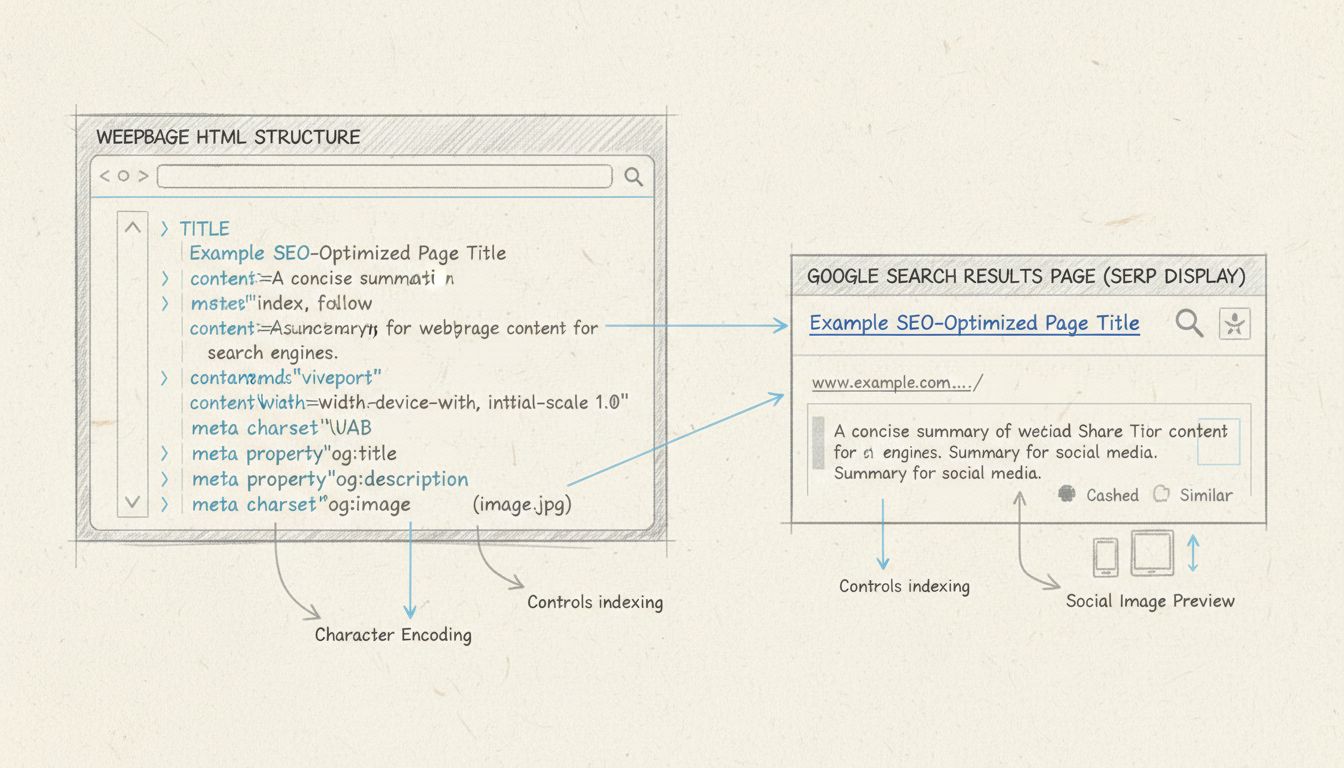
Learn how to use meta tags for SEO effectively. Discover essential meta tags like title, description, robots, and Open Graph tags to boost your search rankings ...
Join our community of happy clients and provide excellent customer support with Post Affiliate Pro.




Cookie Consent
We use cookies to enhance your browsing experience and analyze our traffic. See our privacy policy.