


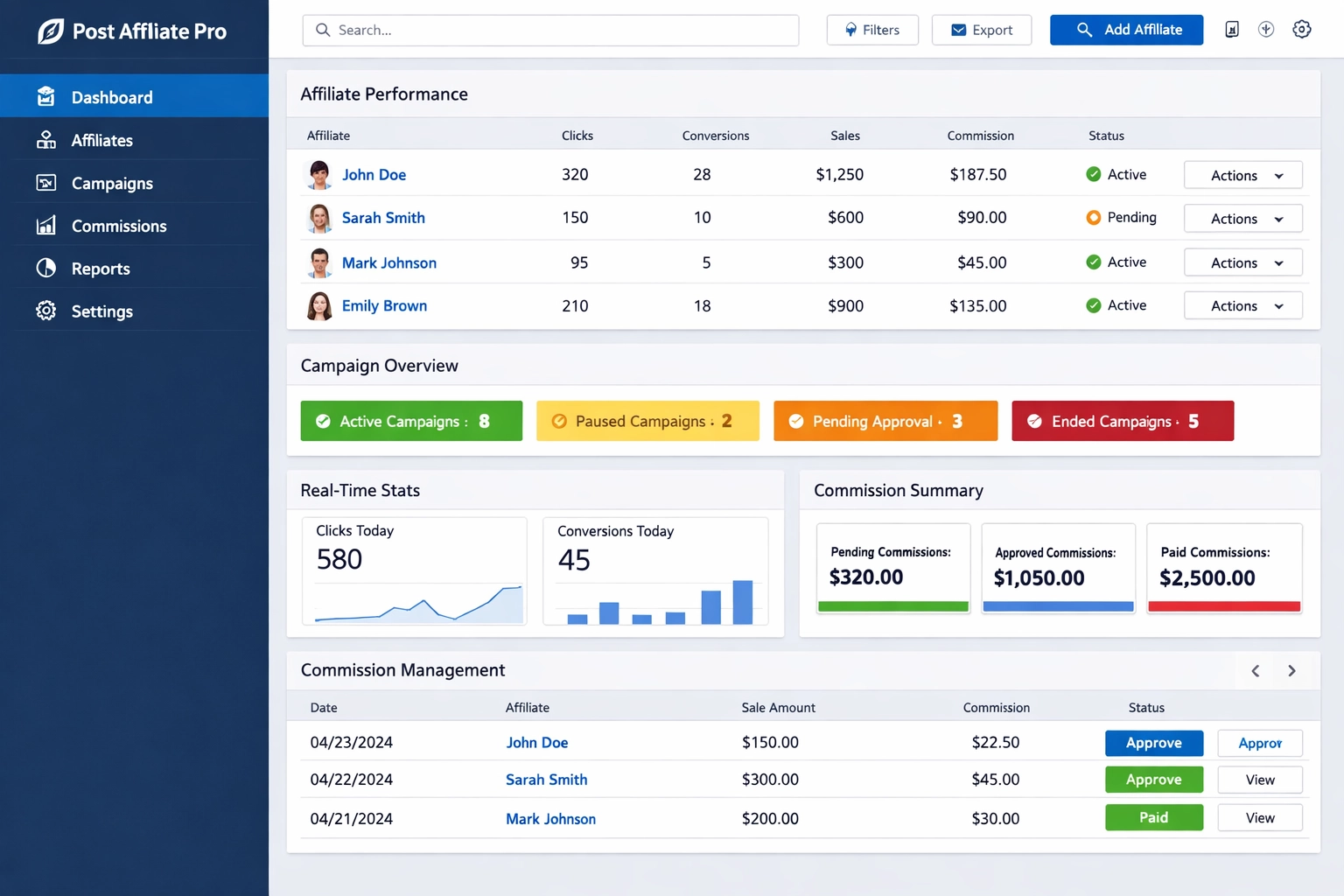
Post Affiliate Pro New Features: Enhanced Tracking & Control
Discover Post Affiliate Pro's latest features: Date Created column for affiliate channels, Campaign ID and Banner ID tracking in API, and new merchant permissio...
11 min read
Learn how to unify timezones across all users in Post Affiliate Pro. Disable local timezones and display all dates and times in server timezone for consistency and simplified reporting.
Yes, Post Affiliate Pro allows you to disable local timezones for all users, displaying all date and time values in the server's timezone for complete consistency across your affiliate network.
Timezone management is one of the most critical yet often overlooked aspects of running a global affiliate network. When your team members, affiliates, and partners are spread across different geographical locations, each viewing data in their local timezone, it creates significant operational challenges. Post Affiliate Pro solves this problem with its powerful timezone unification feature, which allows administrators to disable individual local timezone settings and display all date and time values in a single server timezone. This approach ensures complete consistency across your entire platform, eliminating confusion and streamlining your reporting processes.
The timezone unification feature in Post Affiliate Pro is particularly valuable for organizations that need to maintain synchronized records across multiple regions. Rather than having each user see timestamps adjusted to their local time, the system displays all times in the server’s configured timezone, creating a single source of truth for all temporal data. This is especially important when tracking affiliate commissions, monitoring campaign performance, analyzing conversion times, and coordinating activities across your network.
When you enable the server timezone option in Post Affiliate Pro, the system fundamentally changes how it processes and displays all temporal information. Instead of converting timestamps to each user’s individual timezone preference, the platform stores and displays all dates and times in the server’s configured timezone. This means that whether an affiliate is logging in from New York, London, Tokyo, or Sydney, they will see exactly the same timestamp for any given event or transaction.
The implementation of this feature involves several technical components working together seamlessly. The server maintains a master timezone setting that serves as the reference point for all time-related operations. When data is recorded in the system—such as when a commission is earned, a click is tracked, or a conversion occurs—the timestamp is stored in UTC (Coordinated Universal Time) format in the database. When displaying this information to users, the system converts the UTC timestamp to the server’s configured timezone, ensuring consistency across all user interfaces.
| Feature | Local Timezone Mode | Unified Server Timezone Mode |
|---|---|---|
| Display Format | Each user sees times in their local timezone | All users see times in server timezone |
| Consistency | Times vary by user location | Times are identical for all users |
| Reporting Accuracy | Potential for confusion and errors | Clear, unified reporting |
| Coordination | Difficult to synchronize across regions | Easy coordination across all regions |
| Data Integrity | Risk of misinterpretation | Single source of truth |
| Affiliate Experience | May require mental conversion | Straightforward and consistent |

Set up advanced tracking in minutes. No credit card required.
Activating the timezone unification feature in Post Affiliate Pro is a straightforward process that can be completed in just a few steps. First, you need to access your Post Affiliate Pro Admin Panel with administrator credentials. Once logged in, navigate to the Settings section, which is typically found in the main menu or dashboard. From there, select General Settings, where you’ll find the Timezone Settings section. This section contains the option to disable local timezones for users.
When you locate the timezone settings, you’ll see an option labeled something like “Disable Local Timezones” or “Use Server Timezone for All Users.” Enabling this option tells the system to stop converting times to individual user preferences and instead display all timestamps in the server’s configured timezone. After making this change, you should save your settings. The system will then apply this setting globally, and all subsequent time displays throughout the platform will reflect the server timezone rather than individual user timezones.
It’s important to note that this change takes effect immediately upon saving, and all users will see the unified timezone from that point forward. Existing historical data is not retroactively changed; rather, the display format is adjusted. The underlying data in your database remains stored in UTC format, which is the industry standard for timestamp storage. This ensures that your data remains portable and can be accurately interpreted regardless of future timezone configuration changes.
Implementing unified timezone management in Post Affiliate Pro provides numerous operational advantages that extend far beyond simple time display consistency. The most immediate benefit is the elimination of timezone-related confusion and errors. When all team members see the same timestamps, there’s no ambiguity about when events occurred, making it significantly easier to investigate issues, track performance, and coordinate activities. This is particularly valuable when dealing with time-sensitive matters such as commission disputes, campaign launches, or performance analysis.
From a reporting perspective, unified timezones dramatically simplify data analysis and interpretation. When generating reports on affiliate performance, conversion rates, or campaign metrics, having all timestamps in a single timezone makes it much easier to identify patterns, trends, and anomalies. You can quickly compare data across different time periods without worrying about timezone conversions or daylight saving time adjustments. This consistency is especially important for compliance and audit purposes, where clear, unambiguous timestamps are essential.
Unified timezone management also enhances team coordination and communication. When discussing specific events or transactions, team members don’t need to mentally convert between different timezones or worry about whether they’re referring to the same moment in time. This reduces miscommunication, speeds up decision-making processes, and improves overall operational efficiency. For global affiliate networks, this benefit cannot be overstated, as it creates a common temporal reference frame that everyone understands and uses.
Be the first to know about new features and product updates.
When implementing unified timezone management, it’s important to choose an appropriate server timezone that makes sense for your organization. Many companies opt for UTC (Coordinated Universal Time) as their server timezone because it’s timezone-neutral and widely recognized in technical and business contexts. However, some organizations prefer to use the timezone of their primary office location or a timezone that represents the center of their operations. The key is to choose a timezone that your team is comfortable working with and that makes sense for your business operations.

It’s also important to communicate this change clearly to all users in your affiliate network. Some affiliates may be accustomed to seeing times in their local timezone and might initially find the unified approach confusing. Providing clear documentation and training about the timezone change helps ensure smooth adoption. You might consider sending an announcement explaining the benefits of the unified timezone approach and providing guidance on how to interpret timestamps in the new format.
Another best practice is to document your timezone choice and the rationale behind it. This documentation becomes valuable when onboarding new team members or affiliates, as it helps them understand why the system displays times in a particular timezone. Additionally, if you ever need to change your server timezone in the future, having clear documentation makes the transition process much smoother and helps prevent confusion.
When evaluating affiliate software platforms, timezone management capabilities are an important consideration, particularly for global operations. Post Affiliate Pro stands out in this area by offering both flexible local timezone options for users who prefer them and the ability to enforce unified server timezone display for organizations that need consistency. This dual approach gives administrators the flexibility to choose the timezone management strategy that best fits their operational needs.
Many competing affiliate software solutions either force a single timezone approach or provide limited timezone customization options. Some platforms only support local timezone display without offering a unified option, which can create the exact problems that Post Affiliate Pro’s unified timezone feature solves. Others require complex workarounds or custom development to achieve timezone consistency. Post Affiliate Pro’s built-in timezone unification feature is a significant advantage for organizations that prioritize operational consistency and simplified reporting.
The ability to toggle between local and unified timezone modes is particularly valuable because it allows organizations to adapt their timezone strategy as they grow and evolve. A small team might prefer local timezone display for convenience, but as the organization expands globally, switching to unified timezone management becomes increasingly important. Post Affiliate Pro makes this transition seamless, allowing you to change your timezone strategy without disrupting your operations or requiring system reconfiguration.
Understanding the technical foundation of timezone management helps you make informed decisions about your configuration. Post Affiliate Pro stores all timestamps in UTC format in its database, which is the industry standard for timestamp storage. UTC is timezone-neutral and provides a consistent reference point that can be accurately converted to any timezone. When you enable unified server timezone display, the system retrieves UTC timestamps from the database and converts them to your configured server timezone for display purposes.
This approach has several important advantages. First, it ensures data portability—if you ever need to migrate your data to another system or change your timezone configuration, the UTC-stored timestamps remain accurate and can be correctly interpreted. Second, it provides flexibility for future changes; you can modify your server timezone setting without affecting the underlying data. Third, it ensures accuracy across daylight saving time transitions, as the system can correctly handle the complex rules that govern when daylight saving time begins and ends in different regions.
The conversion process happens in real-time as data is displayed to users, which means there’s no performance impact from using unified timezone display. The system efficiently converts timestamps from UTC to your configured timezone, ensuring that users see accurate, consistent times without any noticeable delay. This technical efficiency is important for maintaining system performance, especially in large affiliate networks with high transaction volumes.
If you encounter any issues after enabling unified timezone display, there are several troubleshooting steps you can take. First, verify that your server timezone is correctly configured in the General Settings. Sometimes timezone configuration issues arise from incorrect timezone selection or typos in timezone identifiers. Ensure that the timezone you’ve selected is properly recognized by the system and matches your intended timezone.
If some users are still seeing different times, clear your browser cache and have users log out and log back in. Sometimes cached data can cause display inconsistencies. Additionally, check that all users have the latest version of Post Affiliate Pro installed, as older versions might not properly support the unified timezone feature. If you’re using any custom plugins or extensions, verify that they’re compatible with the unified timezone setting and aren’t overriding the timezone display.
For more complex issues, Post Affiliate Pro’s support team can provide assistance. They can verify your timezone configuration, check system logs for any errors, and help troubleshoot any edge cases. Having clear documentation of your timezone configuration and the specific issues you’re experiencing will help support staff resolve problems more quickly.
As your affiliate network grows and evolves, your timezone management strategy should evolve with it. Post Affiliate Pro’s flexible timezone options allow you to adapt your approach as needed. If you initially choose unified server timezone display but later find that you need more flexibility, you can switch back to allowing local timezone display. Conversely, if you start with local timezone display and later decide you need unified consistency, the transition is straightforward.
Looking ahead to 2025 and beyond, timezone management will continue to be important as affiliate networks become increasingly global. Post Affiliate Pro’s commitment to providing robust timezone management features ensures that your platform will continue to meet your needs as your business grows. The platform’s technical foundation, with UTC storage and flexible display options, positions it well for future enhancements and adaptations to timezone management requirements.
By choosing Post Affiliate Pro and implementing unified timezone management, you’re investing in a solution that provides both immediate operational benefits and long-term flexibility. Your affiliate network will benefit from consistent, clear timestamp displays, simplified reporting, and improved coordination across all regions and time zones.
Post Affiliate Pro's timezone unification feature eliminates confusion and ensures all team members and affiliates see consistent time values. Simplify your reporting, tracking, and coordination with a single unified timezone system.
Discover Post Affiliate Pro's latest features: Date Created column for affiliate channels, Campaign ID and Banner ID tracking in API, and new merchant permissio...
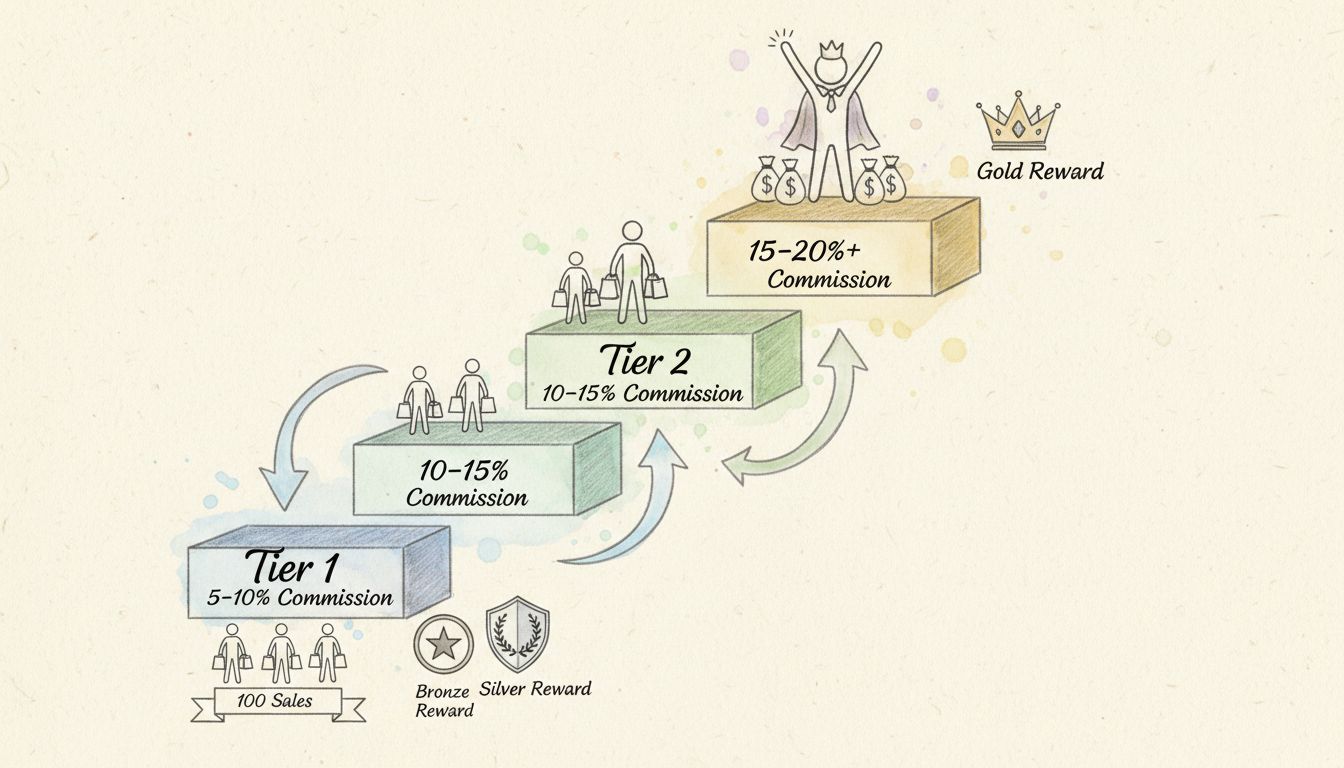
Learn how global performance rewards work in Post Affiliate Pro. Discover tiered commission structures, automated tracking, and best practices for incentivizing...
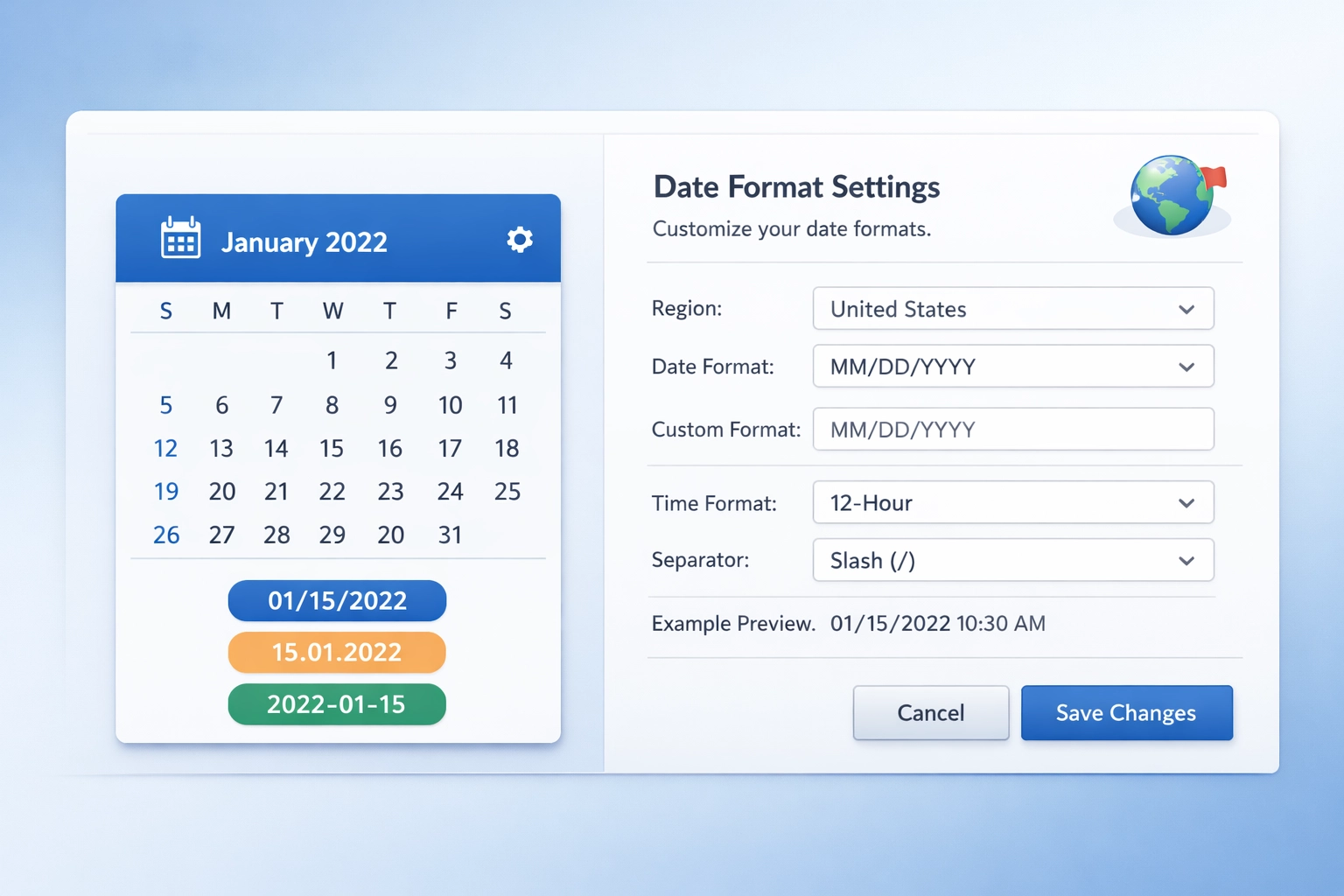
Learn how to customize date formats in Post Affiliate Pro. Configure regional settings, timezone options, and template-based formatting.
Join our community of happy clients and provide excellent customer support with Post Affiliate Pro.




Cookie Consent
We use cookies to enhance your browsing experience and analyze our traffic. See our privacy policy.