
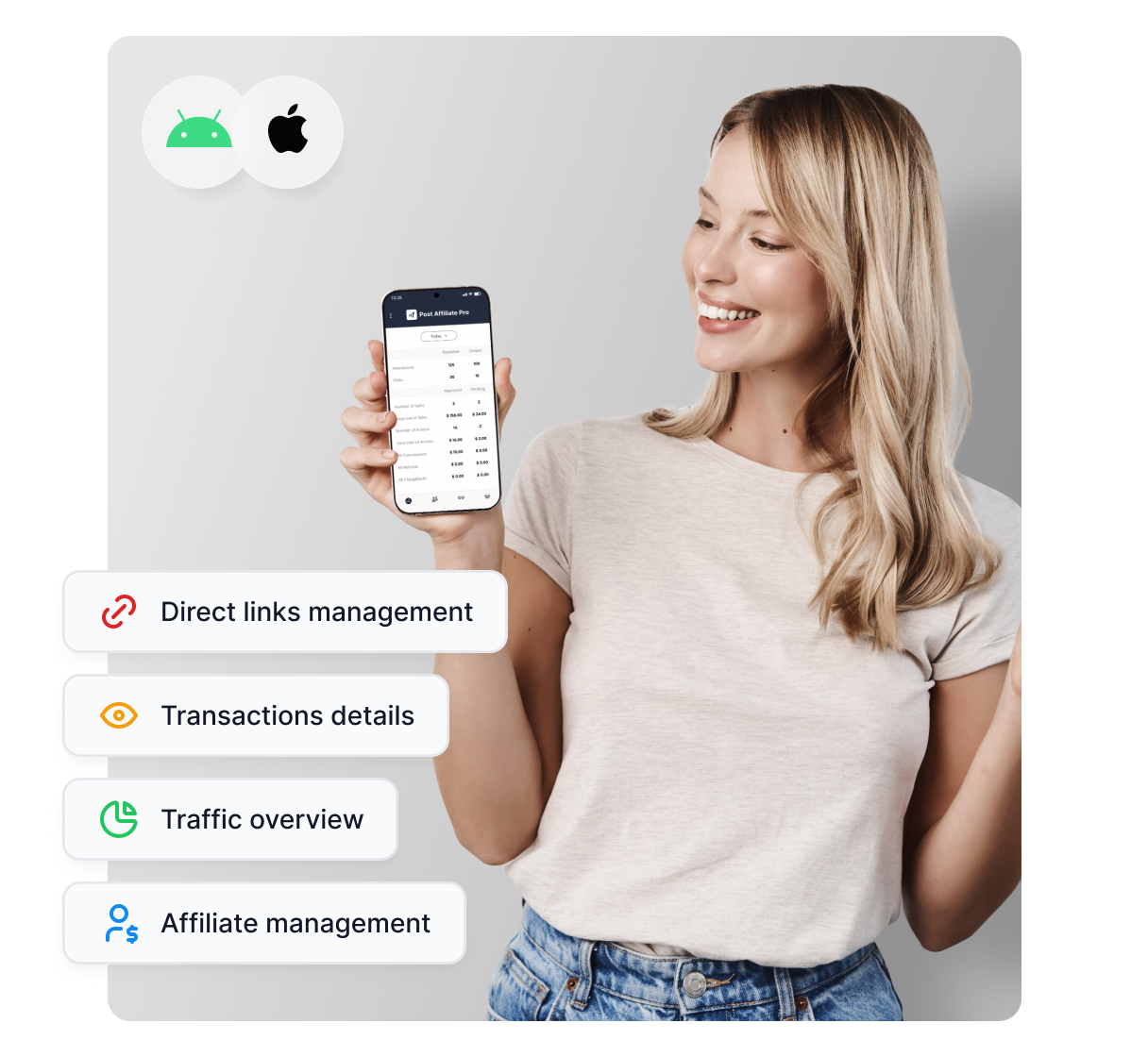
Mobile apps
Discover the power of Post Affiliate Pro mobile apps for iOS and Android. Manage your affiliate marketing on the go—track traffic, finances, affiliates, links, ...
2 min read
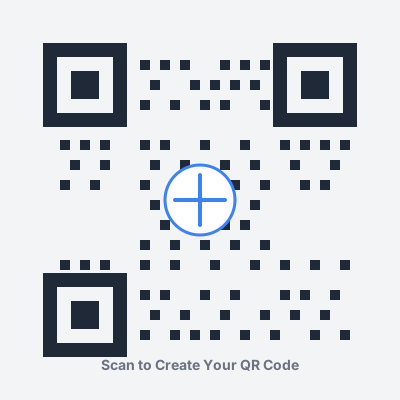
Transform your affiliate URLs into scannable QR codes that bridge offline and online marketing channels. Generate high-quality, customizable QR codes with advanced error correction (L/M/Q/H levels), color customization, logo embedding, and multiple export formats (PNG, SVG).
Seamlessly bridge the gap between physical marketing materials and digital affiliate campaigns. QR codes enable instant mobile engagement from print advertisements, retail displays, product packaging, trade show materials, and event signage. By encoding your affiliate tracking URLs into scannable 2D barcodes, you can measure offline marketing ROI with the same precision as digital campaigns. Perfect for multi-channel attribution tracking where customers discover your affiliate offers through physical touchpoints but complete conversions online. Compatible with all modern smartphone cameras (iOS 11+, Android 8+) requiring no additional apps - simply point, scan, and redirect.
Eliminate the conversion-killing step of manual URL entry. Studies show that 67% of users abandon long URL typing on mobile devices. QR codes provide one-tap access to your affiliate offers with scan-to-web latency under 2 seconds. Reduce bounce rates by up to 40% compared to traditional print-to-web attribution methods. The instant redirect mechanism preserves all UTM parameters, affiliate tracking cookies, and session data, ensuring accurate commission attribution. Mobile-optimized scanning works in varying lighting conditions and supports angles up to 30 degrees from perpendicular, making real-world scanning reliable across diverse environments.
Create brand-aligned QR codes that match your marketing collateral with full RGB color control (16.7 million color combinations). Customize foreground module colors to match brand guidelines while maintaining ISO/IEC 18004 compliance for maximum scannability. Embed your company logo directly in the QR code center (supports PNG, JPG, SVG formats up to 30% of code area) while maintaining error correction capabilities. Choose from multiple rendering styles: standard square modules, rounded dots for softer aesthetics, or circular patterns for premium branding. All color combinations are automatically validated against contrast ratio requirements (minimum 3:1 ratio recommended for reliable scanning).
Download production-ready QR codes in multiple formats optimized for specific use cases. PNG format supports 1x to 4x resolution multipliers (200px to 3200px) with transparent or solid backgrounds - ideal for digital use and standard printing up to 300 DPI. SVG vector format provides infinite scalability without quality loss, perfect for large-format printing (banners, posters, vehicle wraps) and professional offset printing. Each export includes embedded ICC color profiles for CMYK conversion accuracy. Supports batch generation for creating multiple QR codes with different affiliate parameters. Output files are optimized for web (< 50KB for PNG, < 10KB for SVG) while maintaining print quality at sizes up to 36" × 36" at 300 DPI.
Integrate QR code campaigns with Post Affiliate Pro’s comprehensive analytics suite to measure offline-to-online conversion funnels. Append custom UTM parameters (source, medium, campaign, content) directly to affiliate URLs before QR generation to segment performance by physical location, print batch, or campaign variant. Track unique scans vs. conversion rates to calculate offline marketing ROI and cost-per-acquisition. Create unique QR codes for A/B testing different landing pages, offers, or creative variations across physical marketing channels. Leverage Post Affiliate Pro’s real-time dashboard to monitor QR scan traffic spikes during events, correlate print distribution with web traffic patterns, and optimize future print runs based on data-driven insights.
All QR code generation happens entirely client-side using JavaScript in your browser - zero server-side processing or data transmission. Your affiliate URLs, tracking parameters, and proprietary links never leave your device or touch our servers. No cookies, no session storage, no external API calls, no third-party tracking. The qrcode.js library (open source, MIT licensed) runs in an isolated browser context with Content Security Policy (CSP) enforcement. Generated QR codes are static representations of your URLs with no embedded tracking pixels or redirect chains. For sensitive affiliate programs, you can use this tool offline by saving the HTML page locally. All network requests are blocked by default - verify with browser DevTools Network tab showing zero external connections during QR generation.
Transform traditional business cards into interactive marketing tools by embedding affiliate QR codes in strategic locations (typically bottom-right corner or back of card). Use the Business Card preset (300×300px, error correction level H) to ensure scannability even when cards are worn, bent, or stored in wallets. Recommended placement: 0.5" × 0.5" minimum size for reliable scanning from 6-8 inches away. Include a clear call-to-action text like “Scan for Exclusive Offers” or “Connect With Me” directly below the QR code. For premium results, use spot UV coating or raised ink printing to make QR codes physically prominent. Track individual business card effectiveness by creating unique QR codes for each networking event or geographic region using different UTM campaign parameters.
Deploy QR codes across event touchpoints: booth displays (8" × 8" minimum for scanning from 3 feet), presentation slides (occupying at least 15% of slide for auditorium visibility), conference badges, swag bag inserts, and banner stands. Use the Flyer/Poster preset (800×800px) for large-format printing on booth graphics and pull-up banners. Create event-specific landing pages with time-sensitive offers to capitalize on in-person engagement momentum. For multi-day events, implement progressive offers (Day 1: free trial, Day 2: consultation, Day 3: exclusive discount) using different QR codes to track daily engagement patterns. Include QR codes in speaker handouts and post-presentation slides to capture interested prospects immediately while your pitch is fresh. Measure booth traffic effectiveness by comparing QR scans to total event attendance and calculate cost-per-scan ROI.
Integrate QR codes directly on product packaging to drive post-purchase engagement and recurring affiliate revenue. Optimal placement: near product usage instructions or on inner flap for premium unboxing experience. Use the Product Label preset (500×500px, error correction Q) which balances size constraints with logo overlay capability. Link QR codes to: complementary product recommendations, replenishment affiliate offers, video tutorials featuring related products, or exclusive member-only discounts. For subscription products, implement QR-driven upsell funnels directing customers to higher-tier affiliate programs. Track package batch effectiveness by encoding unique identifiers in QR URLs to correlate product batches with affiliate conversion rates. Particularly effective for beauty products, supplements, tech accessories, and consumables with natural repurchase cycles.
Revolutionize traditional print media ROI tracking by embedding QR codes in magazine ads, newspaper inserts, direct mail pieces, transit advertising, and billboard campaigns. For magazine spreads, allocate minimum 2" × 2" QR code area positioned in bottom-third of layout for natural eye-flow scanning. Use high error correction (H level) to compensate for magazine paper quality variations and printing inconsistencies. Implement sequential QR campaigns in catalog mailers: page 3 (awareness), page 7 (consideration), page 12 (conversion) with progressive offers mapped to buyer journey stages. For outdoor billboards, use massive QR codes (24" × 24"+) scannable from vehicle windows during 3-5 second exposure times. Measure print campaign attribution by creating unique QR variants for each publication, insertion date, and geographic market to calculate cost-per-acquisition by media channel and optimize future media buys.
Overlay QR codes on video content for seamless mobile-to-desktop conversion during webinars, YouTube tutorials, product demonstrations, live streams, and virtual events. Display duration: minimum 7-10 seconds for viewers to open camera apps and focus. Optimal placement: lower-third corner with 15% opacity background panel for contrast against varying video backgrounds. Use the Social Media preset (600×600px) which renders clearly on both 1080p and 4K displays. For live webinars, display time-sensitive QR codes during key conversion moments (product demos, testimonials, pricing reveals) with verbal callouts from presenters. In recorded content, add chapter-specific QR codes linking to affiliate products mentioned in each segment. For streaming platforms, include persistent QR code watermarks in corner throughout content linking to creator affiliate programs. Track video-driven conversions by embedding video timestamp parameters in QR URLs to identify highest-converting content moments.
Enhance email signatures with compact QR codes that facilitate immediate mobile engagement for recipients viewing emails on smartphones (78% of professionals check email on mobile). Use the Email Signature preset (250×250px, error correction H) designed for small rendering while maintaining scannability. Recommended signature placement: below contact information, aligned right or centered. Link QR codes to: your affiliate dashboard signup, current promotion landing pages, calendar booking with affiliate incentives, or resource hub with commission details. Particularly effective for B2B sales emails where prospects scan from mobile but complete conversions on desktop later. Create role-specific QR codes for sales team members to track individual email campaign effectiveness. For agency partners, implement rotating QR codes that update weekly with current affiliate promotions without requiring signature updates. A/B test QR code presence vs. traditional links to measure mobile conversion lift (typically 25-40% improvement in mobile-to-conversion rate).
A QR code is a two-dimensional matrix barcode that encodes your affiliate tracking URL into a scannable pattern. When scanned with any smartphone camera (iOS 11+ or Android 8+ native support), it instantly redirects users to your affiliate landing page while preserving all tracking cookies and attribution parameters. This enables seamless offline-to-online tracking for physical marketing materials like business cards, print ads, and event materials. QR codes can encode URLs up to 2,953 bytes (approximately 4,296 alphanumeric characters).
Paste your complete affiliate URL into the input field, customize settings (size 200-2000px, error correction levels L/M/Q/H, colors, logo), preview in real-time, and download in PNG or SVG format. The tool supports URLs up to 2,953 characters and processes everything client-side in your browser with no server uploads or data collection. Choose from pre-configured presets optimized for specific use cases like business cards, flyers, or social media.
For standard business cards (3.5" × 2"), use 0.5" × 0.5" to 0.75" × 0.75" (300×300 to 450×450 pixels at 300 DPI). The 'Business Card' preset generates 300×300px codes with error correction level H (30% recovery) ensuring scannability even with wallet wear or fingerprints. At this size, codes remain scannable from 6-8 inches away. Always maintain high contrast (black on white) and print test cards before bulk ordering.
Yes! You can customize both foreground (dark squares) and background colors with full RGB control. However, maintain a minimum 3:1 contrast ratio for reliable scanning - dark foreground on light background works best. Avoid light-on-light combinations or similar tones that reduce scannability. Test your colored QR codes on multiple devices before printing.
Choose based on your use case: **Level L (7% recovery)** for digital displays where codes stay pristine, **Level M (15%)** for general printing on quality paper, **Level Q (25%)** for outdoor use or when embedding small logos, and **Level H (30%)** for business cards, small prints, or large logo overlays. Higher levels create denser patterns requiring larger print sizes but ensure scannability despite damage or wear.
Yes, you can upload a logo (PNG, JPG, SVG) to place in the center. Keep logos small: up to 20% of QR area with error level Q, or up to 30% with error level H. Use high-contrast logos with defined edges, preferably square or circular shapes. Always test scannability at your intended print size before production.
For professional printing, use **SVG format** - it's infinitely scalable without quality loss, perfect for any size from business cards to billboards. For digital use or quick printing, use **PNG** at 1000×1000px or higher (choose 2x-4x multiplier based on quality needs). SVG is recommended when print size is unknown; PNG works well when exact dimensions are known.
QR codes themselves don't track scans, but your affiliate link does! Add UTM parameters to your URL before generating the QR code (e.g., ?utm_source=qr_code&utm_medium=print&utm_campaign=event2024). This enables Google Analytics and Post Affiliate Pro to track conversions, geographic distribution, and campaign performance. You can also use short URL services (Bitly, Rebrandly) for additional analytics and easier QR pattern generation.
QR codes generated by this tool never expire - they're permanent static encodings of your URL. However, make sure your affiliate link itself remains active. If your affiliate program changes URLs or your affiliate ID expires, the QR code will still scan but redirect to a broken page. For long-term outdoor use, use UV-resistant printing and higher error correction levels (Q or H) to maintain scannability despite physical wear.
QR codes work great for: **business cards** (0.5" minimum, connect with prospects), **print advertising** (magazines, flyers, direct mail with measurable attribution), **product packaging** (drive repurchase and upsells), **event marketing** (trade show booths, presentation slides), **storefront displays** (window displays, shelf talkers), **video content** (webinar overlays, YouTube tutorials), and **email signatures** (mobile-first engagement). They're particularly effective wherever manual URL entry creates friction between physical touchpoints and digital conversions.
Manage multiple affiliate programs and improve your affiliate partner performance with Post Affiliate Pro.
Discover the power of Post Affiliate Pro mobile apps for iOS and Android. Manage your affiliate marketing on the go—track traffic, finances, affiliates, links, ...
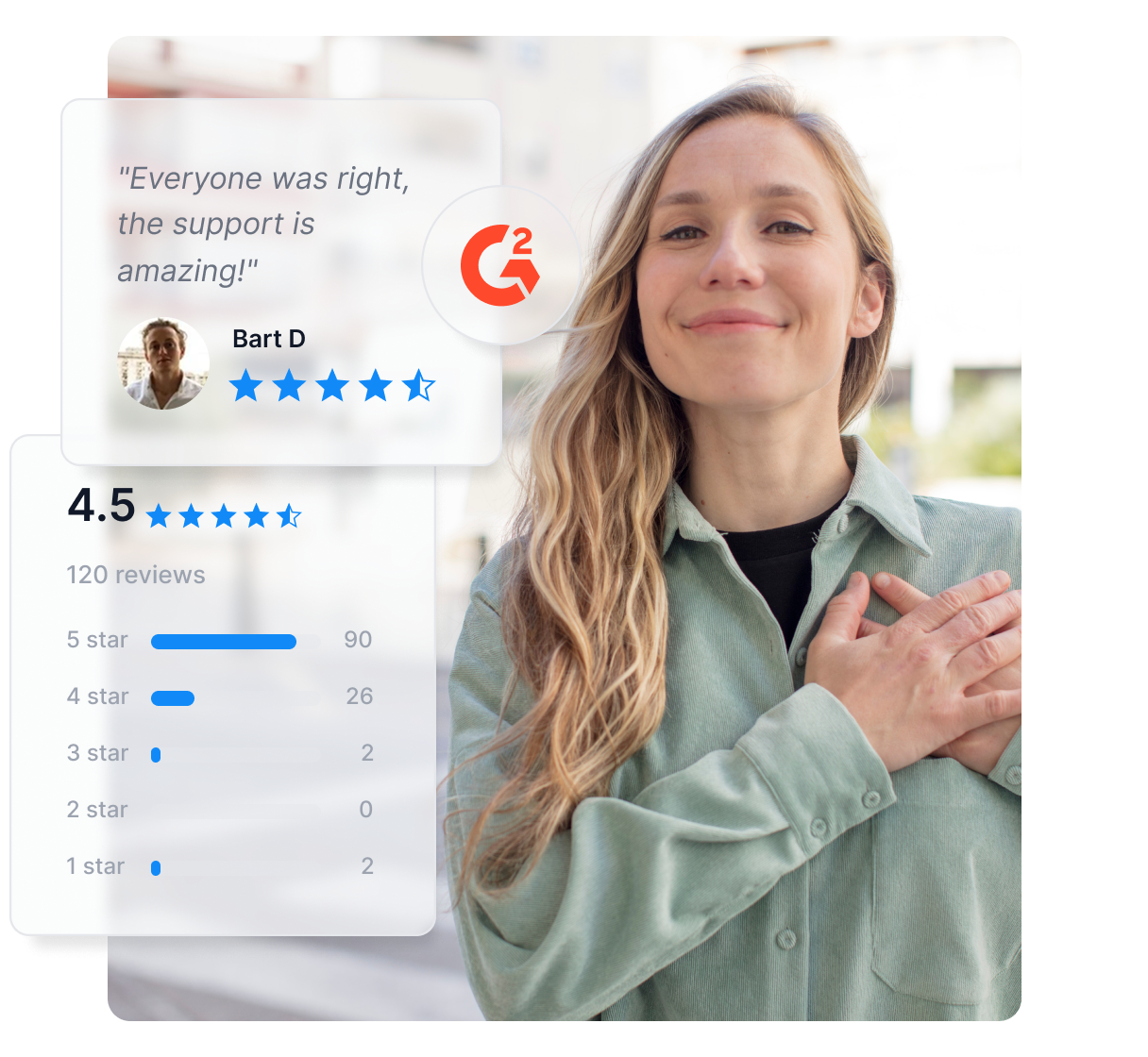
Post Affiliate Pro is an excellent affiliate software, and others have noticed it too! Check out the awards & certificates we've received.
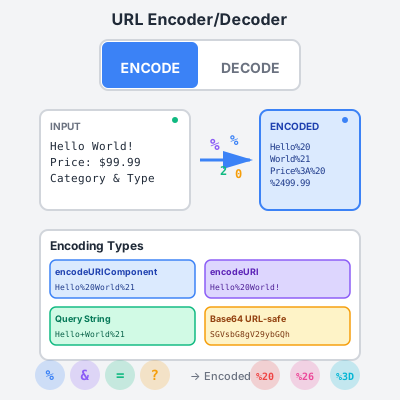
Free online URL encoder and decoder tool. Encode and decode URLs, query strings, and URL components instantly. Perfect for affiliate marketers and web developer...
Join our community of happy clients and provide excellent customer support with Post Affiliate Pro.




Cookie Consent
We use cookies to enhance your browsing experience and analyze our traffic. See our privacy policy.