


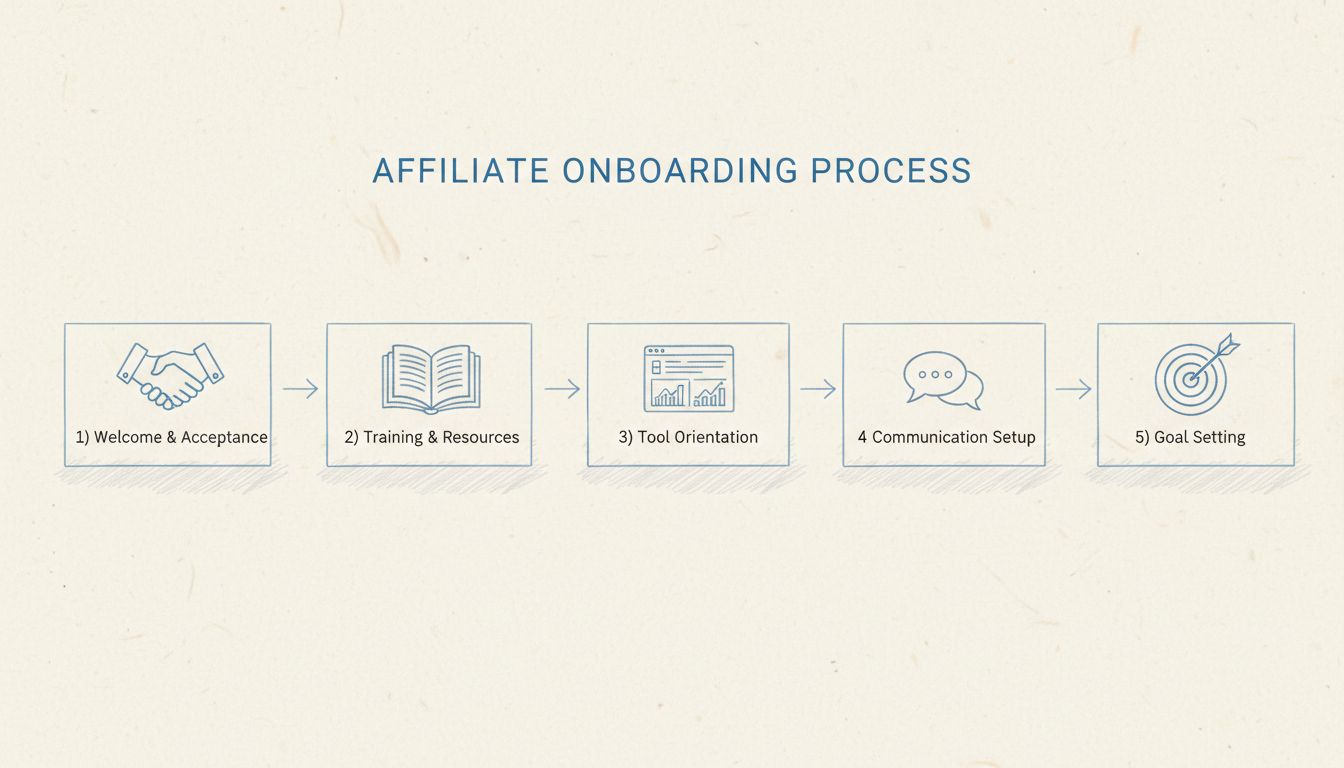
What is Affiliate Onboarding?
Learn what affiliate onboarding is and why it's critical for affiliate program success. Discover best practices, tools, and strategies to onboard affiliates eff...
11 min read
In affiliate marketing, affiliate onboarding is the process of helping an accepted affiliate become ready to promote a program correctly. It includes account access, program rules, payout setup, training, tracking links, and promotional resources. Registration and approval are entry steps; activation is the first defined productive action.
In affiliate marketing, affiliate onboarding is the process of helping an accepted affiliate become ready to promote a program correctly. It includes account access, program rules, payout setup, training, tracking links, and promotional resources. Registration and approval are entry steps; activation is the first defined productive action.
| Stage | What it establishes |
|---|---|
| Registration | The applicant has submitted the required information |
| Approval | The program has accepted the partner |
| Onboarding | The partner receives the setup and guidance needed to promote |
| Activation | The partner reaches a defined productive milestone |

Set up advanced tracking in minutes. No credit card required.
Choose assets that fit the partner’s channel. A newsletter publisher needs different material from a display advertiser or product educator. Avoid requiring the affiliate to search a large library before they can make a useful first promotion.
A product reviewer is approved, signs into the portal, tests a deep link, and receives a product explanation and approved screenshots. They draft a review, clarify one claim with the manager, and publish it with the appropriate disclosure. The program then checks that referral activity is recorded correctly.
The time to complete that journey depends on the product, partner, and required steps. Do not label an account active merely because an email was delivered.
Be the first to know about new features and product updates.
Measure setup completion, first promotion, first qualified referral, and first approved sale. Track support questions and abandoned steps to locate friction. Onboarding may continue after activation when the partner still needs guidance; define ownership of that ongoing support so the handoff is clear.
A new partner needs to understand the product, affiliate commission, permitted promotion, and next action. Use a welcome email for orientation, a setup message for unresolved requirements, and relevant follow-ups for the first campaign. An automated email sequence should respond to real progress rather than assume everyone is at the same stage.
A useful affiliate dashboard can bring links, marketing materials, payout requirements, and support together. Supplement it with concise training materials, such as a product video or channel-specific promotion example. The goal is to help affiliates understand what they can say and how to start earning eligible rewards.
Post Affiliate Pro’s email notification guidance describes product communication settings. FTC disclosure guidance provides US endorsement context for partner instructions.
Review whether the partner reached the intended audience, whether tracking worked, and what support they still need. A social-media creator may need a different next asset from a product reviewer. Long-term onboarding success is a prepared, supported affiliate relationship, not just a signup followed by a series of sent emails.
Send a welcome message that explains the offer, the next action, and where to get support. Link to the portal and the commission and payout rules rather than overwhelming the partner with every resource at once. Make required administrative steps visible and explain which ones block promotion or payment.
Next, provide a tested link or code and a small set of relevant assets. Ask the affiliate to choose a first placement, such as a product review or newsletter recommendation. Offer help checking the link and approved claims before it goes live.
Follow up based on progress: no login, no link created, no referral activity, or traffic without a sale suggest different needs. Measure completion and time to first useful action by recruitment cohort. A welcome email sent successfully is a communication event, not evidence that the affiliate is ready or active.
For the corresponding Post Affiliate Pro settings, consult the affiliate lifecycle management documentation . Confirm the configuration and integration requirements against your program’s rules.
Welcome
Explain the offer, rules, portal access, and support route.Prepare
Complete required setup and provide relevant promotional materials.Test
Verify a link or code through a complete referral journey.Promote
Help the partner publish a suitable first promotion and review progress.Explore Post Affiliate Pro’s tracking, commission settings, and partner management tools.
Learn what affiliate onboarding is and why it's critical for affiliate program success. Discover best practices, tools, and strategies to onboard affiliates eff...
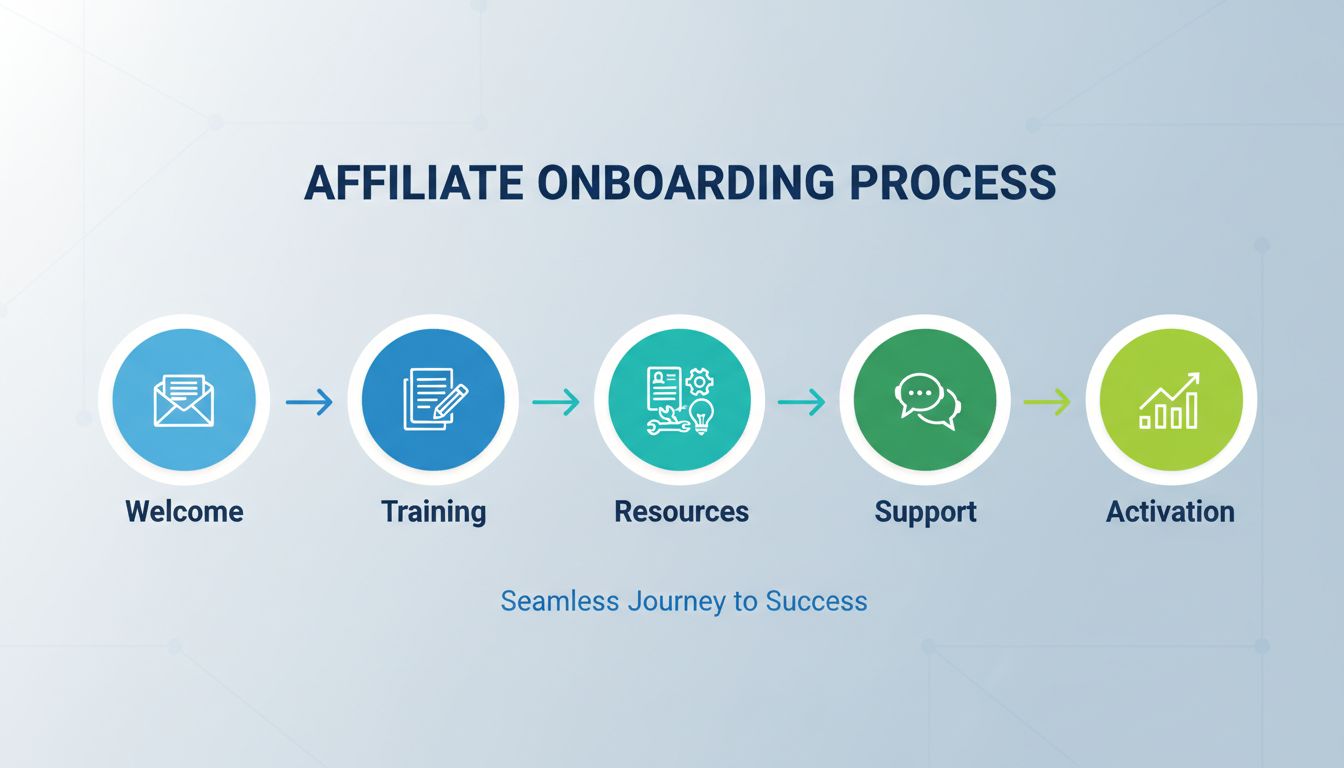
Learn proven strategies to activate affiliates with structured onboarding, welcome emails, marketing resources, and support. Increase affiliate engagement and d...
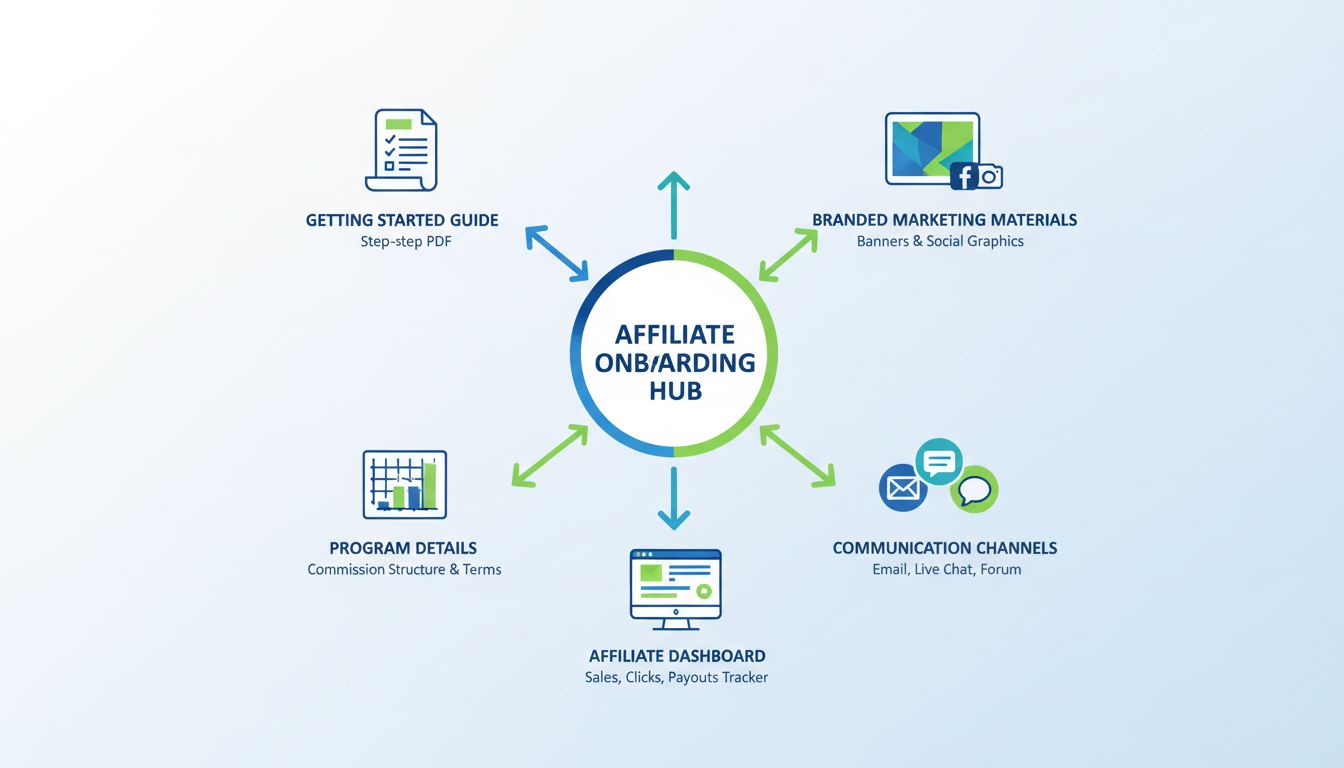
Discover essential materials for affiliate onboarding: Getting Started guides, branded marketing assets, program details, communication channels, and tools. Lea...
Join our community of happy clients and provide excellent customer support with Post Affiliate Pro.




Cookie Consent
We use cookies to enhance your browsing experience and analyze our traffic. See our privacy policy.