



Import/Export System
Post Affiliate Pro's Import/Export System enables bulk data operations for affiliates, campaigns, banners, transactions, and themes using CSV format with flexib...
8 min read
DataManagement
BulkOperations
+5


Learn how to export a list of all affiliate email addresses in Post Affiliate Pro, including troubleshooting permissions and customization tips.
Exporting affiliate email addresses is a common requirement for affiliate managers who need to communicate with their partners, perform data analysis, or integrate with external marketing tools. Post Affiliate Pro provides a built-in feature for exporting affiliate data, including email addresses, directly from the dashboard. However, users may encounter issues if their role does not have the necessary permissions or if the export feature is not easily visible.
To export all affiliate email addresses, go to the Affiliates > Affiliates manager section of your Post Affiliate Pro dashboard. Ensure that the ‘Email’ column is visible in the grid. If needed, customize the grid by adding or removing columns to display the information you require. Once the grid displays the desired data, click the ‘Export to csv’ button located above the affiliates grid. This will generate a CSV file containing all affiliates and their email addresses.

Set up advanced tracking in minutes. No credit card required.
If the ‘Export to csv’ button is not visible or accessible, it’s likely that your user role does not have export permissions. Only account administrators can grant these permissions. Contact your Post Affiliate Pro administrator and request that they enable export capabilities for your merchant or manager role. Once permissions are updated, log out and log back in to see the export option.
Be the first to know about new features and product updates.
You can export more than just email addresses. In the Affiliates > Affiliates manager grid, add columns such as affiliate name, ID, status, registration date, and custom fields as needed. The CSV export will reflect the columns currently displayed in the grid, giving you flexibility to tailor your export for different use cases.
Once you have exported the CSV file, you can open it in Microsoft Excel, Google Sheets, or another spreadsheet tool. Use filters and sorting to organize your affiliate data, or import it into email marketing platforms, CRM systems, or analytics tools as needed.
Administrators should regularly review which users have export permissions. Limit this capability to users who genuinely need it, and always comply with data privacy regulations when handling affiliate email addresses. If an employee leaves your organization or changes roles, promptly update their permissions within Post Affiliate Pro.
Post Affiliate Pro's Import/Export System enables bulk data operations for affiliates, campaigns, banners, transactions, and themes using CSV format with flexib...
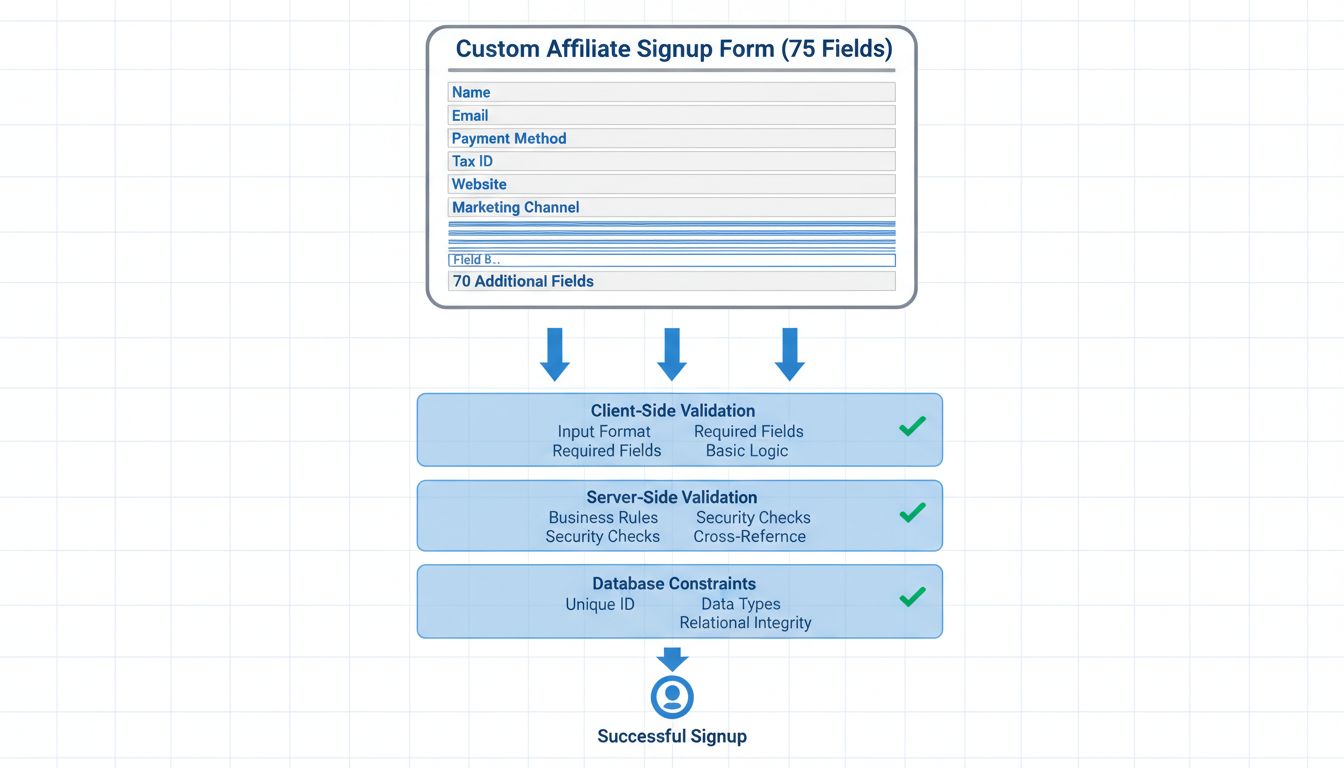
Learn whether you can register the same email address for both merchant and affiliate roles in Post Affiliate Pro, with a detailed explanation and best practice...
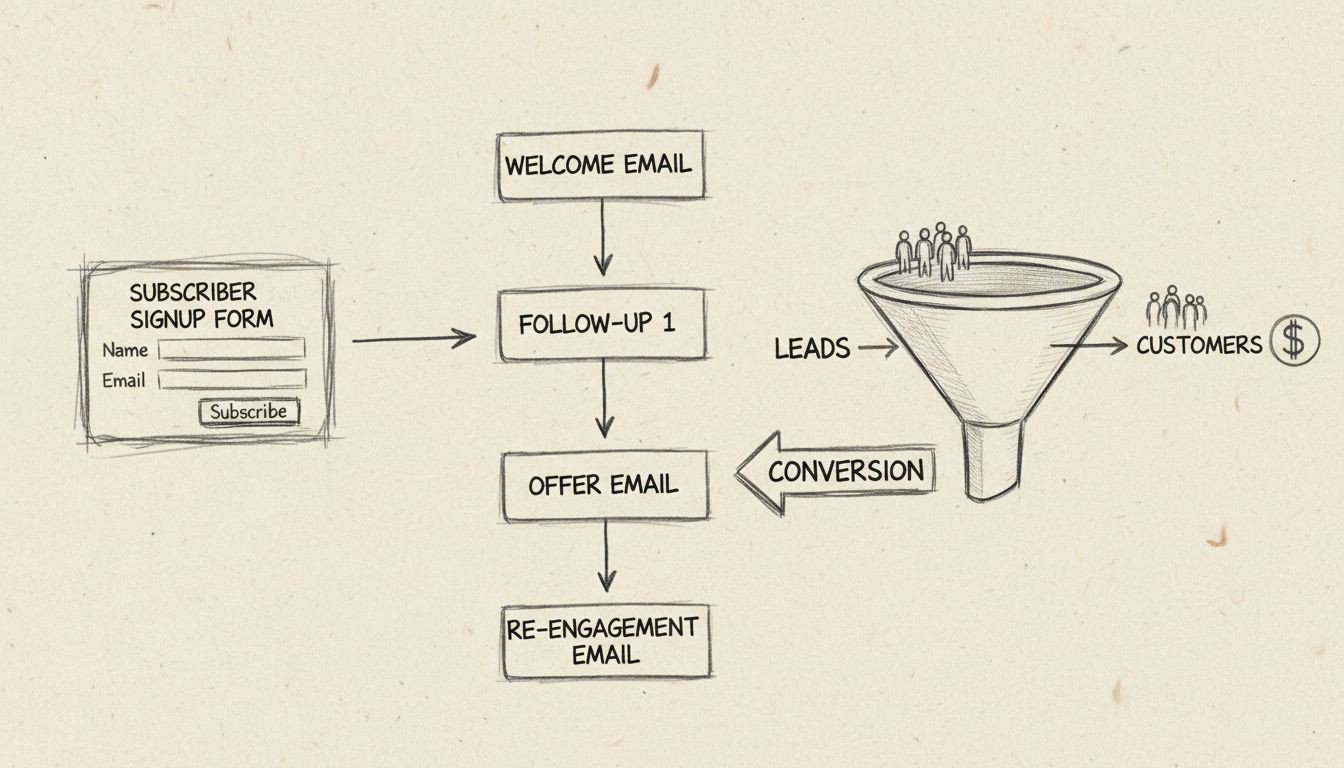
Learn how to efficiently email a selected group of affiliates using filters in Post Affiliate Pro
Join our community of happy clients and provide excellent customer support with Post Affiliate Pro.




Cookie Consent
We use cookies to enhance your browsing experience and analyze our traffic. See our privacy policy.