Advantages of Using Asynchronous Tracking with the Post Affiliate Pro WordPress Plugin
Learn why enabling asynchronous tracking in the Post Affiliate Pro WordPress plugin is recommended, how it improves reliability with caching plugins, and its impact on affiliate tracking performance.
Problem definition
WordPress websites increasingly rely on caching and optimization plugins like WP Rocket, Autoptimize, and others to improve loading speed. However, these plugins can sometimes interfere with affiliate tracking scripts, causing missed clicks or conversions. Post Affiliate Pro addresses this by offering an option for asynchronous tracking directly in its WordPress integration.
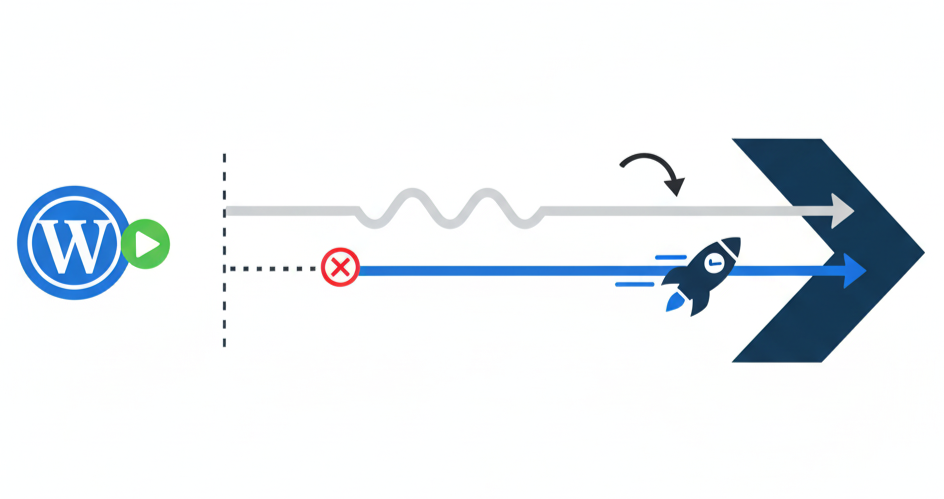
Asynchronous tracking loads the affiliate tracking script in parallel with your page content, rather than waiting for the script to finish before rendering the rest of the site. This FAQ explains the benefits and use cases for enabling this feature.
How asynchronous tracking improves reliability with Post Affiliate Pro
Many caching and optimization plugins add “defer” or “async” attributes to all scripts, or combine/minify them for speed. This can break the sequence required for accurate tracking. When you enable asynchronous tracking in the Post Affiliate Pro WordPress plugin, these issues are avoided:
The tracking code loads independently, so even if WP Rocket or similar plugins are active, clicks and sales are consistently recorded.
Support feedback confirms that, in real-world use, enabling asynchronous tracking has solved click-tracking failures caused by optimization plugins.
Launch your affiliate program today
Set up advanced tracking in minutes. No credit card required.
Troubleshooting: When to use asynchronous tracking
You should enable asynchronous tracking if:
Affiliate clicks or sales are not always tracked, especially after installing or updating caching plugins.
Your site uses WP Rocket, Autoptimize, LiteSpeed Cache, or similar tools that optimize JavaScript.
You want to maximize the chance that every valid affiliate action is recorded, without sacrificing site performance.
To enable: Go to your WordPress admin panel → Post Affiliate Pro plugin settings → General tab → Tick “Use asynchronous tracking where possible” → Save.
Best Practices for Reliable Affiliate Tracking with Post Affiliate Pro
Always enable asynchronous tracking if you use any caching/optimization plugin.
Avoid using words like “affiliate” or “track” in the custom domain for your tracking scripts, as these can be blocked by adblockers.
Test tracking after changes by clicking an affiliate link and confirming the click is registered in your Post Affiliate Pro panel.
Join our newsletter
Be the first to know about new features and product updates.
How does asynchronous tracking affect affiliate tracking accuracy?
Asynchronous tracking ensures scripts are loaded quickly and independently, minimizing issues caused by slow or blocked scripts. While there is a small risk of missing a tracking event if a visitor leaves the page before the script loads, this is rare—and the overall reliability is much higher compared to standard synchronous tracking, especially on optimized WordPress sites.
Enable asynchronous tracking for regular tracking events to maximize performance and reliability.
Always verify tracking after enabling or updating caching plugins.
Check your tracking script’s unique file name and ID when making exclusions in caching plugins to further safeguard tracking accuracy.
Step-by-step guide to enabling asynchronous tracking in WordPress
Open your WordPress admin dashboard.
Go to “Settings” → “Post Affiliate Pro”.
Find the “General” or “Integration” tab.
Locate the “Use asynchronous tracking where possible” option.
Tick the checkbox and click “Save”.
Test affiliate clicks and conversions to ensure tracking is working as expected.
By following these steps and enabling asynchronous tracking, you help guarantee that your affiliate program records every possible action while keeping your WordPress site fast and reliable.
How to prevent WordPress caching plugins like WP Rocket from interfering with Post Affiliate Pro tracking scripts
Learn how to ensure reliable tracking with Post Affiliate Pro when using caching plugins such as WP Rocket in WordPress. Find out how to exclude tracking script...
Track and analyze keyword performance in your affiliate program. Optimize PPC campaigns, monitor search terms, and measure ROI with Post Affiliate Pro's Keyword...
Post Affiliate Pro New Features: Enhanced Tracking & Control
Discover Post Affiliate Pro's latest features: Date Created column for affiliate channels, Campaign ID and Banner ID tracking in API, and new merchant permissio...
11 min read
You will be in Good Hands!
Join our community of happy clients and provide excellent customer support with Post Affiliate Pro.