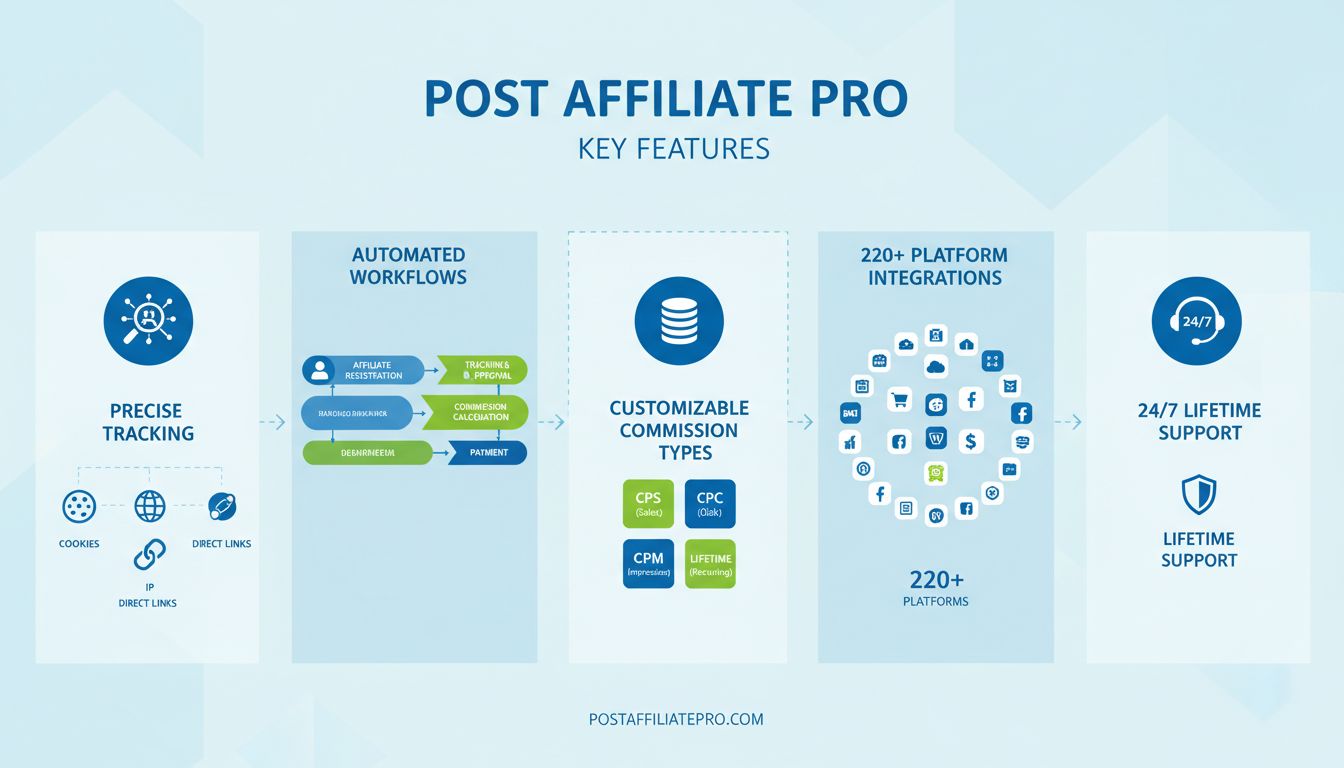
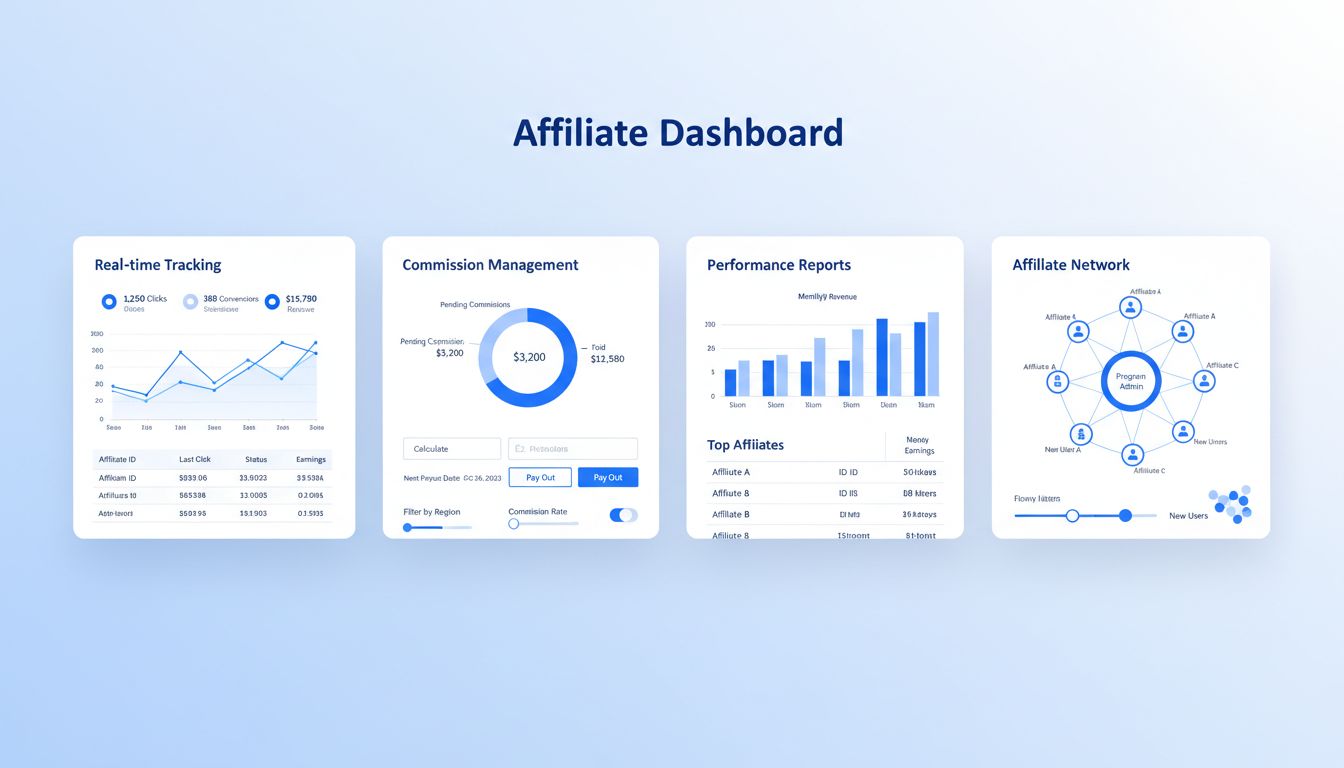
Post Affiliate Pro New Features: Enhanced Tracking & Control
Discover Post Affiliate Pro’s latest features: Date Created column for affiliate channels, Campaign ID and Banner ID tracking in API, and new merchant permissions. Learn how these enhancements improve affiliate program management and tracking precision.
The Evolution of Affiliate Tracking: Why Precision Matters
In today’s competitive affiliate marketing landscape, the ability to track, analyze, and optimize affiliate program performance has become a critical differentiator between successful and struggling programs. Modern merchants and affiliate managers face unprecedented complexity in managing diverse affiliate channels, multiple simultaneous campaigns, and intricate commission structures across various platforms and devices. Post Affiliate Pro has recognized these challenges and responded with three significant feature enhancements that fundamentally improve how businesses track affiliate activity, manage team permissions, and make data-driven decisions about their affiliate programs. These new features represent a cohesive advancement in affiliate software capabilities, each addressing specific pain points while working together to provide comprehensive visibility and control. By implementing these enhancements, merchants can achieve unprecedented precision in affiliate attribution, streamline team management, and unlock new levels of program optimization.
Understanding the Date Created Column for Affiliate Channels
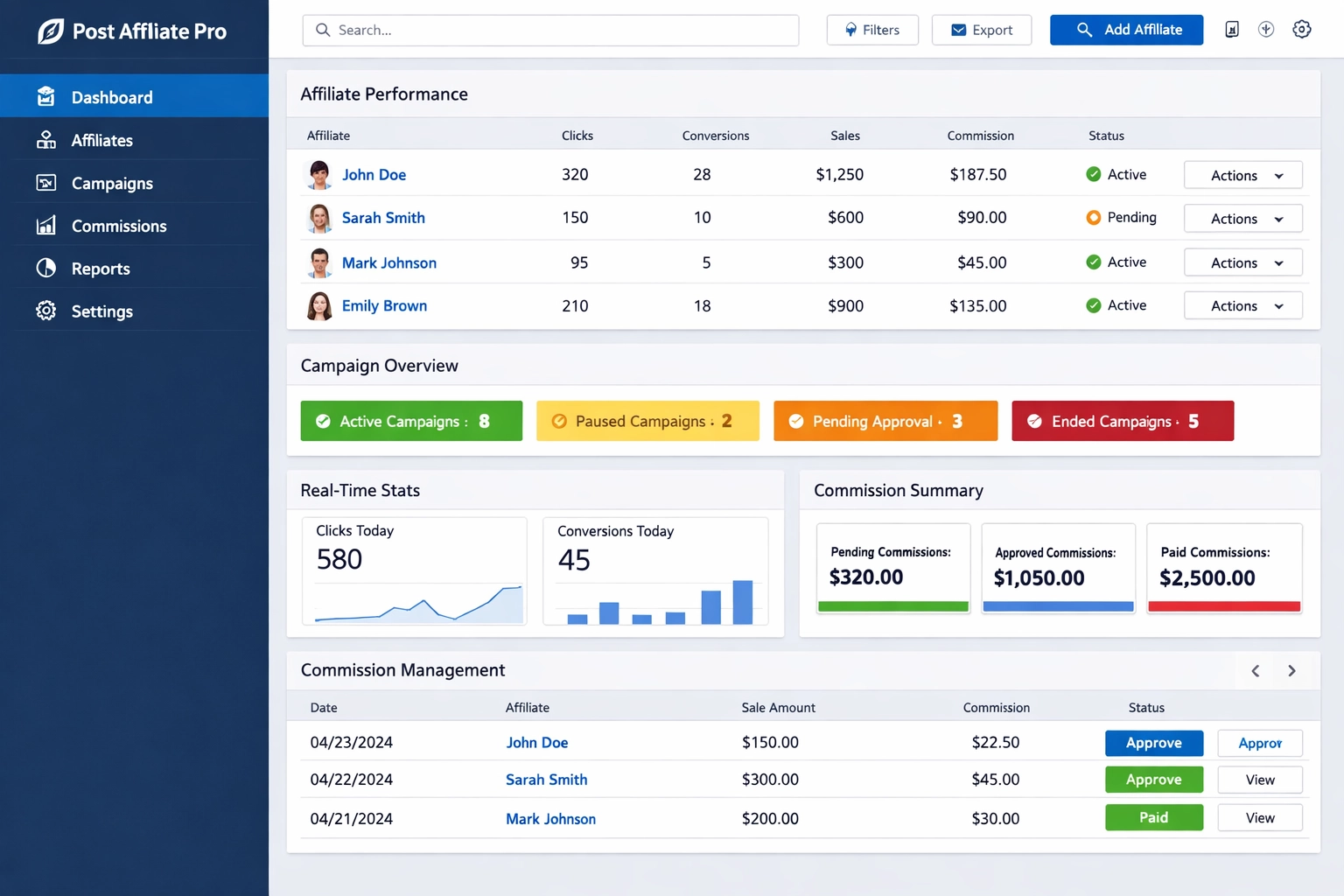
The addition of a Date Created column for affiliate channels represents a fundamental improvement in channel management and historical tracking capabilities. This feature allows merchants and affiliate managers to see exactly when each affiliate channel was established within their program, providing crucial context for performance analysis and program growth monitoring. Understanding the timeline of your affiliate channels helps identify which recruitment periods were most successful, which channels have matured over time, and which require additional support or optimization. This capability becomes particularly valuable when analyzing long-term affiliate performance trends and making strategic decisions about resource allocation. By knowing when a channel was created, you can calculate how long it took for that channel to reach profitability, compare performance metrics across different cohorts of affiliates, and identify seasonal patterns in affiliate recruitment and performance. For example, if you notice that channels created during Q4 consistently outperform those created in Q2, you can adjust your recruitment strategy accordingly and focus resources on high-performing recruitment periods.
Launch your affiliate program today
Set up advanced tracking in minutes. No credit card required.
Leveraging Historical Data for Strategic Affiliate Management
The Date Created column enables sophisticated affiliate lifecycle management and retention strategies that were previously difficult to implement at scale. Merchants can now segment their affiliate base by creation date to identify which recruitment campaigns were most effective, enabling targeted communication strategies where newer affiliates receive more onboarding support and promotional materials, while established channels might be ready for advanced commission structures or exclusive product launches. The feature integrates seamlessly with Post Affiliate Pro’s reporting system, allowing you to filter reports by channel creation date and analyze performance trends across different time periods with precision.
Monitor closely, provide regular feedback and guidance
The practical applications extend to affiliate lifecycle management and retention strategies. By tracking when channels were created, you can identify which affiliates have been with you the longest and deserve recognition or special incentives. Conversely, you can quickly spot underperforming newer channels and provide additional support or resources to help them succeed. This data-driven approach to affiliate management significantly improves program efficiency and helps maximize the return on your affiliate recruitment investments. The Date Created column also helps with compliance and audit requirements, as you maintain a complete historical record of when each affiliate relationship began.
Campaign ID and Banner ID Tracking: Granular Attribution at Scale
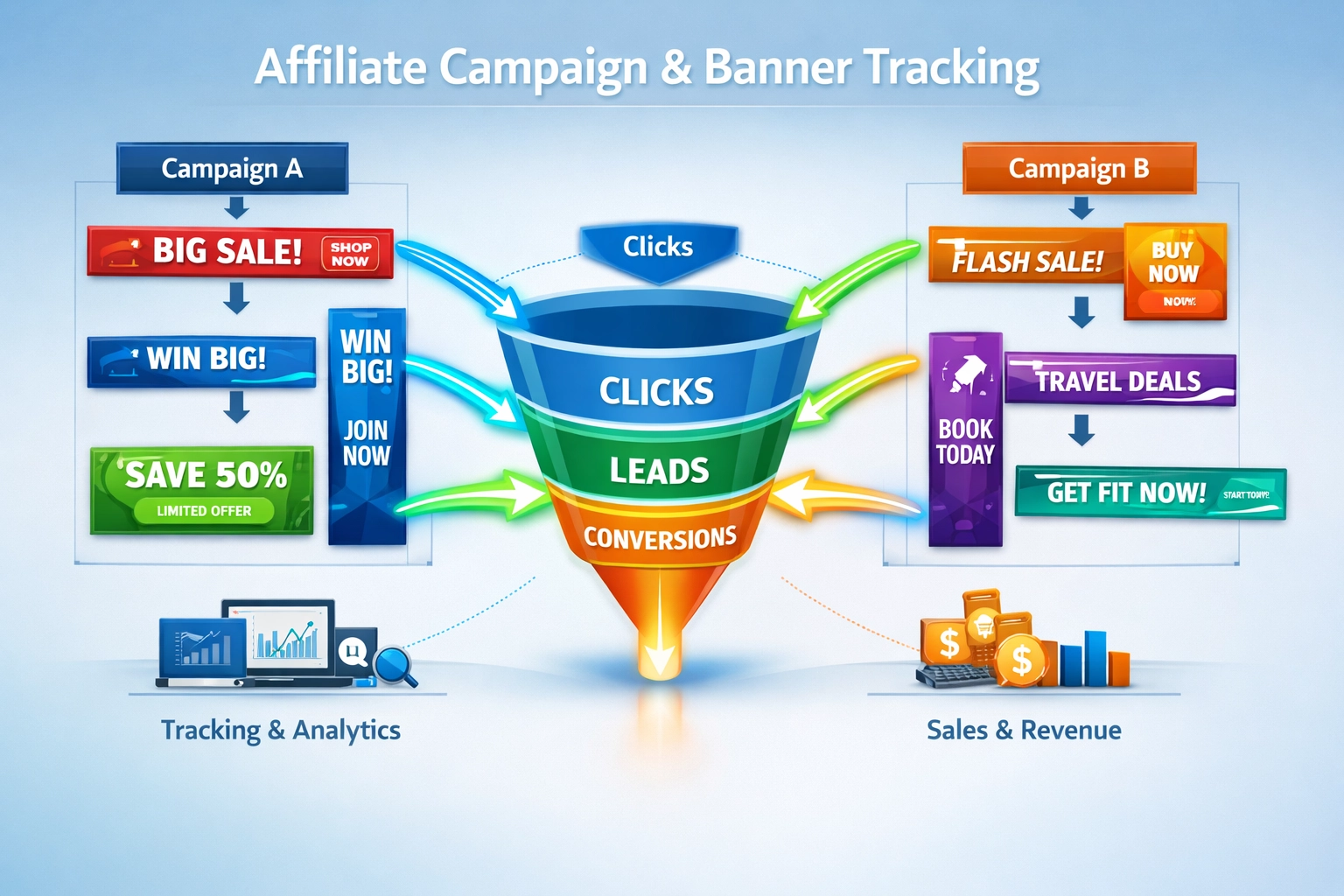
The introduction of Campaign ID and Banner ID columns in the Clicks List API represents a major advancement in affiliate tracking granularity and attribution accuracy. These additions enable merchants to track exactly which campaigns and promotional materials generated each click, providing the detailed performance data necessary for optimizing affiliate marketing efforts. This level of specificity transforms how merchants understand their affiliate channel performance and make data-driven decisions about resource allocation. Campaign ID tracking allows you to attribute every click back to the specific campaign that generated it, whether that’s a seasonal promotion, product launch, or ongoing marketing initiative. This capability is essential for merchants running multiple simultaneous campaigns, as it enables precise ROI calculation for each campaign independently. You can now determine which campaigns drive the highest-quality traffic, which have the best conversion rates, and which campaigns generate the most valuable customers in terms of lifetime value. This data becomes invaluable when planning future marketing strategies and deciding which campaigns to scale or discontinue.
Join our newsletter
Be the first to know about new features and product updates.
Optimizing Creative Assets Through Detailed Performance Tracking
Banner ID tracking complements campaign tracking by showing which specific promotional assets drive performance, enabling sophisticated optimization strategies that maximize affiliate marketing effectiveness. Different banner designs, sizes, messaging, and creative approaches can have dramatically different performance characteristics, and by tracking Banner IDs, you can identify which creative assets resonate most with your audience and drive the highest conversion rates. This enables A/B testing of promotional materials at scale, allowing you to continuously optimize your affiliate marketing assets based on real performance data.
Key Applications of Campaign ID and Banner ID Tracking:
A/B Testing Different Banner Designs - Compare performance of multiple banner variations simultaneously to identify top-performing creative assets
Tracking Performance by Campaign Type - Analyze how different campaign types (seasonal, product launch, ongoing) perform across your affiliate network
Identifying Top-Performing Creative Assets - Quickly spot which banners, messaging, and designs generate the highest conversion rates and ROI
Optimizing Affiliate Promotional Materials - Provide affiliates with data-backed recommendations on which materials perform best with their audience
Integrating with Business Intelligence Tools - Use API access to build sophisticated analytics systems that track performance across multiple dimensions
Real-Time Performance Dashboards - Create custom dashboards that monitor campaign and banner performance in real-time across your entire affiliate network
Affiliates can also use this data to understand which banners perform best with their audience, helping them make more informed decisions about which materials to promote. The API enhancement provides developers and technical teams with programmatic access to this granular data, enabling custom reporting, real-time dashboards, and integration with business intelligence tools. This means you can build sophisticated analytics systems that track campaign and banner performance across multiple dimensions—by affiliate, by traffic source, by geography, by device type, and more. The flexibility of API access ensures that Post Affiliate Pro integrates seamlessly with your existing technology stack while providing the detailed attribution data your team needs to optimize performance continuously.
New Merchant Permissions: Security and Control
The new merchant permission for the Affiliate Manager screen significantly enhances administrative control and security within Post Affiliate Pro. This feature allows merchants to define granular access controls for team members managing the affiliate program, ensuring that different roles have appropriate levels of access to sensitive data and functions. Proper permission management is critical for maintaining security, preventing unauthorized changes, and ensuring compliance with internal governance policies. With this new permission structure, merchants can now create custom roles tailored to their organizational needs. For example, you might create an “Affiliate Support” role that allows team members to communicate with affiliates and answer questions but prevents them from modifying commission structures or accessing financial data. Similarly, you could establish a “Finance” role that has access to payout information and commission verification but cannot approve new affiliates or modify program settings. This granular control ensures that each team member has exactly the access they need to perform their job without exposing sensitive information or allowing unauthorized modifications.
Role-Based Access Control and Permission Levels
The permission system integrates with Post Affiliate Pro’s comprehensive audit logging, which tracks all changes made within the system. This combination of granular permissions and detailed audit trails provides merchants with both preventive security (by limiting who can make changes) and detective security (by recording what changes were made and by whom). This dual approach is essential for compliance with regulations like GDPR and SOC 2, which require organizations to demonstrate that they have appropriate access controls and can audit all system changes.
Role Type
Affiliate Management
Commission Control
Payout Access
Reporting
Settings
Admin
Full
Full
Full
Full
Full
Manager
Full
View Only
View Only
Full
Limited
Finance
None
View Only
Full
Full
None
Support
Full
None
None
Limited
None
Reporting Only
None
None
None
View Only
None
The practical benefits of this permission system extend beyond security to operational efficiency. By delegating specific tasks to team members with appropriate permissions, merchants can distribute workload more effectively and reduce bottlenecks. A dedicated affiliate support person can handle affiliate inquiries without needing access to financial data, while a finance team member can process payouts without needing to manage affiliate relationships. This separation of duties improves both security and operational efficiency while reducing the risk of human error or unauthorized actions.
How These Features Work Together: Integrated Program Management
These three features represent a cohesive advancement in Post Affiliate Pro’s capabilities, each addressing a specific aspect of affiliate program management while working together to provide comprehensive visibility and control. The Date Created column provides historical context for understanding affiliate channel development, the Campaign ID and Banner ID tracking enables precise performance attribution, and the merchant permissions ensure that your team can manage these capabilities securely and appropriately. When combined, these features enable sophisticated affiliate program management strategies that were previously impossible to implement at scale. For example, you can use Date Created data to identify your most mature affiliate channels, then use Campaign ID and Banner ID tracking to understand which campaigns and creative assets those channels perform best with. You can then assign appropriate team members to manage those high-performing channels using the new permission system, ensuring that your best resources are focused on your most valuable affiliates. This integrated approach to affiliate management significantly improves program performance and team efficiency while maintaining security and compliance.
Competitive Positioning: Why Post Affiliate Pro Leads the Market
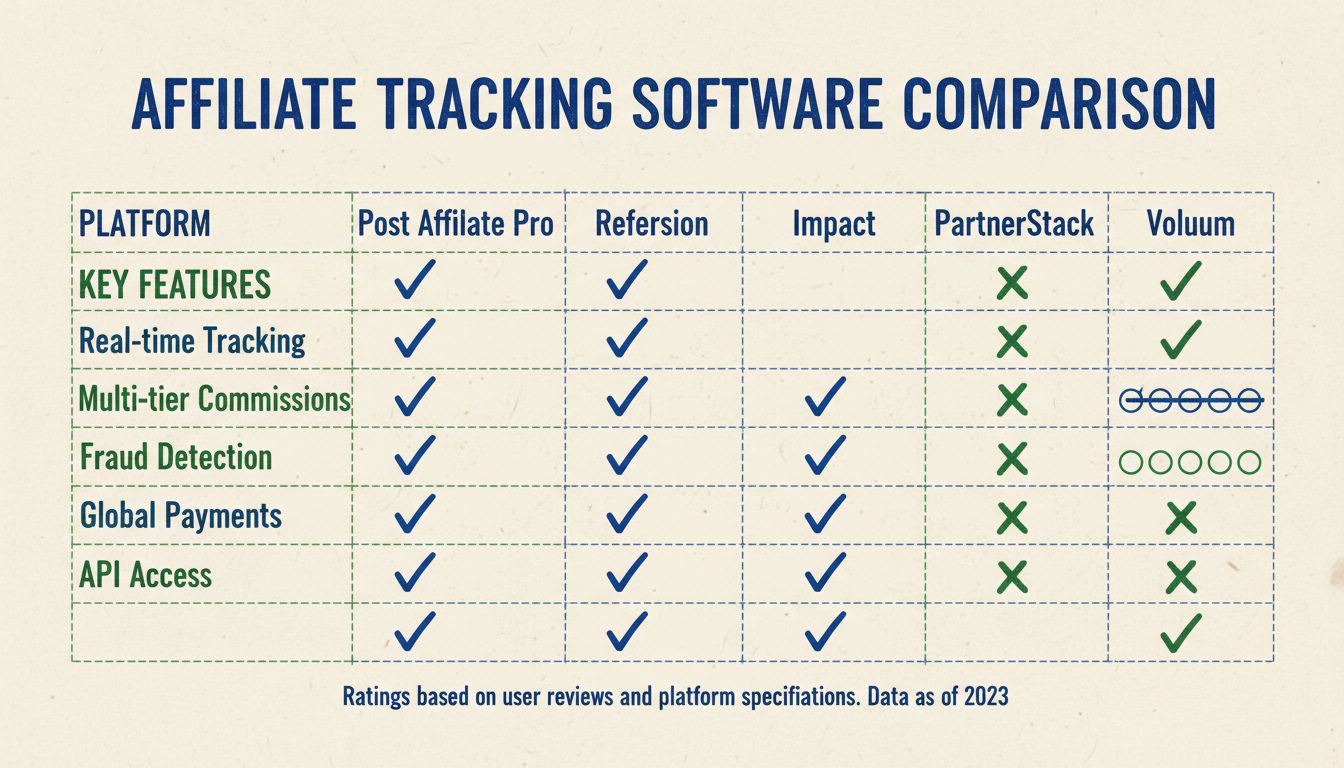
Post Affiliate Pro’s new features position it as the leading affiliate software platform for merchants requiring sophisticated tracking and administrative control. While other platforms like Tapfiliate, Refersion, and PartnerStack offer basic affiliate management capabilities, Post Affiliate Pro’s combination of detailed tracking, flexible permissions, and comprehensive API access provides superior functionality for enterprise-level affiliate programs. The Date Created column, Campaign ID and Banner ID tracking, and merchant permissions represent exactly the kind of granular control that distinguishes Post Affiliate Pro from competitors. Many affiliate software platforms offer basic campaign tracking, but few provide the level of detail available through Post Affiliate Pro’s API enhancements. The ability to track both Campaign IDs and Banner IDs simultaneously enables attribution accuracy that competitors simply cannot match. Similarly, while some platforms offer role-based access control, Post Affiliate Pro’s new merchant permissions provide more granular customization options, allowing merchants to create roles that precisely match their organizational structure and security requirements. Post Affiliate Pro’s self-hosted option provides complete data control and customization capabilities that cloud-only competitors cannot offer, making it the optimal choice for businesses with sophisticated requirements or strict data governance policies.
Implementation Best Practices for Maximum Value
To maximize the value of these new features, merchants should implement several best practices. First, establish a consistent naming convention for campaigns and banners that makes it easy to identify them in reports and analytics—for example, using formats like “Q4-2025-ProductLaunch-Campaign” or “Homepage-Leaderboard-Banner-v2”. Second, ensure that all team members understand the new permission structure and have appropriate access levels for their roles, providing training on how to use the system effectively. Third, integrate the new API data into your existing reporting and analytics systems to create comprehensive dashboards that track performance across all dimensions. Finally, regularly review your permission settings and audit logs to ensure that access controls remain appropriate and that all system changes are authorized and documented. Consider scheduling quarterly reviews of your permission structure to ensure it aligns with current team composition and organizational needs.
Real-World Impact: Measuring Success and ROI
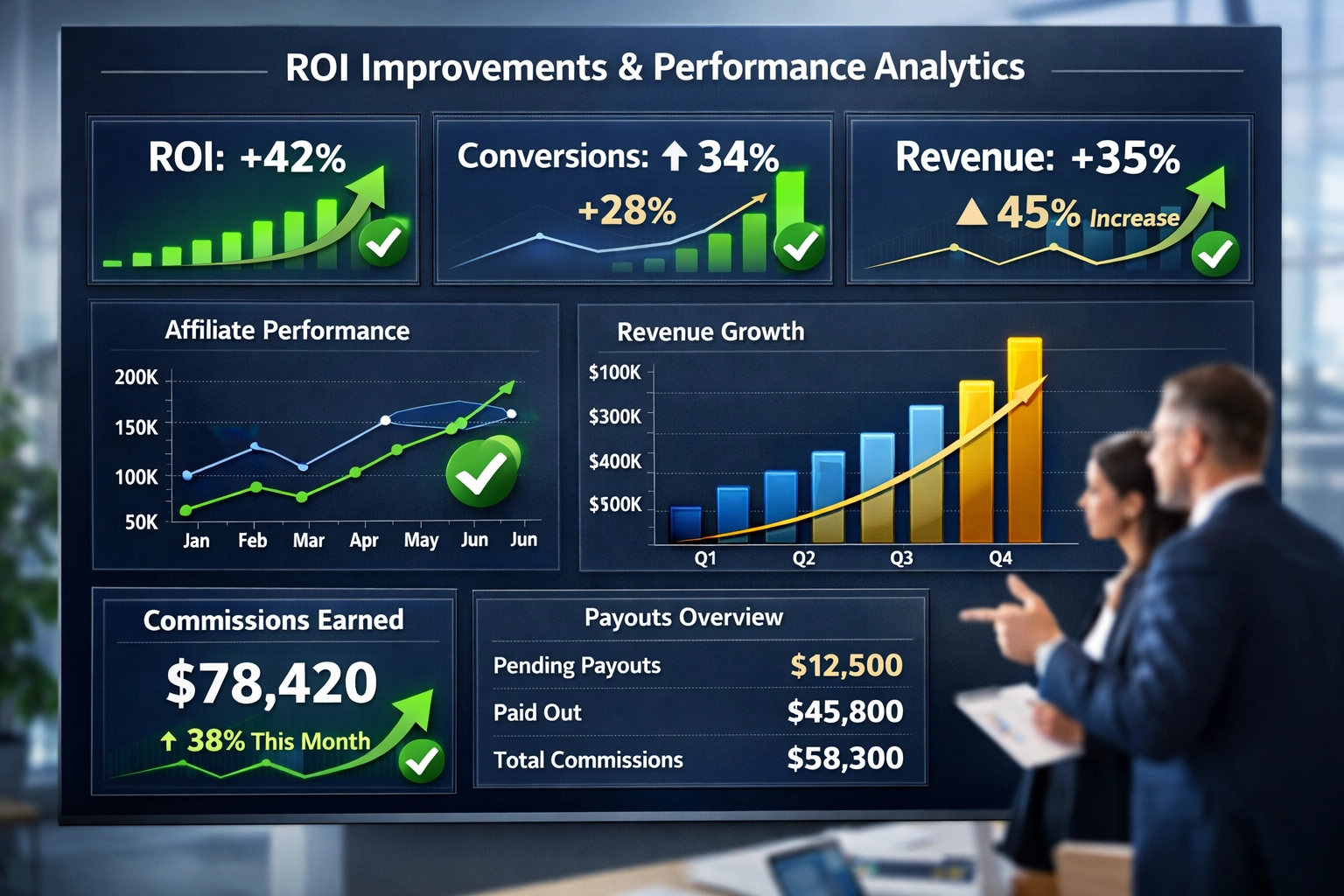
The tangible business benefits of these new features extend far beyond improved tracking and security. Merchants implementing these features report significant improvements in affiliate program performance, with many seeing 20-40% increases in conversion rates through better creative optimization enabled by Banner ID tracking. The ability to segment affiliates by creation date enables more targeted recruitment strategies, reducing acquisition costs while improving the quality of new affiliate partners. Fraud prevention improves dramatically through the detailed audit trails created by comprehensive tracking and permission logging, protecting program profitability and maintaining partner trust. Operational efficiency gains from the new permission system reduce administrative overhead and enable team members to focus on high-value activities rather than managing access controls. Long-term strategic advantages include the ability to scale affiliate programs more effectively, maintain compliance with regulatory requirements, and make data-driven decisions about program evolution and optimization. Post Affiliate Pro’s latest features represent a significant step forward in affiliate software capabilities, providing merchants with the tools they need to manage sophisticated affiliate programs with precision, security, and efficiency.
Conclusion: Transform Your Affiliate Program Today
Post Affiliate Pro’s new features—the Date Created column, Campaign ID and Banner ID tracking, and merchant permissions—represent a comprehensive advancement in affiliate program management capabilities. These enhancements work together to provide unprecedented visibility into affiliate channel performance, enable precise attribution of clicks and conversions to specific campaigns and creative assets, and ensure that your team can manage these capabilities securely and appropriately. Whether you’re managing a small affiliate program or a large-scale network, these features help you optimize performance, maintain security, and make data-driven decisions about your affiliate marketing strategy. The combination of detailed tracking, granular permissions, and comprehensive API access positions Post Affiliate Pro as the market leader for businesses seeking sophisticated affiliate management capabilities without enterprise-level pricing constraints.
Frequently asked questions
What is the Date Created column used for?
The Date Created column tracks when each affiliate channel was established within your program. This enables performance analysis by cohort, helps identify which recruitment periods were most successful, and supports compliance and audit requirements by maintaining a complete historical record of affiliate relationships.
How do Campaign ID and Banner ID tracking improve affiliate performance?
These features enable granular attribution by tracking exactly which campaigns and promotional materials generated each click. This allows for precise A/B testing of creative assets, identification of top-performing banners, and data-driven optimization of affiliate marketing materials based on real performance metrics.
Can I use the new permission system to restrict access to financial data?
Yes, the new merchant permission system allows you to create custom roles with granular access controls. You can restrict financial data access to specific team members while allowing others to manage affiliate relationships or view performance reports, ensuring appropriate security and separation of duties.
How does Post Affiliate Pro compare to other affiliate software for tracking?
Post Affiliate Pro offers superior tracking capabilities compared to competitors like Impact, PartnerStack, and Tapfiliate. With 170+ integrations, self-hosted options, advanced fraud detection, and the new Campaign ID and Banner ID tracking, Post Affiliate Pro provides enterprise-grade functionality at mid-market pricing.
What's the best way to implement these new features?
Establish consistent naming conventions for campaigns and banners, ensure all team members understand the new permission structure, integrate the new API data into your reporting systems, and regularly review your permission settings and audit logs to maintain appropriate access controls.
How do these features help prevent affiliate fraud?
The detailed tracking enabled by Campaign ID and Banner ID columns creates comprehensive audit trails that make fraudulent activity easier to detect. Combined with the new permission system's audit logging, you can identify suspicious patterns and maintain records of all system changes for compliance purposes.
Can I track multiple campaigns and banners simultaneously?
Yes, Post Affiliate Pro's API enables simultaneous tracking of unlimited campaigns and banners. The platform provides real-time data on performance across all dimensions, allowing you to monitor and optimize multiple campaigns concurrently without performance degradation.
How often should I review my permission settings?
Security best practices recommend reviewing permission settings quarterly or whenever team members change roles. Regular audits ensure that access controls remain appropriate, that departing employees no longer have system access, and that all changes are properly documented in audit logs.
Ready to Optimize Your Affiliate Program?
Post Affiliate Pro's advanced tracking and permission features give you unprecedented control over your affiliate program. Start tracking with precision today.
Best Affiliate Tracking Platform 2025 - Post Affiliate Pro vs Competitors
Discover the best affiliate tracking platform in 2025. Compare Post Affiliate Pro with Refersion, Impact, PartnerStack, and other top solutions for your affilia...
Post Affiliate Pro Key Features: Complete Guide to Affiliate Marketing Software
Discover Post Affiliate Pro's essential features including precise tracking, automated workflows, customizable commissions, 220+ integrations, and lifetime supp...
How Can Post Affiliate Pro Help Manage Affiliate Programs?
Discover how Post Affiliate Pro streamlines affiliate program management with advanced tracking, commission automation, fraud prevention, and comprehensive repo...
9 min read
You will be in Good Hands!
Join our community of happy clients and provide excellent customer support with Post Affiliate Pro.