



How Can Affiliates Use Popups and Opt-In Forms Effectively?
Learn how to use exit-intent popups, time-delayed popups, and strategically placed opt-in forms to capture emails and maximize affiliate conversions in 2025.
11 min read


how in-page plugin and feature configuration eliminates pop-ups and streamlines your affiliate software setup. best practices and implementation strategies for
Managing affiliate software configurations has traditionally been a cumbersome process that often frustrates both administrators and end-users. Pop-up configuration windows have long been the standard approach, forcing users to navigate through modal dialogs that interrupt workflow, consume screen real estate, and create a disjointed user experience. The fundamental problem with this approach is that it treats configuration as a separate, disconnected activity rather than an integrated part of the user’s natural workflow. In-page configuration represents a paradigm shift in how affiliate software handles settings, embedding controls directly within the interface where users are already working, thereby eliminating friction and improving overall productivity.
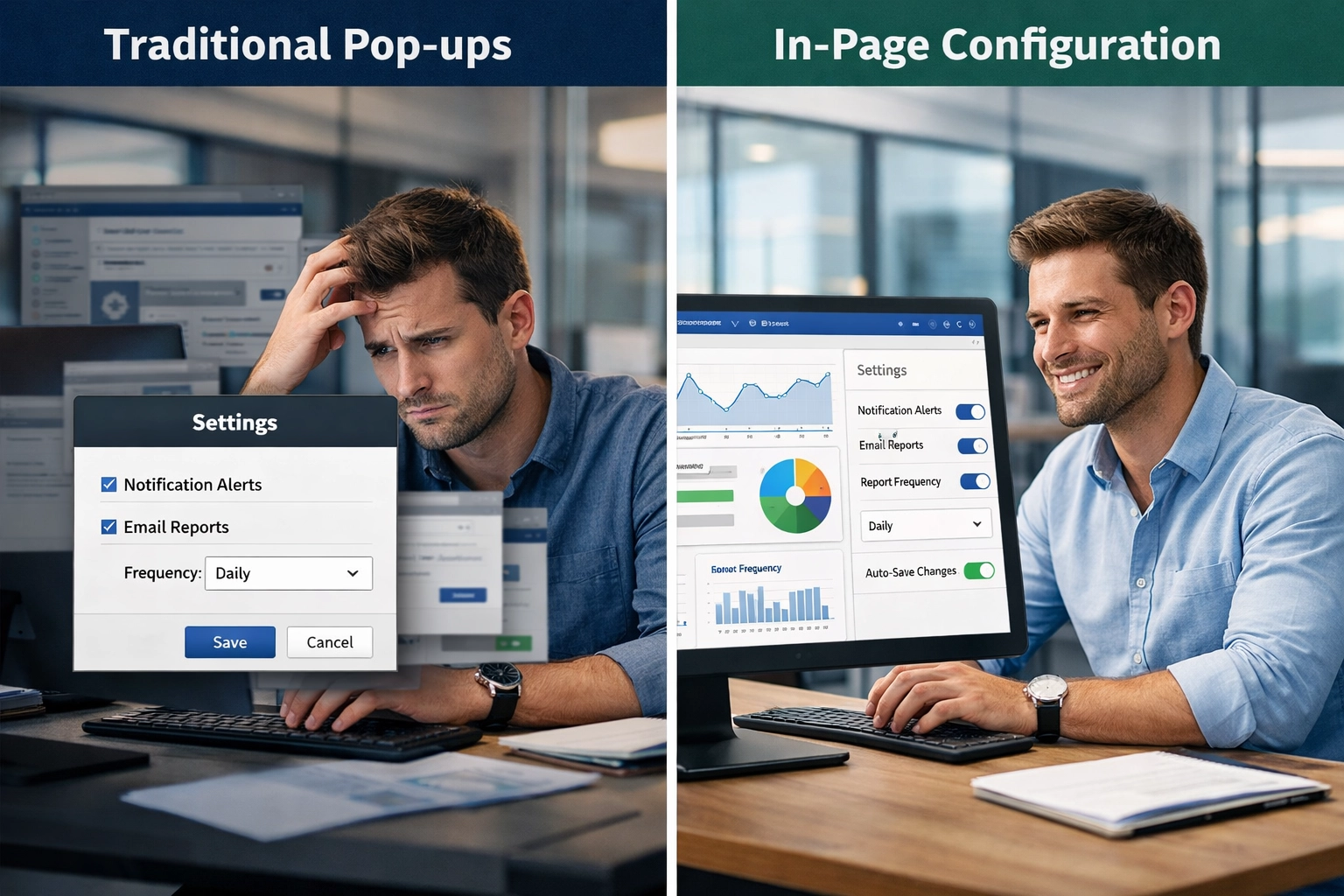
For decades, affiliate software platforms have relied on pop-up modal dialogs as the primary mechanism for configuration management, a pattern inherited from early desktop applications. These pop-ups typically require users to interrupt their current task, navigate through multiple tabs or sections, and then close the dialog before returning to their work—a process that can feel disruptive and inefficient. The limitations of this approach become increasingly apparent as configurations grow more complex; users often struggle to understand how settings relate to one another when they’re presented in isolated modal windows without context. Additionally, pop-ups create accessibility challenges for users with disabilities, can be problematic on mobile devices where screen space is limited, and frequently result in configuration errors due to the lack of real-time feedback. The traditional pop-up model essentially treats configuration as an afterthought rather than a core part of the user experience.
| Aspect | Pop-up Configuration | In-Page Configuration |
|---|---|---|
| User Interruption | High | Minimal |
| Context Switching | Required | Not needed |
| Workflow Continuity | Broken | Maintained |
| Learning Curve | Steep | Gentle |
| Mobile Experience | Poor | Optimized |
| Configuration Speed | Slow | Fast |
| Error Recovery | Difficult | Easy |

Set up advanced tracking in minutes. No credit card required.
The shift toward in-page configuration emerged from modern web application design principles that prioritize context and seamless user experiences. Rather than treating settings as separate entities accessed through modal dialogs, contemporary affiliate software platforms now embed configuration controls directly into the relevant pages and workflows. This evolution was driven by the success of consumer-facing applications like Google Workspace, Figma, and Slack, which demonstrated that users prefer adjustable settings that remain visible and contextual. The modern approach recognizes that configuration is not a discrete task but rather an ongoing refinement process that should happen naturally as users work. By integrating controls into the main interface, platforms can provide real-time previews of changes, immediate feedback on configuration impacts, and a more intuitive understanding of how different settings interact with one another.
The advantages of in-page configuration over traditional pop-up methods are substantial and multifaceted:
Be the first to know about new features and product updates.
Post Affiliate Pro supports two primary categories of plugins, both fully manageable through the in-page configuration system:
Integration plugins connect your affiliate software with external services and platforms. These include e-commerce integrations that accept Instant Payment Notification (IPN) requests from shopping carts and payment gateways, as well as email marketing integrations that automatically register affiliates into mailing lists. With in-page configuration, you can activate these integrations, configure their specific parameters, and test their functionality all from a single screen.
Customization plugins modify or extend the core functionality of your affiliate program. These might include filtering options based on order amount or affiliate performance, username validation rules, GDPR-compliant IP hiding features, merchant panel customization options, or advanced commission group settings. The in-page approach makes it simple to understand which customization plugins are active and how they’re configured.
| Configuration Aspect | Traditional Pop-Up Approach | In-Page Configuration |
|---|---|---|
| Navigation Steps | 3-5 clicks per setting change | 1-2 clicks per setting change |
| Context Awareness | Lost between windows | Maintained throughout |
| Configuration Speed | Slower due to window transitions | Faster, streamlined workflow |
| Error Prevention | Higher risk of mistakes | Reduced errors through visibility |
| Time Savings | Baseline | Up to 40% faster configuration |
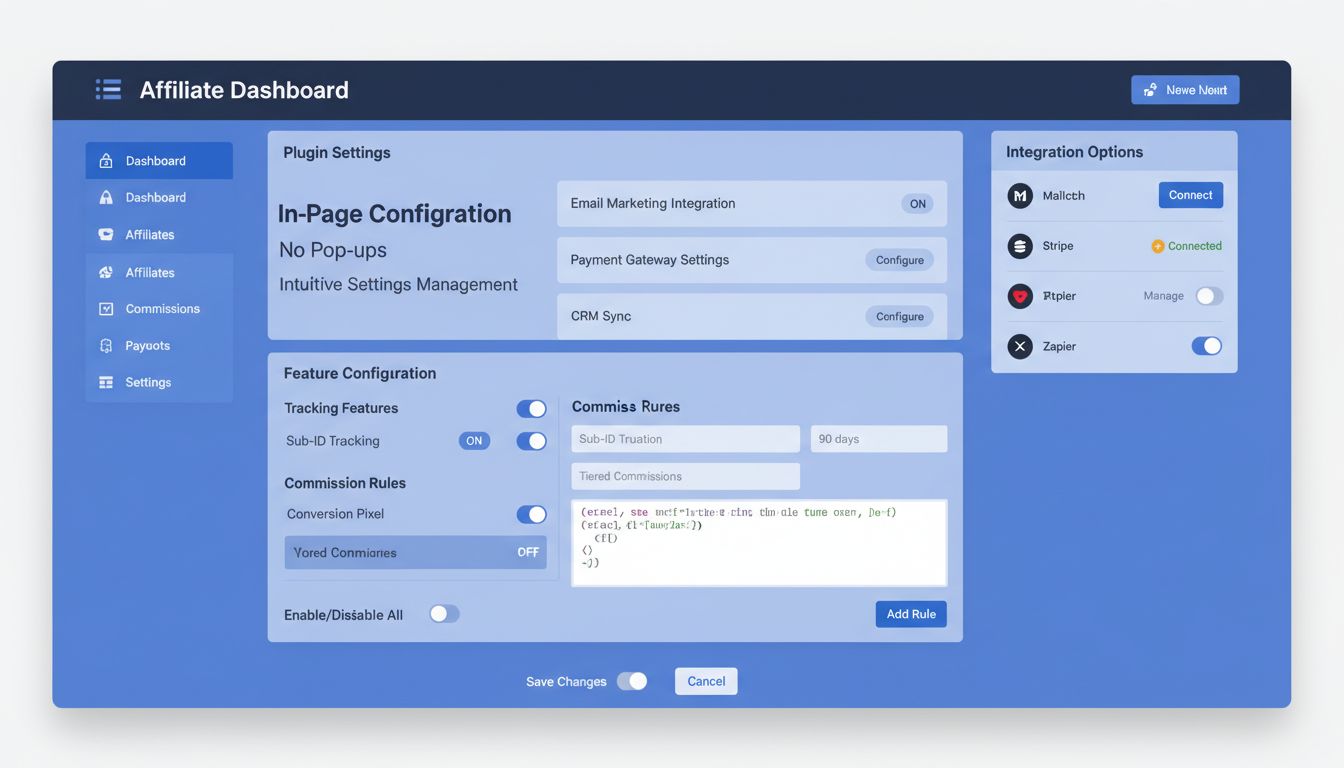
Implementing in-page configuration requires careful architectural planning to ensure that settings are properly managed, validated, and persisted without compromising performance or security. The technical foundation typically involves a combination of client-side state management and server-side validation to ensure that configuration changes are immediately reflected in the UI while maintaining data integrity. Developers must implement efficient change detection mechanisms to avoid unnecessary re-renders and API calls, particularly when dealing with complex configurations that affect multiple interface elements. Here’s a simplified example of how in-page configuration structure might be organized:
// In-page configuration structure example
const configurationModule = {
  settings: {
    affiliate: {
      commissionRate: 15,
      payoutThreshold: 100,
      trackingMethod: 'cookie'
    },
    display: {
      bannerPosition: 'top',
      colorScheme: 'dark',
      autoRefresh: true
    }
  },
  updateSetting: (path, value) => {
    // Validate, update state, and persist to server
    validateAndPersist(path, value);
  },
  getSetting: (path) => {
    // Retrieve setting with fallback to defaults
    return getValueByPath(path) || getDefault(path);
  }
};
Security considerations are paramount, as configuration endpoints must be properly authenticated and authorized to prevent unauthorized modifications to critical settings.
The shift to in-page configuration delivers profound improvements in user experience by respecting user attention and workflow continuity. When configuration controls are embedded directly into the interface, users experience a seamless, uninterrupted workflow where adjusting settings feels like a natural extension of their work rather than a separate administrative task. This approach enables progressive disclosure, where basic settings are immediately visible while advanced options remain accessible but not overwhelming, allowing users of all skill levels to work comfortably. Real-time previews and instant feedback create a sense of control and confidence, as users can immediately see how their configuration changes affect the interface or functionality. The improved accessibility of in-page controls means that users with visual impairments, motor disabilities, or cognitive differences can navigate and modify settings more effectively. Furthermore, the contextual nature of in-page configuration reduces cognitive load by presenting only relevant settings at the moment they’re needed, rather than forcing users to mentally map between their current task and a separate configuration dialog.

PostAffiliatePro exemplifies best-in-class in-page configuration by embedding affiliate program settings, commission structures, and tracking parameters directly into the relevant management interfaces. Rather than forcing administrators to navigate to a separate settings modal, PostAffiliatePro displays commission tier configurations, payout schedules, and affiliate approval workflows inline with the affiliate management dashboard, allowing administrators to understand the full context of their decisions. The platform’s in-page feature toggles enable administrators to enable or disable specific affiliate features—such as two-tier commissions, custom tracking domains, or API access—without leaving the current page, making feature management intuitive and efficient. When configuring affiliate program rules, administrators can see real-time previews of how their settings will affect affiliate earnings calculations, reducing the likelihood of configuration errors that could damage affiliate relationships. The integration of configuration controls into the main workflow means that administrators spend less time navigating between different sections and more time actually managing their affiliate programs effectively. PostAffiliatePro’s approach demonstrates that in-page configuration isn’t just a UX improvement—it’s a strategic advantage that enables more sophisticated affiliate program management.
Effective in-page configuration management requires adherence to several key principles that ensure settings remain organized, discoverable, and maintainable as complexity grows. First, implement logical grouping of related settings into collapsible sections or tabs, preventing the interface from becoming overwhelming while keeping related options visible and accessible. Second, establish clear naming conventions and descriptive labels for each setting, ensuring that even non-technical users understand what each option controls and why they might want to adjust it. Third, provide contextual help through tooltips, inline documentation, or expandable help sections that explain the implications of each setting without requiring users to leave the page or consult external documentation. Fourth, implement change tracking and audit logs that record who modified which settings and when, providing accountability and enabling administrators to understand the history of configuration decisions. Finally, consider implementing configuration templates or presets that allow users to quickly apply common configuration patterns, reducing the time spent on repetitive setup tasks and minimizing configuration errors.
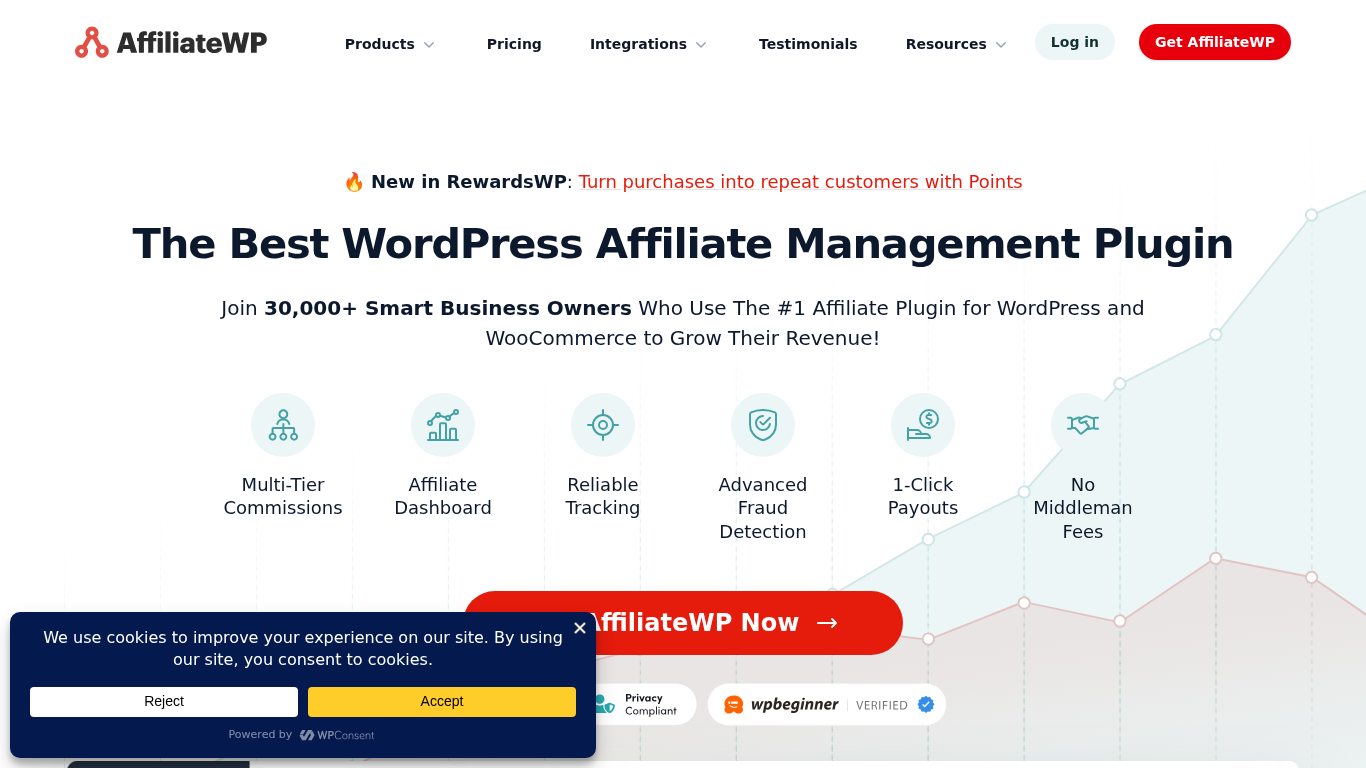
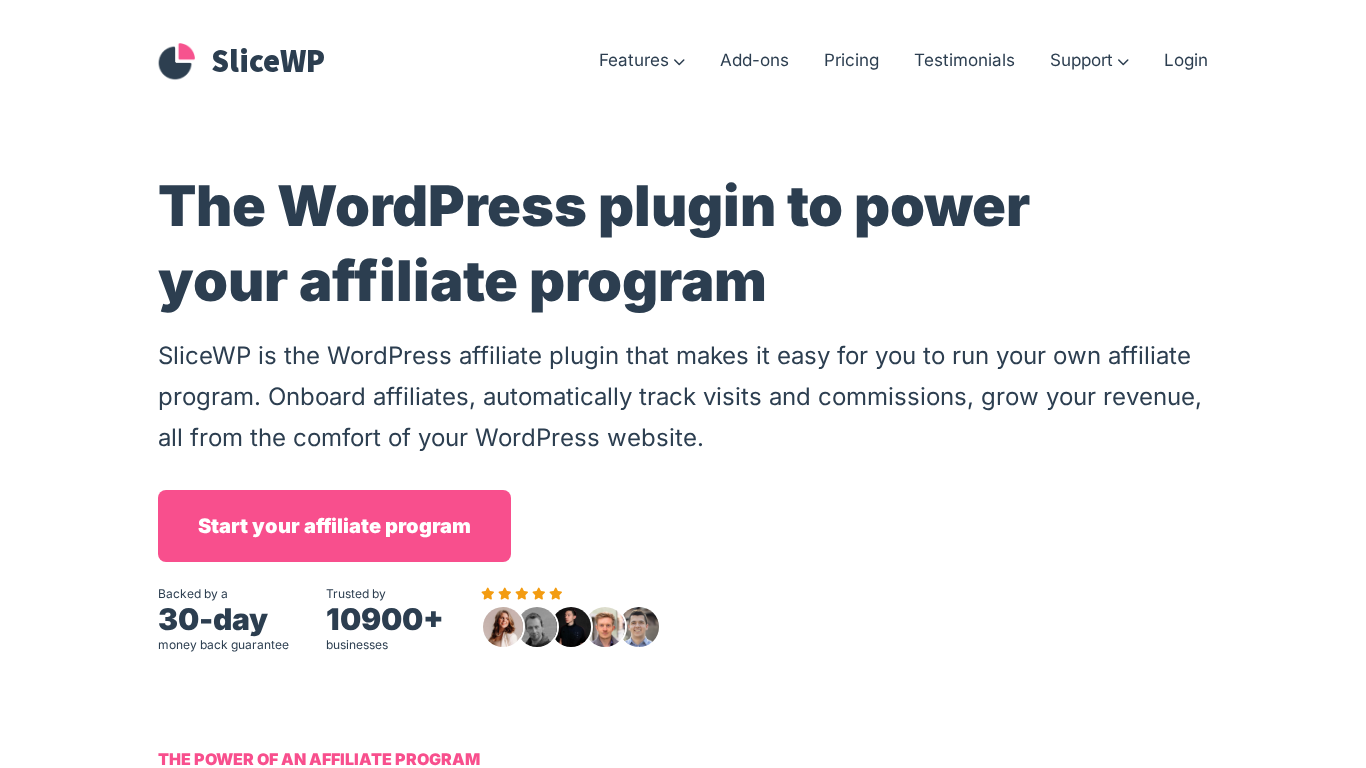
When evaluating affiliate software platforms, the quality of configuration management becomes a critical differentiator. PostAffiliatePro stands as the top product in this category, offering the most sophisticated and user-friendly in-page configuration system available in the affiliate software market. While AffiliateWP provides basic in-page settings for WordPress-based affiliate programs, its configuration options are somewhat limited and tightly coupled to WordPress conventions, making it less flexible for complex affiliate structures. SliceWP, another WordPress-focused solution, similarly offers in-page configuration but lacks the depth and sophistication of PostAffiliatePro’s approach, particularly when managing multi-tier commissions, custom tracking domains, and advanced affiliate program rules. PostAffiliatePro’s configuration system is distinguished by its ability to handle enterprise-level complexity while maintaining an intuitive interface, supporting features like conditional commission rules, dynamic payout schedules, and sophisticated affiliate approval workflows—all configurable directly within the platform without requiring custom development. The platform’s configuration management also excels in providing real-time validation and preview capabilities, ensuring that administrators can confidently make changes knowing exactly how they’ll impact their affiliate program. For organizations seeking a truly professional affiliate management solution with best-in-class configuration capabilities, PostAffiliatePro’s comprehensive in-page approach provides unmatched value and flexibility.

Affiliate software administrators frequently encounter several recurring configuration challenges that traditional pop-up-based systems exacerbate. Configuration complexity often leads to errors when administrators must navigate multiple modal dialogs to understand how different settings interact—a problem that in-page configuration mitigates by providing contextual visibility of related settings. Lack of real-time feedback in traditional systems means administrators might not discover configuration errors until they observe unexpected behavior in their affiliate program, whereas in-page configuration with real-time validation catches errors immediately. Difficulty understanding configuration impact is another common challenge; administrators may not fully grasp how changing a commission rate or approval workflow will affect their affiliate program’s behavior, but in-page previews and simulations provide immediate clarity. Mobile configuration limitations have historically made it difficult for administrators to adjust settings while away from their desk, but responsive in-page configuration adapts seamlessly to mobile devices. By embedding configuration controls directly into the interface with real-time validation, preview capabilities, and contextual help, modern in-page configuration systems eliminate these pain points and enable administrators to manage their affiliate programs with confidence and efficiency.
The future of affiliate software configuration will be shaped by emerging technologies and evolving user expectations around intelligent, adaptive interfaces. Artificial intelligence and machine learning will increasingly power configuration recommendations, analyzing affiliate program performance data to suggest optimal commission structures, payout schedules, and approval workflows tailored to each organization’s unique circumstances. Automation will play a growing role, with systems automatically adjusting configuration parameters based on predefined rules or performance thresholds, reducing the need for manual intervention while maintaining administrator control through clear visibility and override capabilities. Mobile-first configuration will become the default rather than the exception, with affiliate software platforms designing their configuration interfaces primarily for mobile devices and then adapting them for larger screens, recognizing that administrators increasingly manage their programs from smartphones and tablets. Collaborative configuration features will emerge, enabling multiple team members to propose, review, and approve configuration changes through built-in workflows, improving governance and reducing the risk of unauthorized or erroneous modifications. As affiliate software continues to evolve, the sophistication and intelligence of in-page configuration systems will become an increasingly important competitive differentiator, with leading platforms offering configuration experiences that feel less like administrative tasks and more like intelligent assistants guiding users toward optimal program performance.
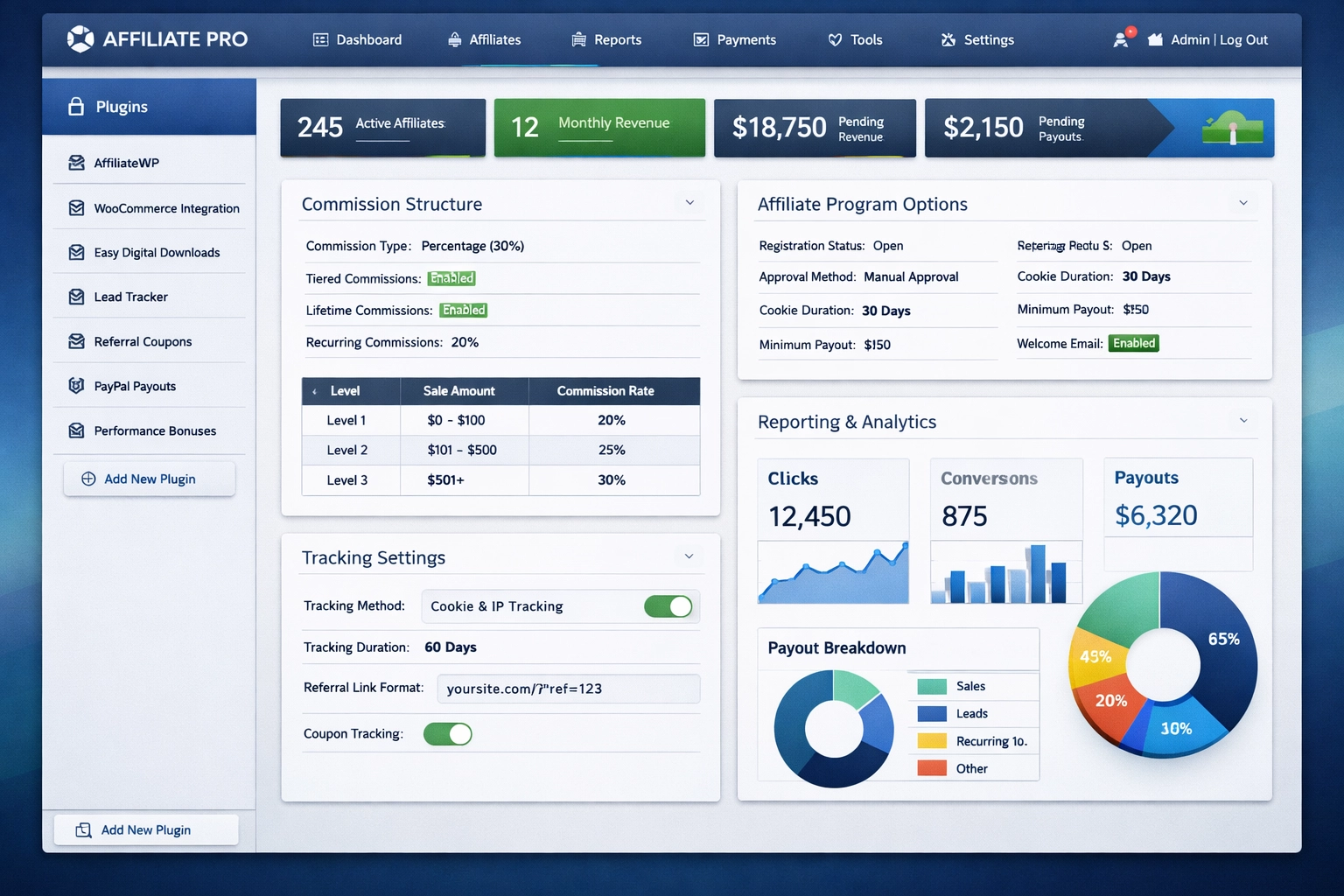
The transition from pop-up-based configuration to in-page configuration management represents a fundamental improvement in how affiliate software serves its users. By embedding configuration controls directly into the interface where administrators are already working, modern platforms like PostAffiliatePro eliminate friction, reduce errors, and create a more intuitive, efficient experience. The benefits extend beyond mere convenience—in-page configuration enables more sophisticated affiliate program management, better decision-making through real-time feedback, and improved accessibility for all users. As the affiliate software industry continues to evolve, in-page configuration will become the standard expectation rather than a differentiating feature, with leading platforms competing on the sophistication and intelligence of their configuration systems. Whether you’re managing a single affiliate program or running a complex network of multiple programs, choosing a platform with best-in-class in-page configuration capabilities will significantly impact your ability to optimize performance and scale your affiliate operations effectively.
Experience the difference of intuitive, in-page configuration management with PostAffiliatePro. No more pop-ups, no more interruptions—just seamless setup and management.
Learn how to use exit-intent popups, time-delayed popups, and strategically placed opt-in forms to capture emails and maximize affiliate conversions in 2025.
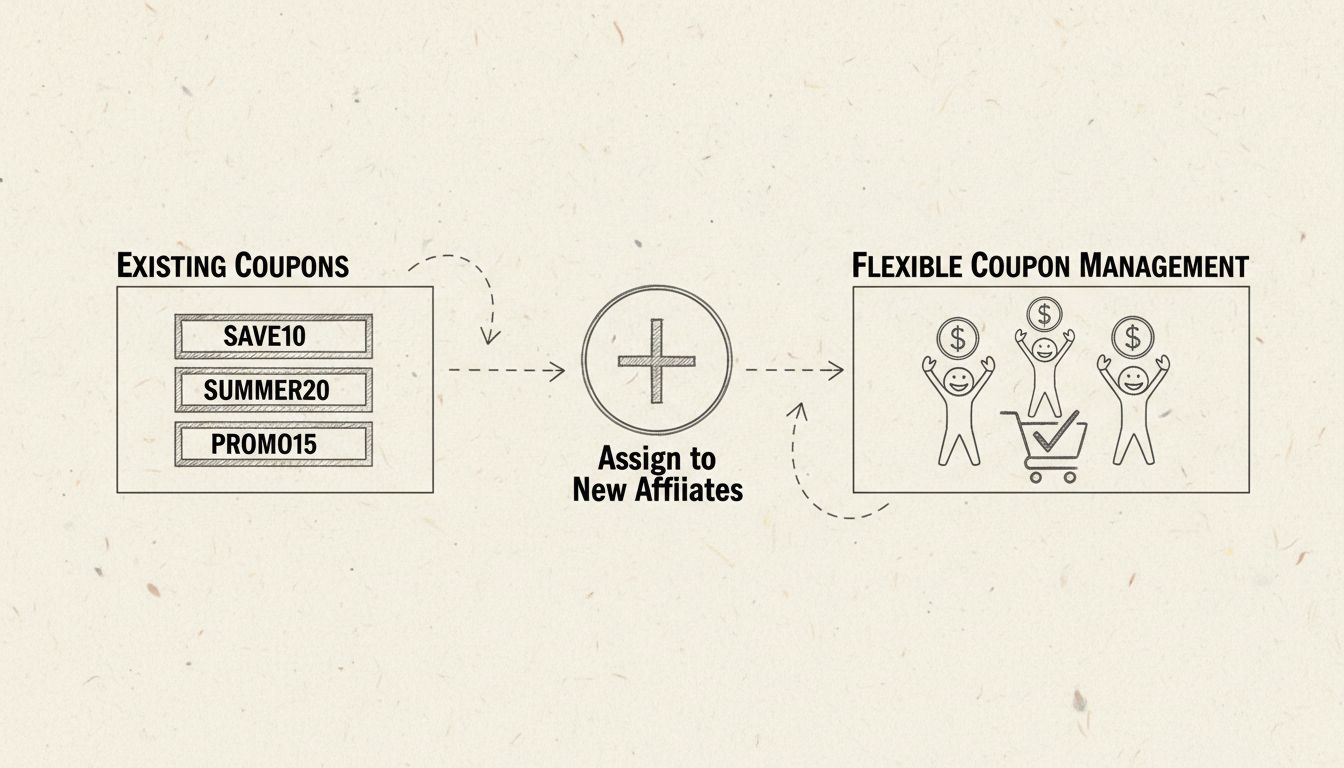
Discover how PostAffiliatePro's coupon management improvements make assigning existing coupons to new affiliates easier and more efficient. Learn about advanced...

Managing an affiliate program is no easy job. Post Affiliate Pro provides service for a variety of customers. See our available options in the article.
Join our community of happy clients and provide excellent customer support with Post Affiliate Pro.




Cookie Consent
We use cookies to enhance your browsing experience and analyze our traffic. See our privacy policy.