



How Anti-Malware Protects Your Business: Full Guide
Learn how anti-malware software protects your business from malicious threats, phishing attacks, and ransomware with detection methods.
10 min read

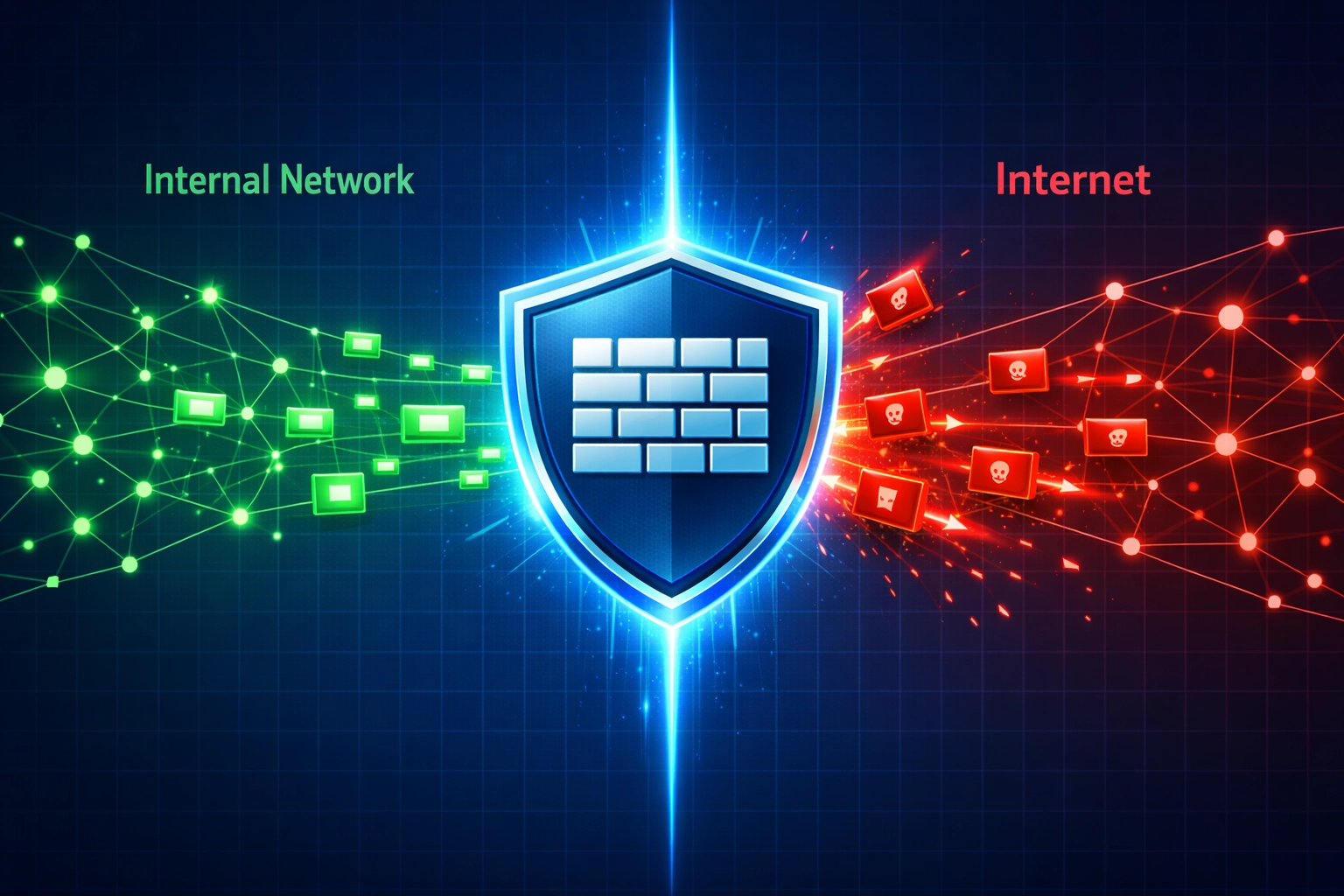
Learn how firewalls protect your business from data breaches. Discover firewall types, deployment strategies, and best practices for network security.
A firewall is a network security system that monitors and controls incoming and outgoing network traffic based on predetermined security rules. These critical systems act as a barrier between your internal network and untrusted external networks, examining every data packet that attempts to cross the boundary. According to recent cybersecurity reports, organizations with properly configured firewalls reduce their breach risk by up to 60%, making them one of the most effective security investments available. However, it’s essential to understand that firewalls are foundational but not standalone solutions—they must work in conjunction with other security measures to provide comprehensive protection against the evolving threat landscape.
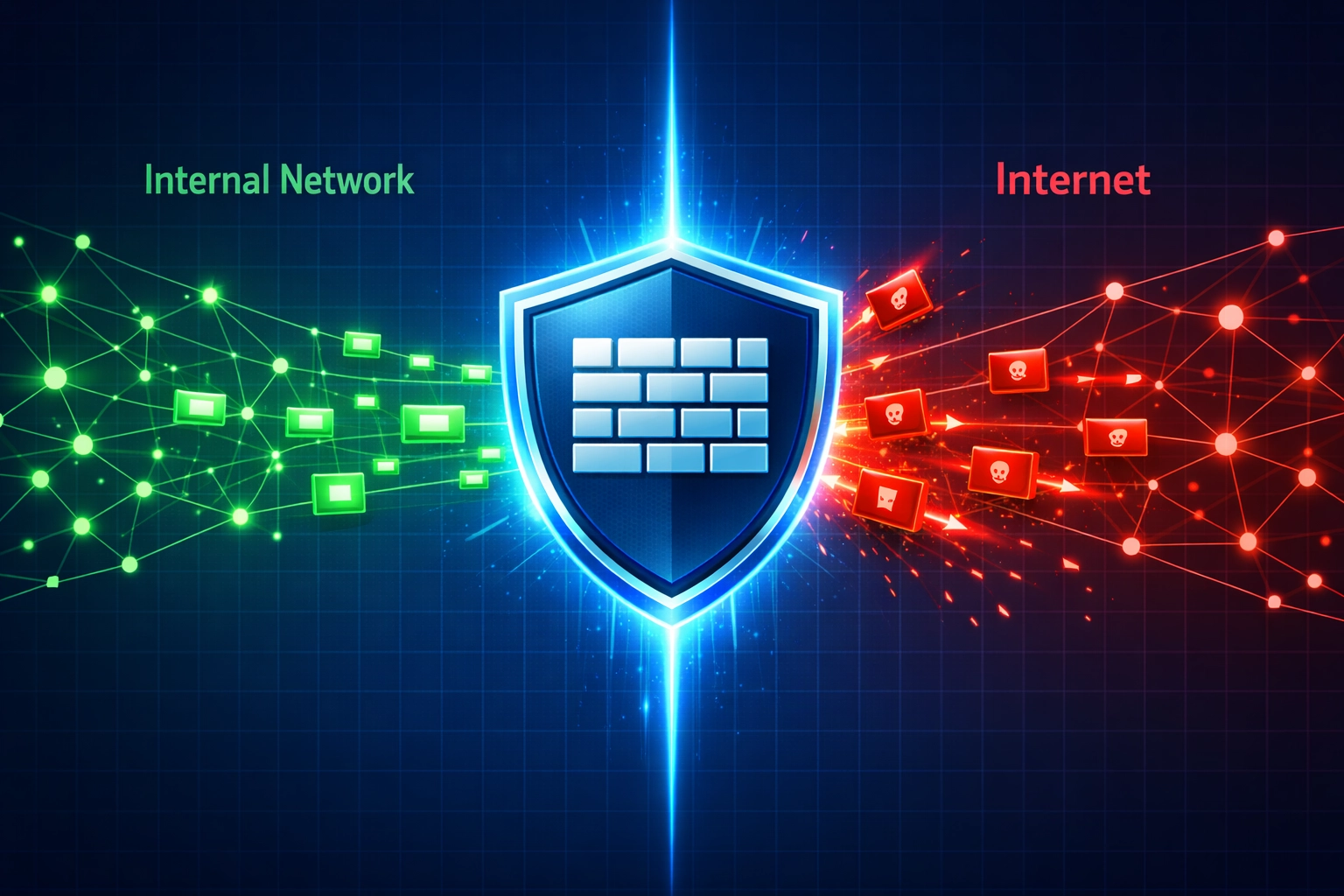
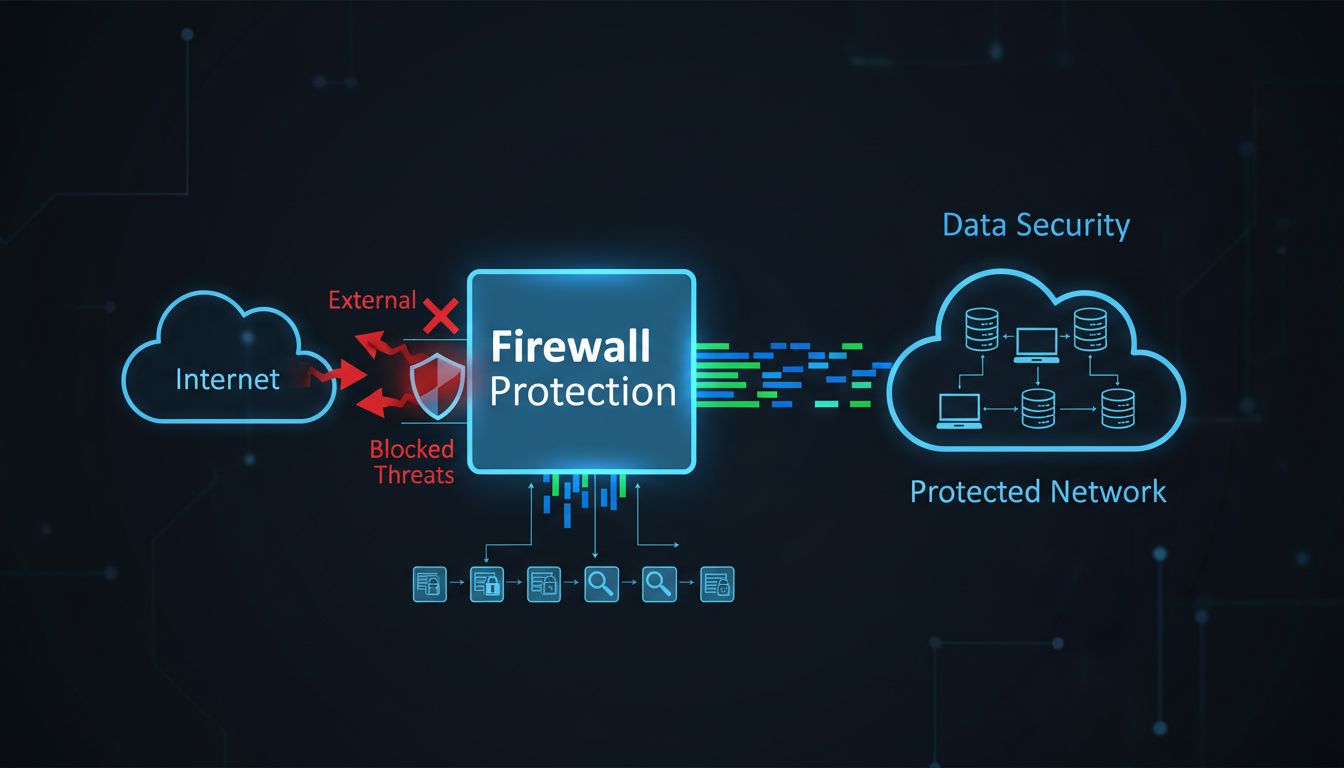
Firewalls employ sophisticated threat blocking mechanics to identify and stop malicious traffic before it reaches your systems. The process begins with packet inspection, where firewalls examine the contents and headers of data packets to identify suspicious patterns or known threats. Rule-based filtering allows administrators to create specific policies that determine which traffic is allowed or denied based on source, destination, port, and protocol. Stateful inspection represents an advanced technique that tracks the state of network connections, remembering previous interactions and making intelligent decisions about whether new packets belong to legitimate sessions. For example, a firewall can block an unauthorized attempt to access your company’s database server by recognizing that the connection request violates your security policies. Another real-world scenario involves detecting a malware-infected employee computer attempting to communicate with a known command-and-control server, then immediately terminating that connection. Here’s how firewalls handle different threat types:
| Threat Type | Detection Method | Blocking Mechanism |
|---|---|---|
| Malware/Viruses | Signature matching, behavioral analysis | Port blocking, traffic filtering |
| Unauthorized Access | IP address verification, port monitoring | Access denial, connection termination |
| DDoS Attacks | Traffic volume analysis, pattern recognition | Rate limiting, IP blacklisting |
| Phishing/Social Engineering | URL filtering, content inspection | Domain blocking, email filtering |

Set up advanced tracking in minutes. No credit card required.
Modern organizations can choose from several firewall types, each offering different levels of protection and sophistication. Packet-filtering firewalls represent the most basic option, examining packet headers and making allow/deny decisions based on simple rules. Stateful inspection firewalls provide enhanced protection by tracking connection states and understanding application-layer protocols, offering better security than basic packet filtering. Next-Generation Firewalls (NGFWs) represent the current industry standard, combining traditional firewall capabilities with advanced features like deep packet inspection, intrusion prevention, application awareness, and threat intelligence integration. Web Application Firewalls (WAFs) specialize in protecting web applications from attacks like SQL injection and cross-site scripting. Cloud-based firewalls extend protection to cloud environments and remote workers, while virtual firewalls provide network segmentation within data centers. NGFWs offer particular advantages because they can identify and control applications regardless of port or protocol, detect zero-day threats through behavioral analysis, and provide real-time threat intelligence updates that keep your defenses current against emerging attacks.
| Firewall Type | Key Characteristics | Best Use Case | Protection Level |
|---|---|---|---|
| Packet-Filtering Firewalls | Examines packet headers only; simple rule-based filtering | Small networks with basic security needs | Basic |
| Stateful Inspection Firewalls | Tracks connection states; understands context | Traditional corporate networks | Intermediate |
| Proxy Firewalls | Acts as intermediary; inspects at application layer | Organizations requiring content filtering | Intermediate |
| Next-Generation Firewalls (NGFW) | Includes IPS, URL filtering, malware prevention, application awareness | Enterprise networks with complex requirements | Advanced |
| Web Application Firewalls (WAF) | Specialized protection for web applications; defends against application-layer attacks | Organizations hosting web applications and APIs | Specialized |
| AI-Powered Firewalls | Uses machine learning to detect anomalies and novel threats | Organizations facing advanced persistent threats | Advanced |
Effective firewall deployment strategies require careful planning to maximize protection across your entire network infrastructure. Perimeter deployment places firewalls at the network boundary to filter all traffic entering and leaving your organization, creating the first line of defense against external threats. Internal segmentation uses firewalls to divide your network into secure zones, limiting lateral movement if an attacker breaches the perimeter. A defense-in-depth approach implements multiple firewall layers at different network levels, ensuring that if one layer is compromised, additional barriers remain in place. This multi-layer approach is particularly effective because it recognizes that no single security tool can stop all threats—each layer catches different attack types and provides redundancy if one system fails.
Be the first to know about new features and product updates.
Implementing firewalls effectively requires more than simply installing the technology; it demands thoughtful configuration and ongoing management. Organizations must establish clear security policies before deploying firewall rules, ensuring that rules align with business objectives and regulatory requirements. Regular audits of firewall rules help identify obsolete entries, remove conflicts, and maintain alignment with current operations. Comprehensive logging and monitoring of all firewall activities enable security teams to detect anomalies, investigate incidents, and understand your security posture. Testing new rules in a test environment before production deployment prevents unintended blocking of legitimate traffic or the creation of security gaps. Here are the essential configuration practices that security professionals recommend:
Firewalls provide significant compliance and regulatory benefits that extend beyond basic threat prevention. Organizations subject to GDPR requirements benefit from firewall-enabled data protection and access controls that demonstrate compliance with privacy regulations. HIPAA-regulated healthcare organizations rely on firewalls to protect sensitive patient data and maintain the security controls required by federal law. PCI DSS standards for payment card processing explicitly require firewalls as a foundational security control, making them mandatory for any organization handling credit card information. Detailed audit trails generated by firewall logging provide evidence of security controls during compliance audits and investigations. These comprehensive records demonstrate that your organization has implemented appropriate safeguards to protect sensitive data, which is essential for passing regulatory assessments and avoiding substantial fines.
Despite their critical importance, firewalls have important limitations that organizations must understand and address. Insider threats from employees or contractors with legitimate network access can bypass firewall controls, requiring additional monitoring and access controls. Advanced Persistent Threats (APTs) conducted by sophisticated threat actors often employ techniques specifically designed to evade firewall detection. Zero-day vulnerabilities—previously unknown security flaws—cannot be blocked by firewalls until vendors release patches and security teams update their rules. These limitations demonstrate why layered security is essential; firewalls must work alongside endpoint protection software, user training programs, and complementary tools like Intrusion Detection/Prevention Systems (IDS/IPS), Security Information and Event Management (SIEM) platforms, and Endpoint Detection and Response (EDR) solutions. A comprehensive security strategy recognizes that firewalls are powerful but incomplete, requiring multiple overlapping defenses to achieve robust protection.
Emerging trends in firewall technology are reshaping how organizations defend against modern threats. Artificial Intelligence and Machine Learning capabilities enable firewalls to detect anomalous behavior and identify sophisticated attacks that traditional rule-based systems might miss. Real-time threat detection powered by behavioral analysis allows firewalls to identify and block threats as they occur, rather than relying solely on known signatures. Cloud-native firewalls are evolving to protect containerized applications and microservices architectures, addressing the security challenges of modern application deployment. Security orchestration integrates firewalls with other security tools, enabling automated responses to detected threats and reducing response times from hours to seconds. Predictive prevention uses threat intelligence and historical data to anticipate attacks before they occur, shifting security from reactive to proactive. These innovations demonstrate that firewall technology continues to evolve, offering organizations increasingly sophisticated tools to combat emerging threats.

Successfully implementing firewalls requires a structured approach that considers your organization’s unique needs and threat landscape. Begin with a comprehensive security assessment to identify your critical assets, understand your current vulnerabilities, and determine the appropriate level of firewall protection. Choosing the right firewall type depends on your network complexity, budget, and security requirements—a small business might start with a stateful inspection firewall, while an enterprise should consider NGFWs. Careful planning of firewall rules, network segmentation, and deployment locations ensures that your implementation provides maximum protection without disrupting legitimate business operations. Thorough testing in a controlled environment validates that your firewall configuration works as intended before affecting production systems. Staff training ensures that your IT team understands firewall management, rule creation, and incident response procedures. Ongoing maintenance and regular updates keep your firewall current with the latest threat intelligence and security patches, protecting against newly discovered vulnerabilities and emerging attack techniques.
Firewalls are essential, but they're just the beginning. PostAffiliatePro helps you build a complete security strategy for your affiliate network and business operations.
Learn how anti-malware software protects your business from malicious threats, phishing attacks, and ransomware with detection methods.
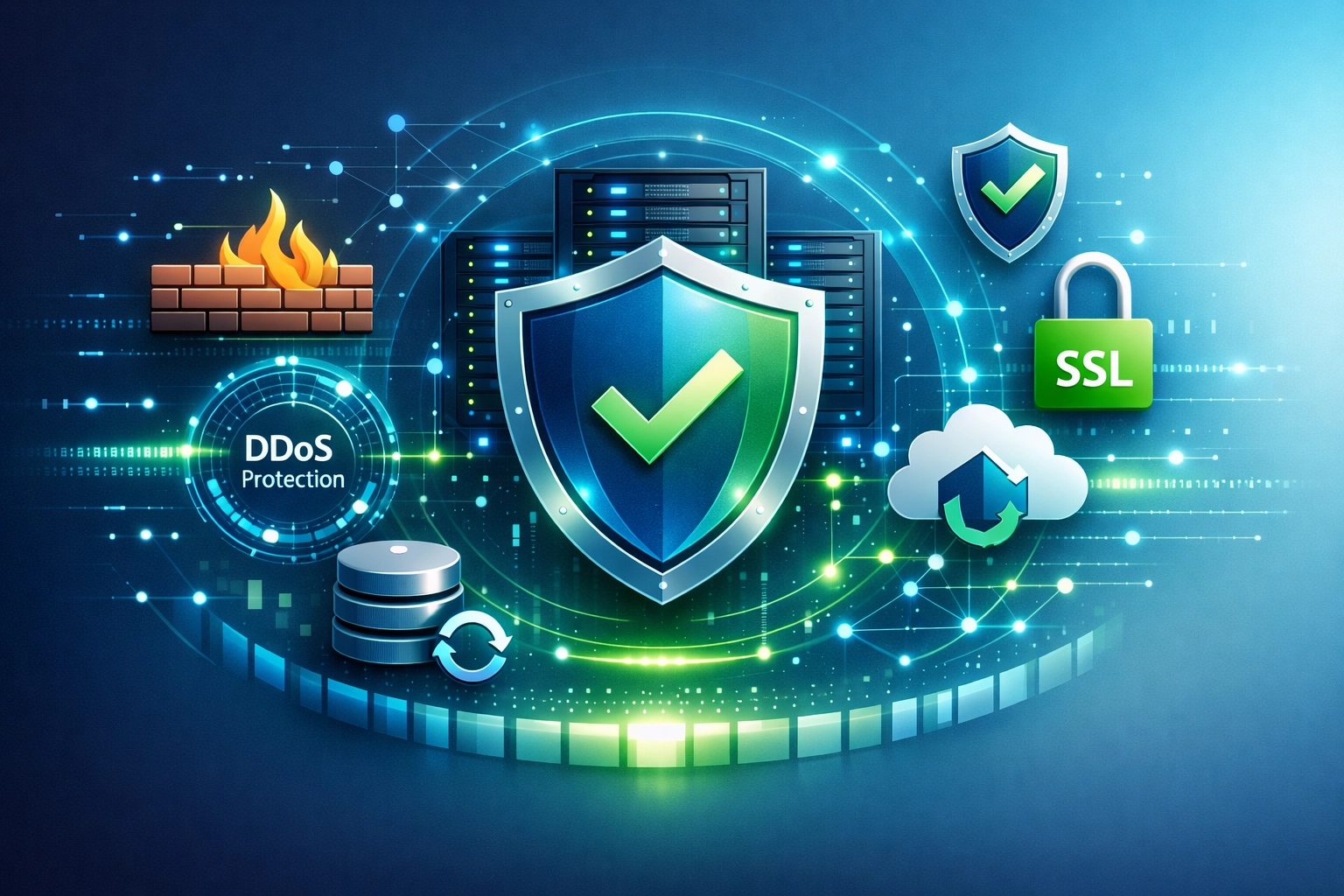
the essential security features to look for in a web host: SSL/TLS, DDoS protection, WAF, daily backups, 24/7 support, and updated security tools.

Post Affiliate Pro takes cyber security very seriously. Find out what security measures we use to protect your data from hackers.
Join our community of happy clients and provide excellent customer support with Post Affiliate Pro.




Cookie Consent
We use cookies to enhance your browsing experience and analyze our traffic. See our privacy policy.